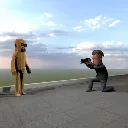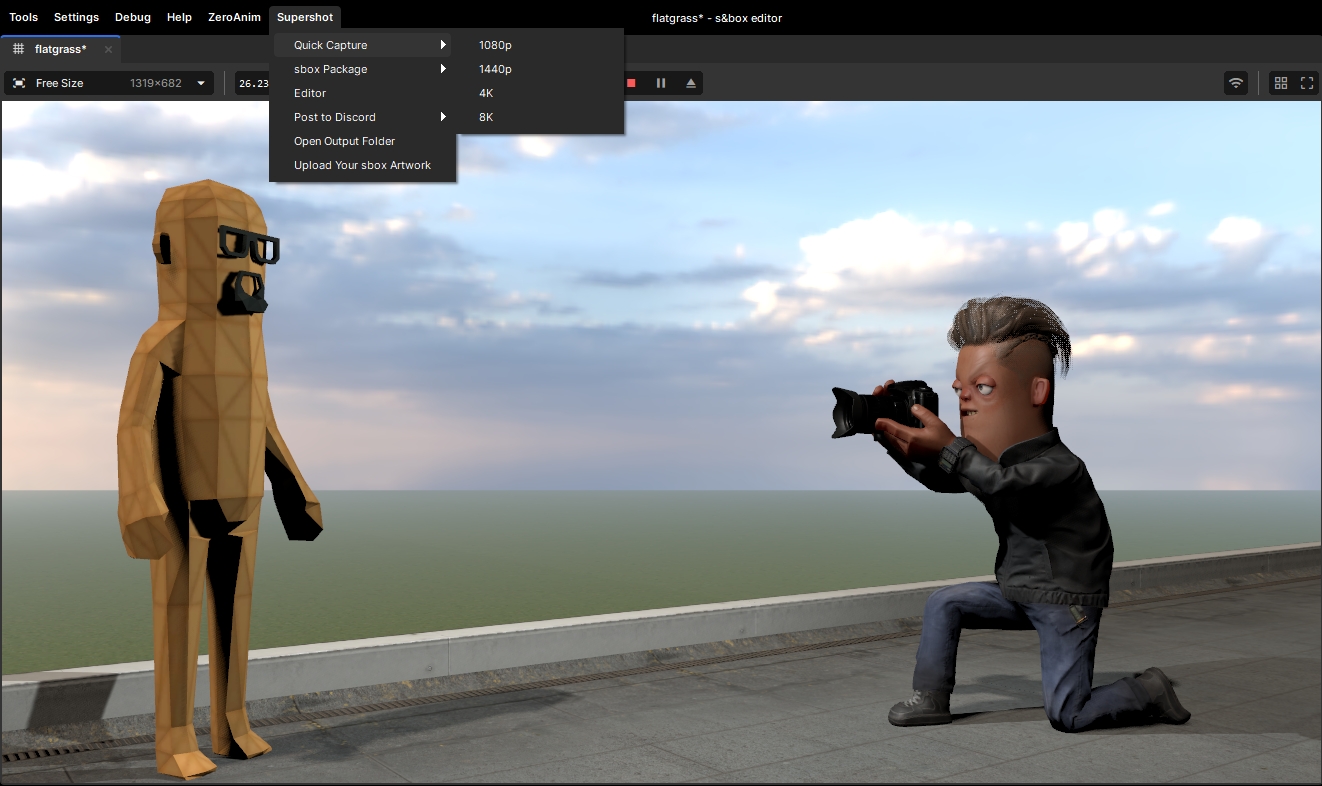
Super Shot - High-quality screenshot capture tool for s&Box games.


Features:
• 4K default resolution with multiple presets
• Hide UI elements during capture
• Advanced camera effects
• Visual effects (motion blur, color grading, etc.)
• Batch capture mode

Add a SuperShot component to a GameObject in your scene to use these features.
You can access capture options through the component's properties panel.


Super Shot Component Usage:

1. Add the SuperShot component to any GameObject in your scene
2. Configure resolution presets (1080p, 2K, 4K, or Custom)
3. Configure capture settings:
   - Hide UI during capture
   - Hide objects by tags
   - Override camera FOV
   - Apply visual effects

4. Use the component's buttons to capture:
   - Capture Screenshot (uses current preset)
   - Quick 1080p/2K/4K (temporary preset)
   - Capture with UI (keeps UI visible)
   - Capture Batch (multiple shots)

Screenshots are saved to s&Box's default screenshot location.