Devblog 0.2.0
0.2.0
27 May 2026
37 changes in this update

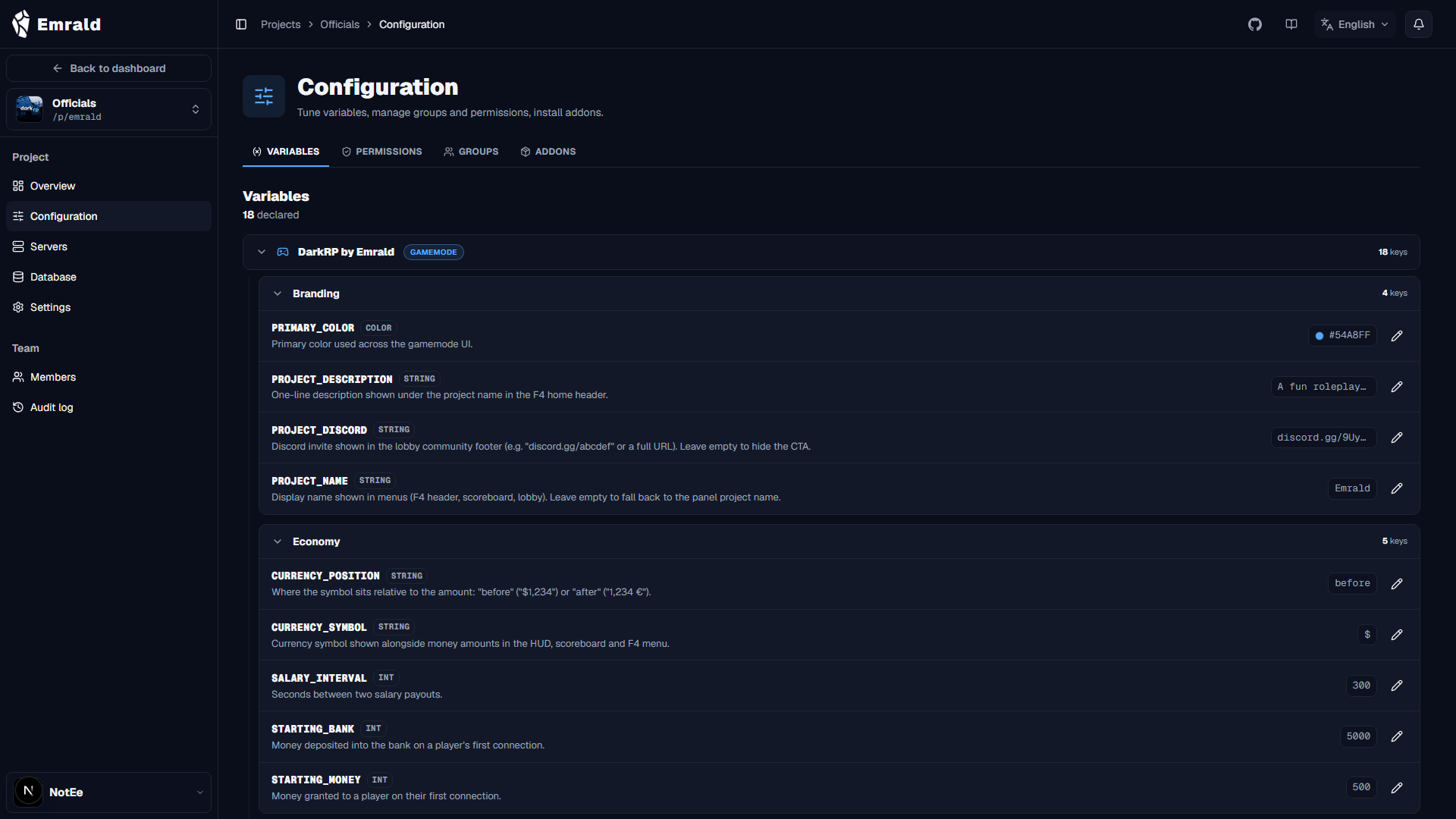
The Emrald dashboard goes live — the tool that lets any creator launch their own community in a few clicks. On the game side: a new Hitman job with its contract system, a new admin ticket system with spectate, a redesigned workshop catalog, plus fixes for the ATM, item stacks, the mayor PC, seats, and the damage overlay.



/report reason in chat. A card with your avatar, RP name, job, and message appears in the top-left of every online admin's screen, with an alert sound. You're notified when an admin picks up your report and when they close it.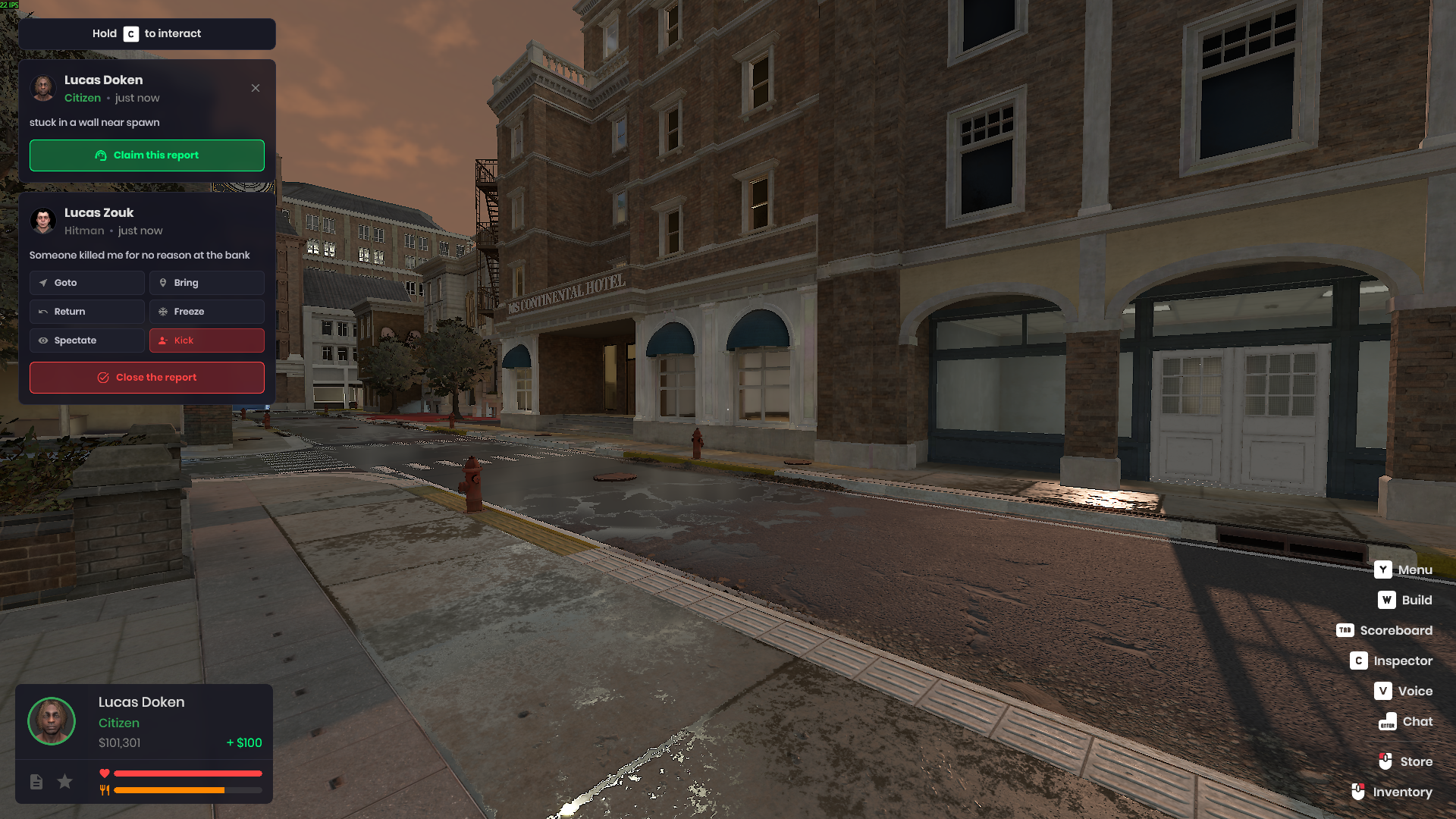
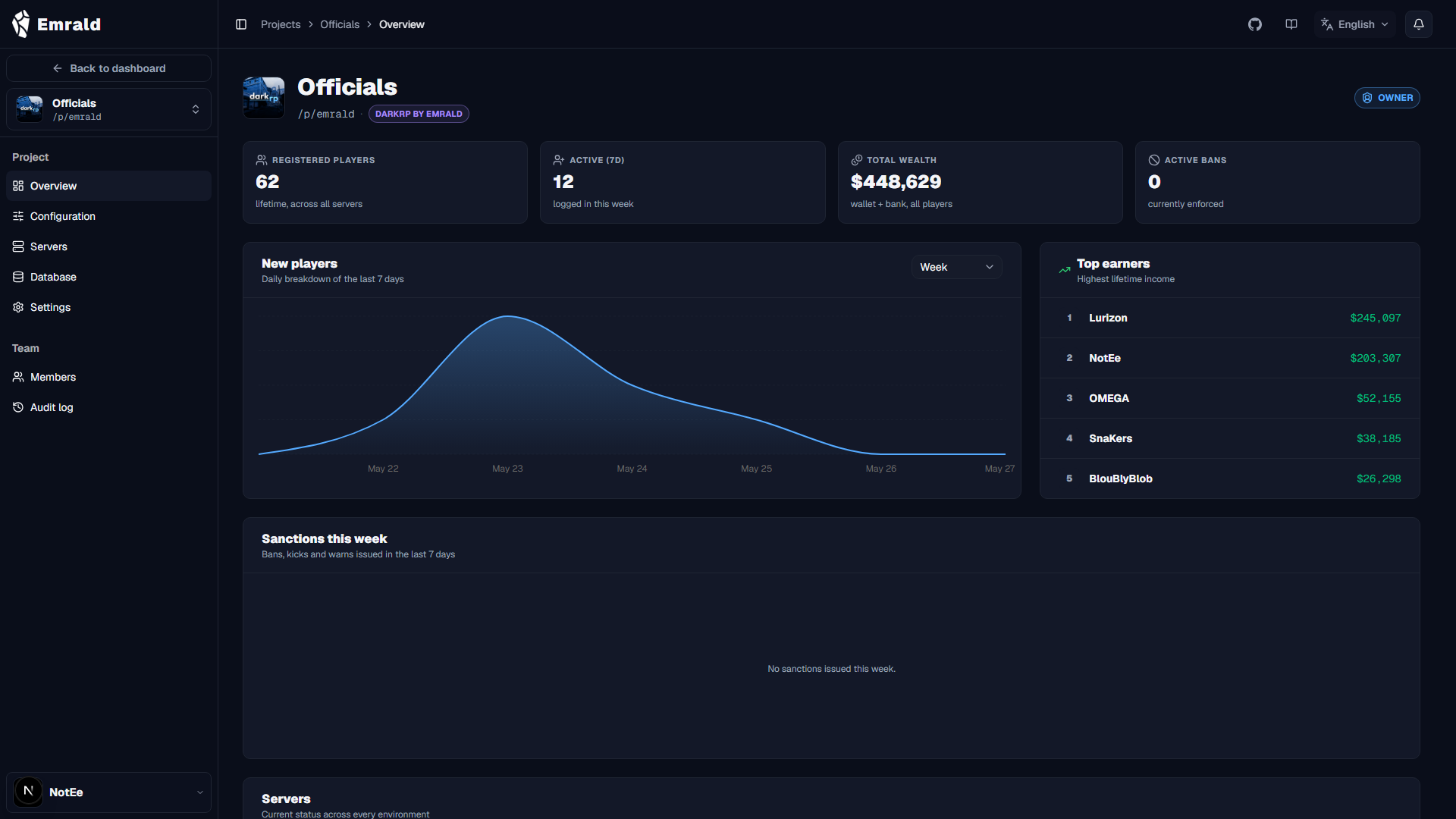
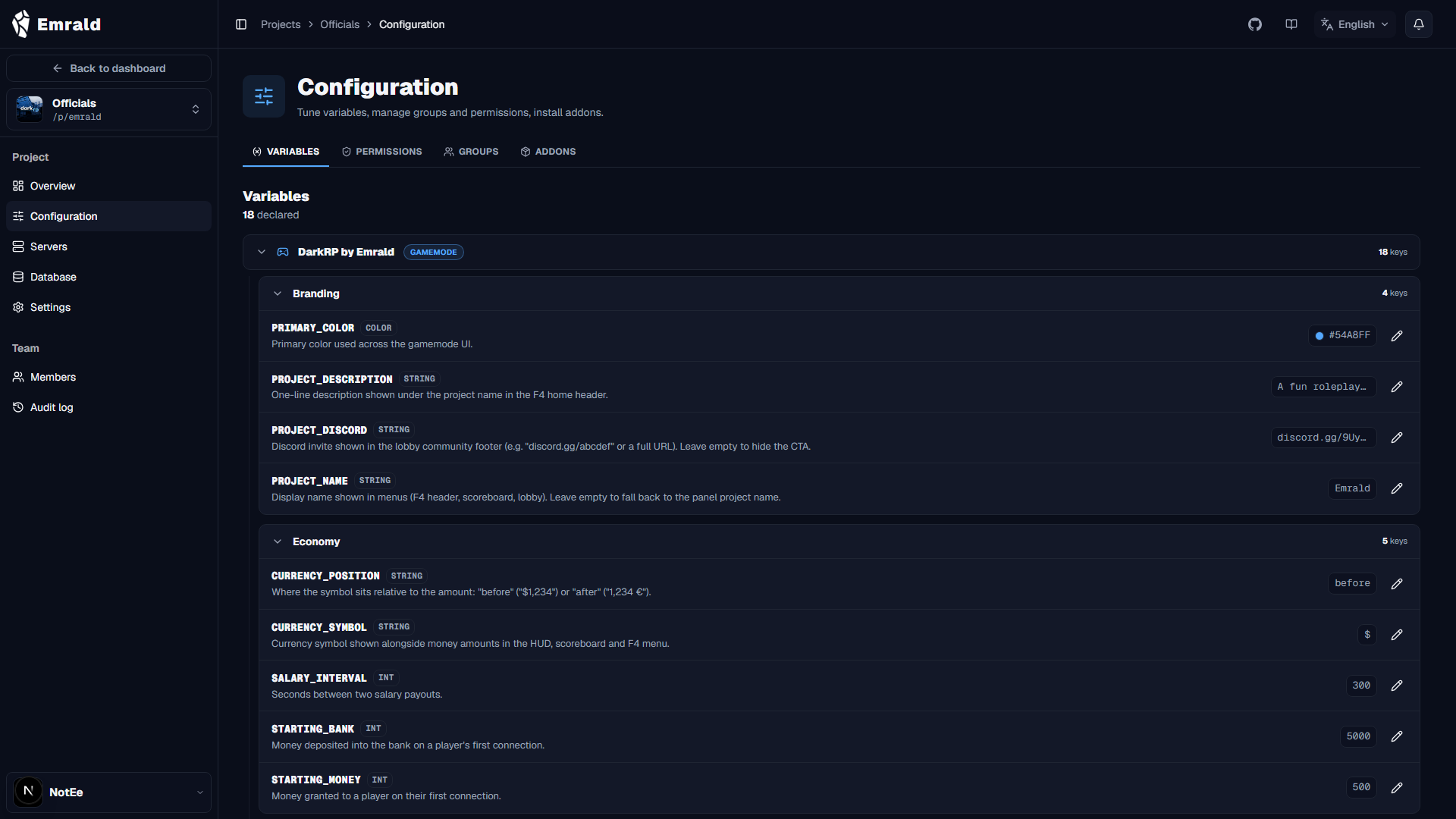
- Emrald dashboard (emrald.xyz) opened to creators: projects, environments (production / staging / development), servers, variables, permissions, groups, and addons all configurable from the browser, no coding required.
- Per-project database (players, sanctions, whitelist, logs).
- Addon system to customize your server, installable and uninstallable per environment on the fly.
- Server hosting documentation online at docs.emrald.xyz to guide you through the installation and creation of your projects.
- SDK documentation to create your own addons — coming very soon.
- New `Quantity` field on item definitions, to configure the stack size that appears when they're spawned (F4 purchase or spawn menu). For example, a pistol ammo pack is now explicitly defined as a stack of 30 rounds.
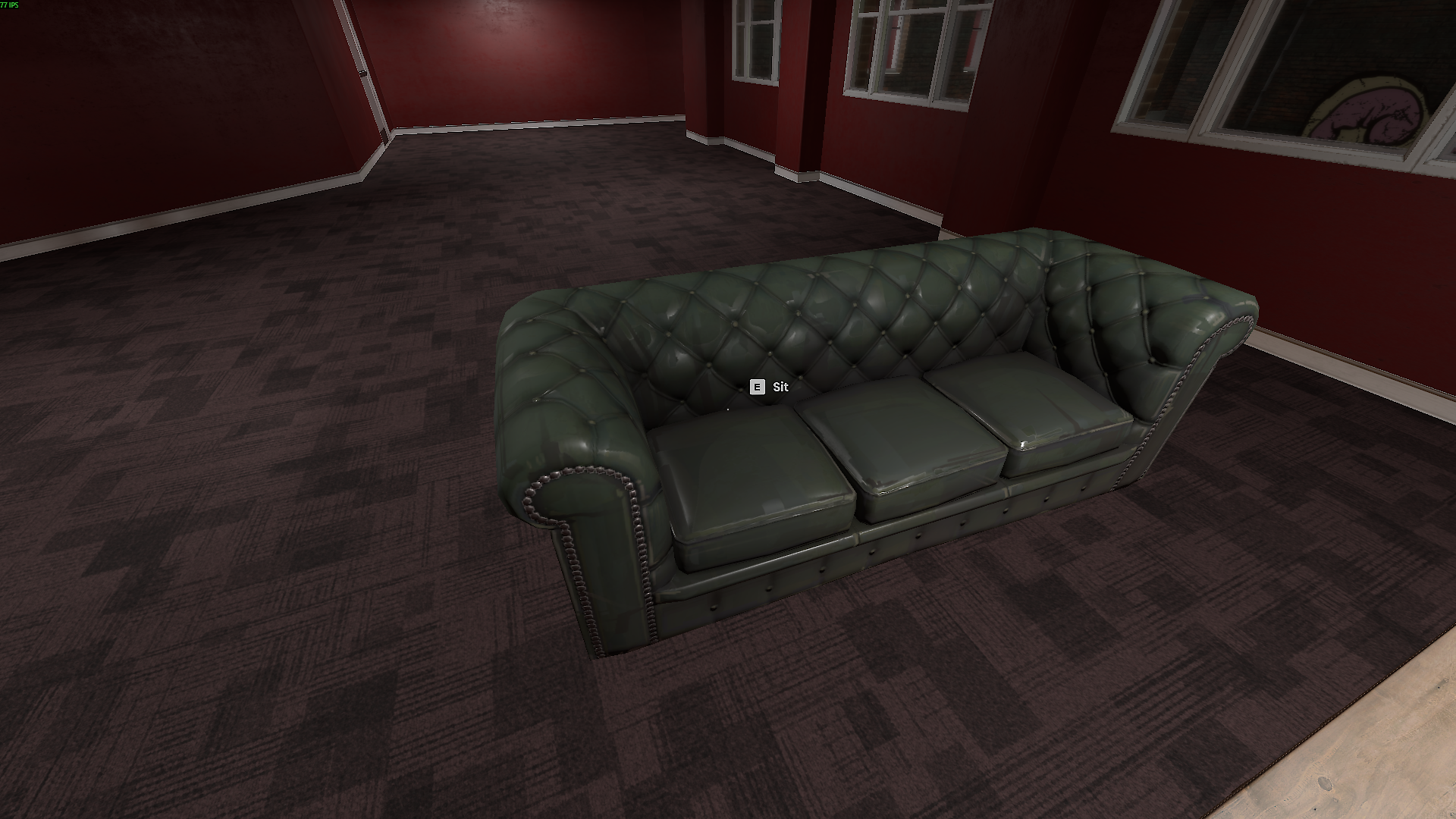
- Bottom-right HUD hint "Leave seat" displayed while sitting on a chair or couch.
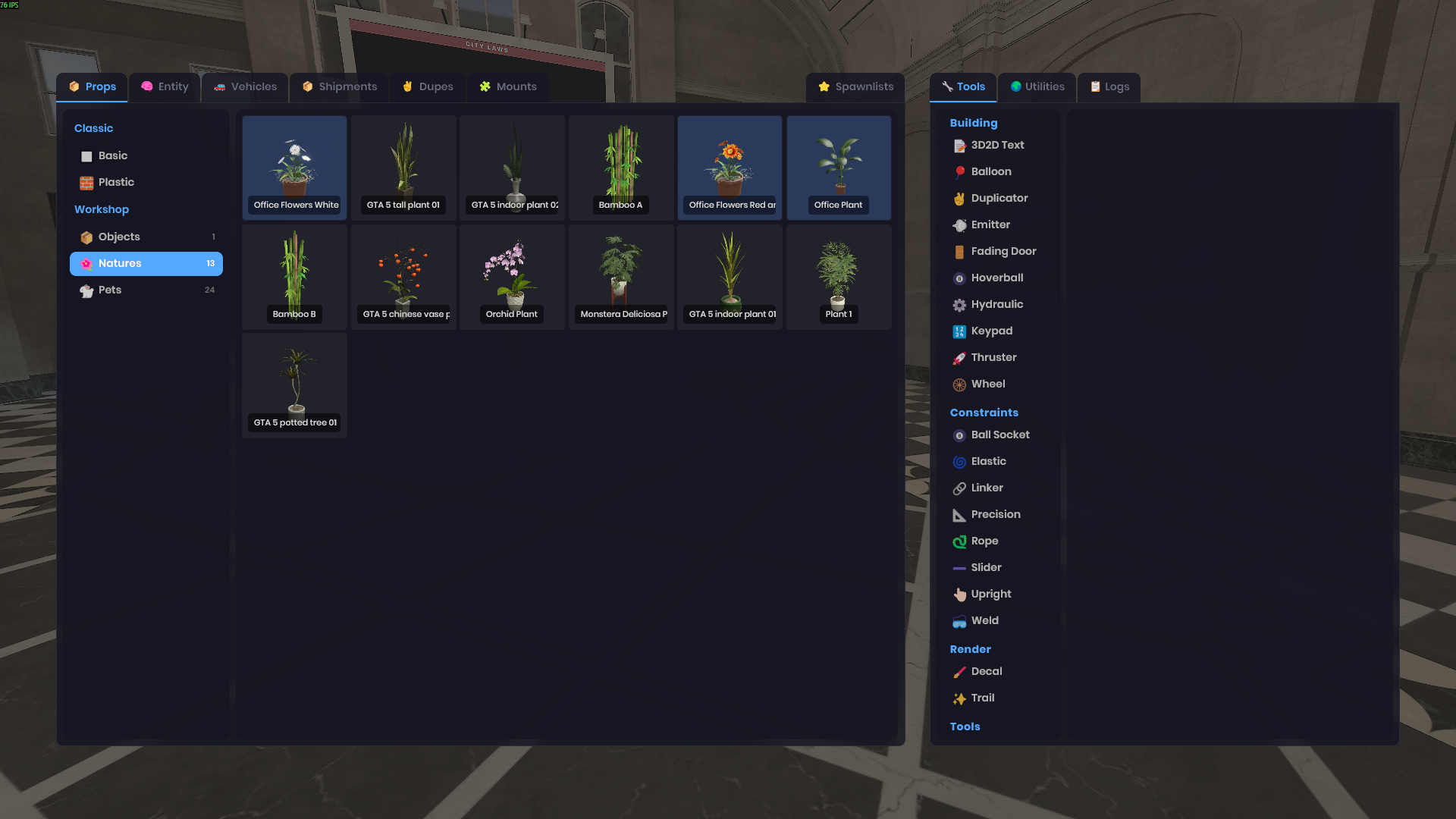
- Hand-curated workshop catalog: you only see clean items in the wardrobe and the spawn menu, sorted into named categories with their emoji.
- NEW badge on items freshly added to the workshop catalog.
- New "Hitman" job (illegal, 2 slots max per server, base salary, starts with a USP and 90 pistol rounds).
- Contract system: aim at a hitman in town, middle-click to open the placement menu with target and price selection ($500 to $50,000).
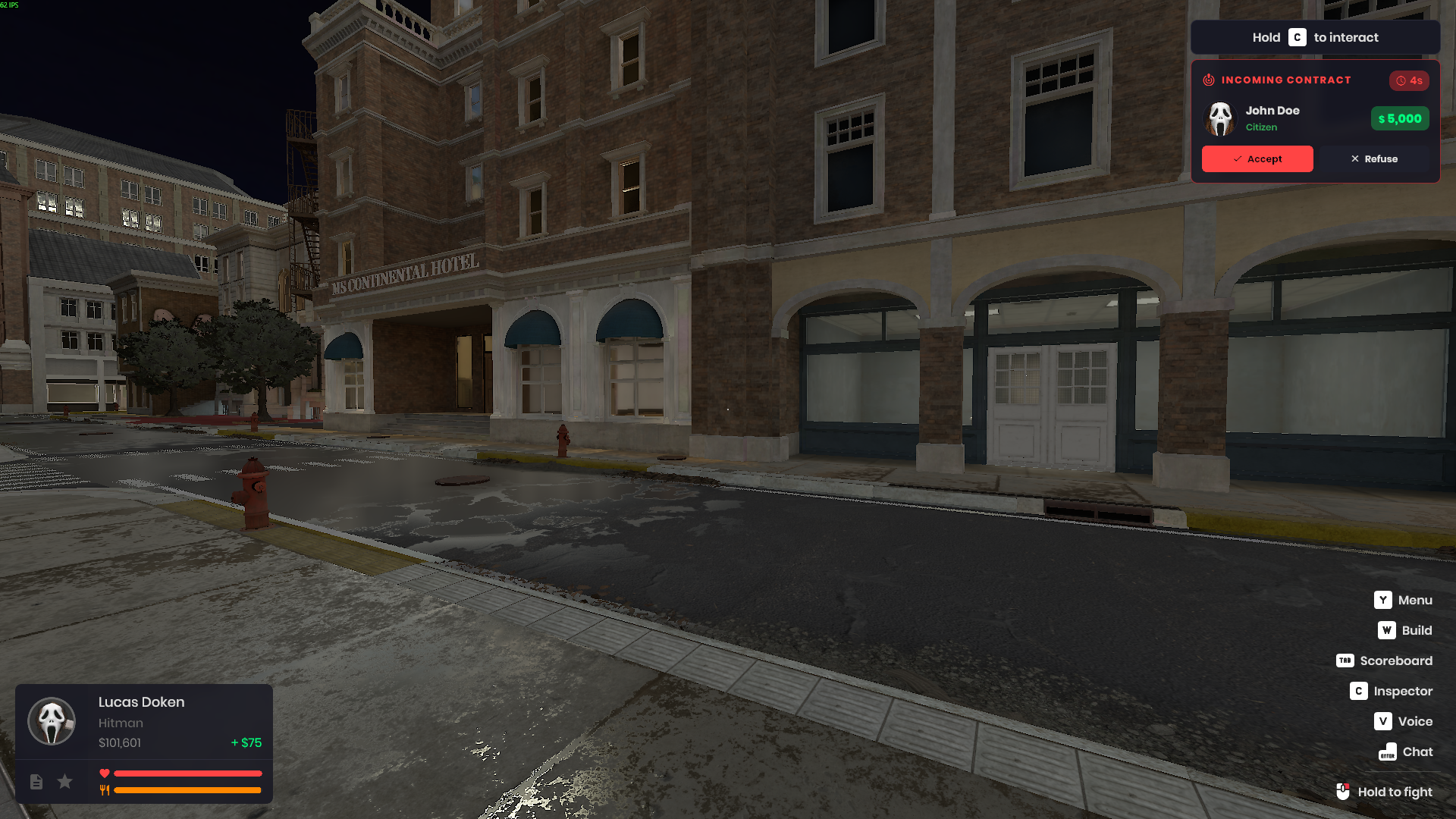
- 15-second acceptance popup on the hitman's side (avatar, name, job, and price of the target) with alert sound; refusal or expiration refunds the client.
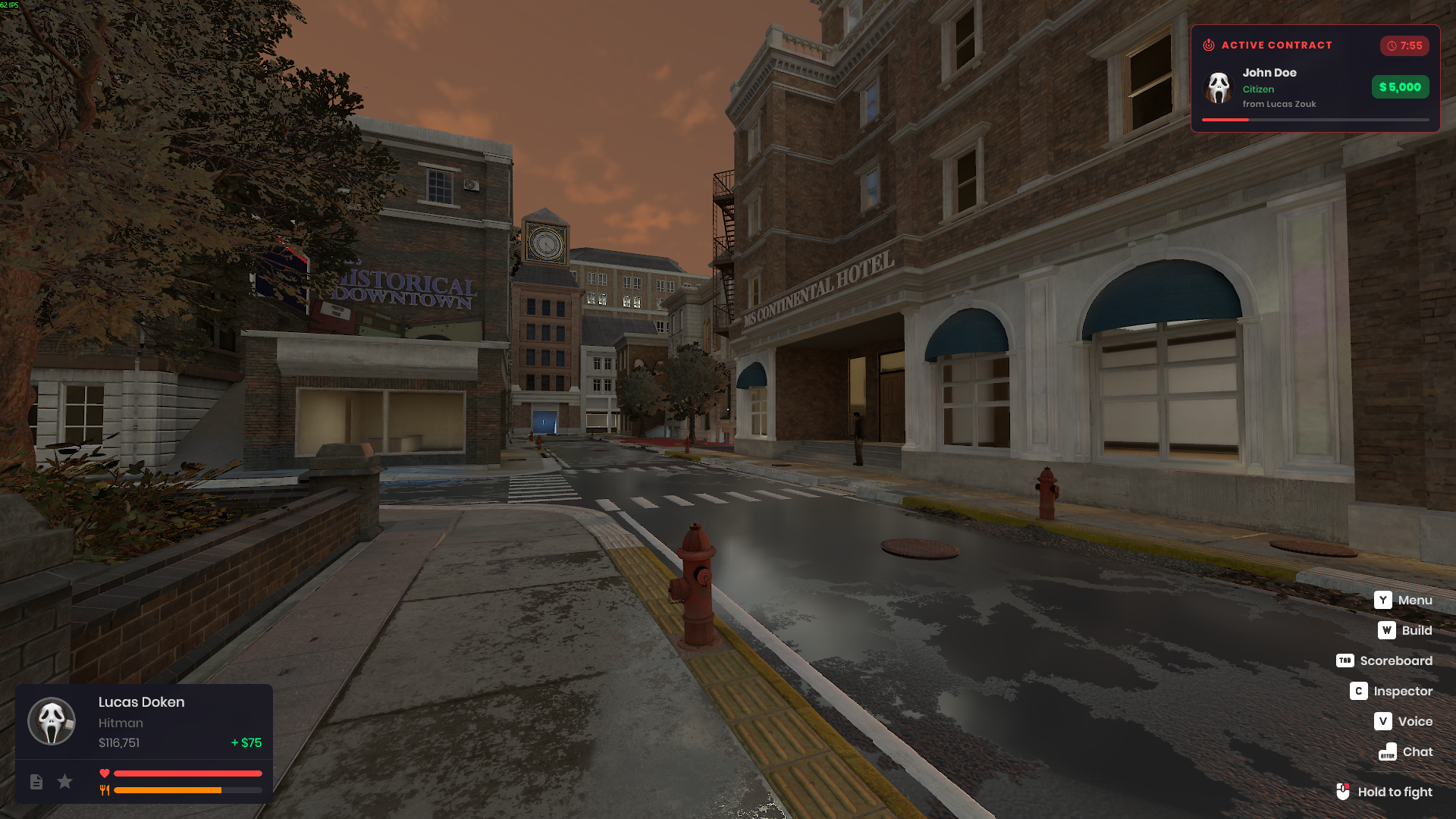
- 10-minute countdown on active contracts, visible to both the client and the hitman.
- Prompt "[middle-click] To place a hit" above hitmen ready to take a contract.
- New "Banker" job (legal, 2 slots max per server, base salary $150, 100% roleplay built on the existing systems — printer deposits in the vault, commissions, bodyguards against heists).
- Command `/report <reason>` to send a help request to online admins; 30-second cooldown between reports.
- Stack of report cards in the top-left of the screen for admins (perm `ManageReports`) with alert sound on each arrival.
- Three states on the card: available (green "Claim" CTA), taken by another admin (gray "Claimed by X" badge), taken by me (6-action grid + red "Close" CTA).
- 6 admin actions directly from the claimed card: Goto, Bring, Return, Freeze, Spectate, Kick.
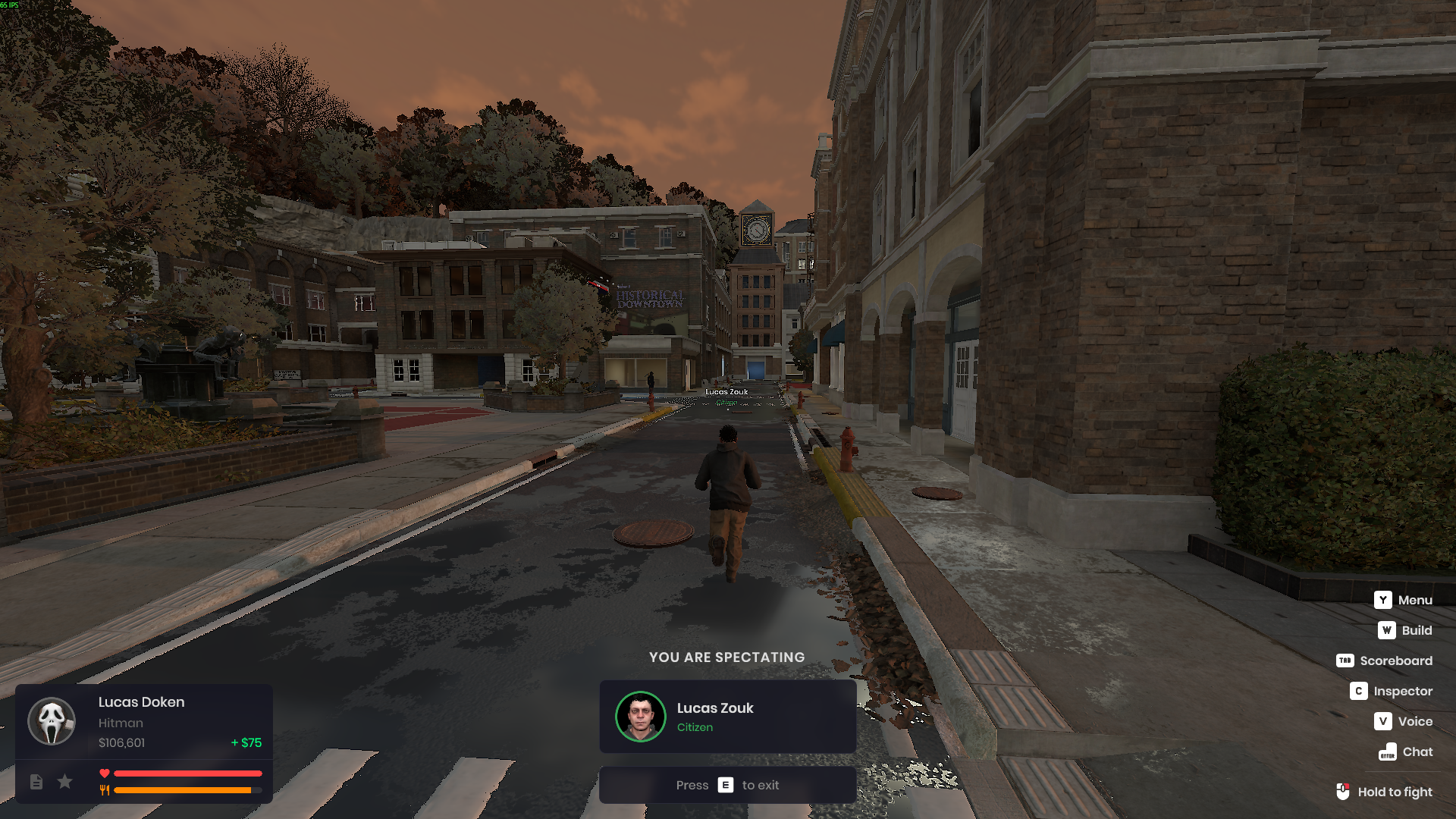
- Admin Spectate mode (TPS): detached camera behind the target, the admin's pawn stays in place. Activable from a player's detailed view in the scoreboard or from a claimed report card.
- New `admin_spectate` permission (Admin category) required for Spectate mode. Action buttons on report cards are now individually grayed out based on perms (Goto, Bring, Freeze, Spectate, Kick each gated on their own perm).
- Bottom-center HUD overlay during Spectate with the target's avatar, RP name, job, and the instructions to exit spectator mode — style aligned with the arrest / death screens.
- Notifications for the reporter: "Report sent", "X is handling your report", "Your report was closed by X", and "ticket closed" if the admin leaves.
- New "Reports" category in the admin Logs tab (Global) to audit ticket sends / claims / closes.
- "Sit" tooltip on chairs hidden when the player is already seated elsewhere — no more false prompts on other seats during a sit session.
- Death screen now shows the respawn key icon (follows your rebind) instead of hardcoding "SPACEBAR".
- The wardrobe loads faster and no longer needs to scan the entire workshop on server start — it reads the curated catalog directly.
- Props and Entities tabs only show categories that contain at least one available item, with their emoji in front.
- "Downloading…" indicator shown when a workshop item is downloaded during a spawn from the spawn menu (already present for the wardrobe).
- ATM cash withdrawal stuck on "DISPENSING CASH" indefinitely on dedicated servers — the clock used for the dispense timer is now synchronized between the server and your client.
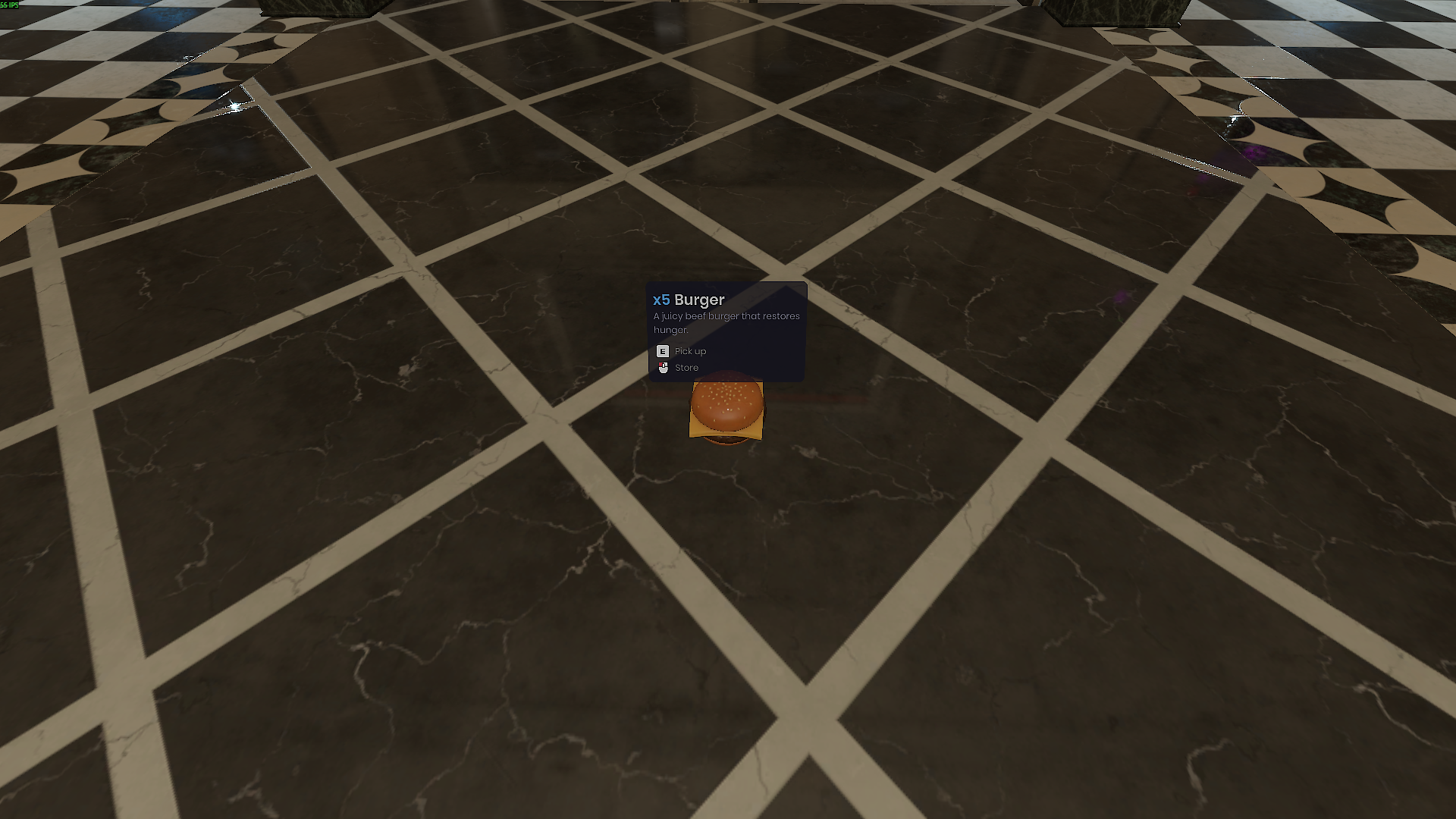
- Item stack dropped to the ground from the pocket showed "x1" instead of the real quantity.
- Picking a ground stack back into the pocket only returned one item instead of the full stack.
- Eating an item from a ground stack didn't decrement the counter — the pile could be consumed in a loop.
- Clicks impossible on the mayor PC's buttons (the cursor moved but nothing reacted on click) — the camera used for the cursor hit-test is now aligned with the rendered camera.
- Mayor PC that stayed open if you died in front of it or lost the mayor role mid-session — the terminal now closes automatically in these cases.
- Red damage overlay that stayed visible forever after a slay (and didn't clear on respawn or after a heal) — the internal counter is now capped, and a respawn clears the overlay instantly.
- Spawning workshop entities (`type:sent`) that did nothing when a player or admin clicked an entity package — the package is now mounted on the fly and the primary prefab cloned just like for local definitions.