

Update 25.10.22 : news/update-25-10-22
 3
3 1
1A lot of editor changes, preloading content, material system rehauling, crash reports and more









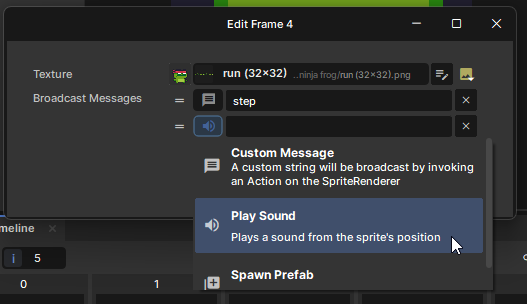
OnAnimationStart(string name)OnAnimationEnd(string name)OnBroadcastMessage(string message)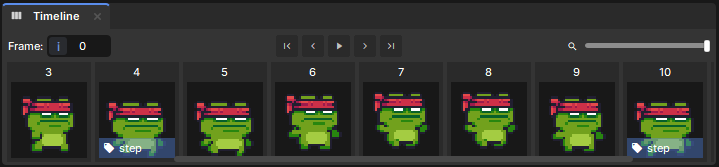
/// <summary>
/// What areas the agent is allowed to travel on. If empty, all areas are allowed.
/// </summary>
[Group( "Movement" )]
[Property]
public HashSet<NavMeshAreaDefinition> AllowedAreas { get; set; } = new();
BBox.Transform() implementation is incorrect when you try to transform an asymmetric box with a non-uniform scale.BBox.Transform() and maybe relied on the broken behaviour, double check your game still works as expected.
Preloaded content in initial Steam download
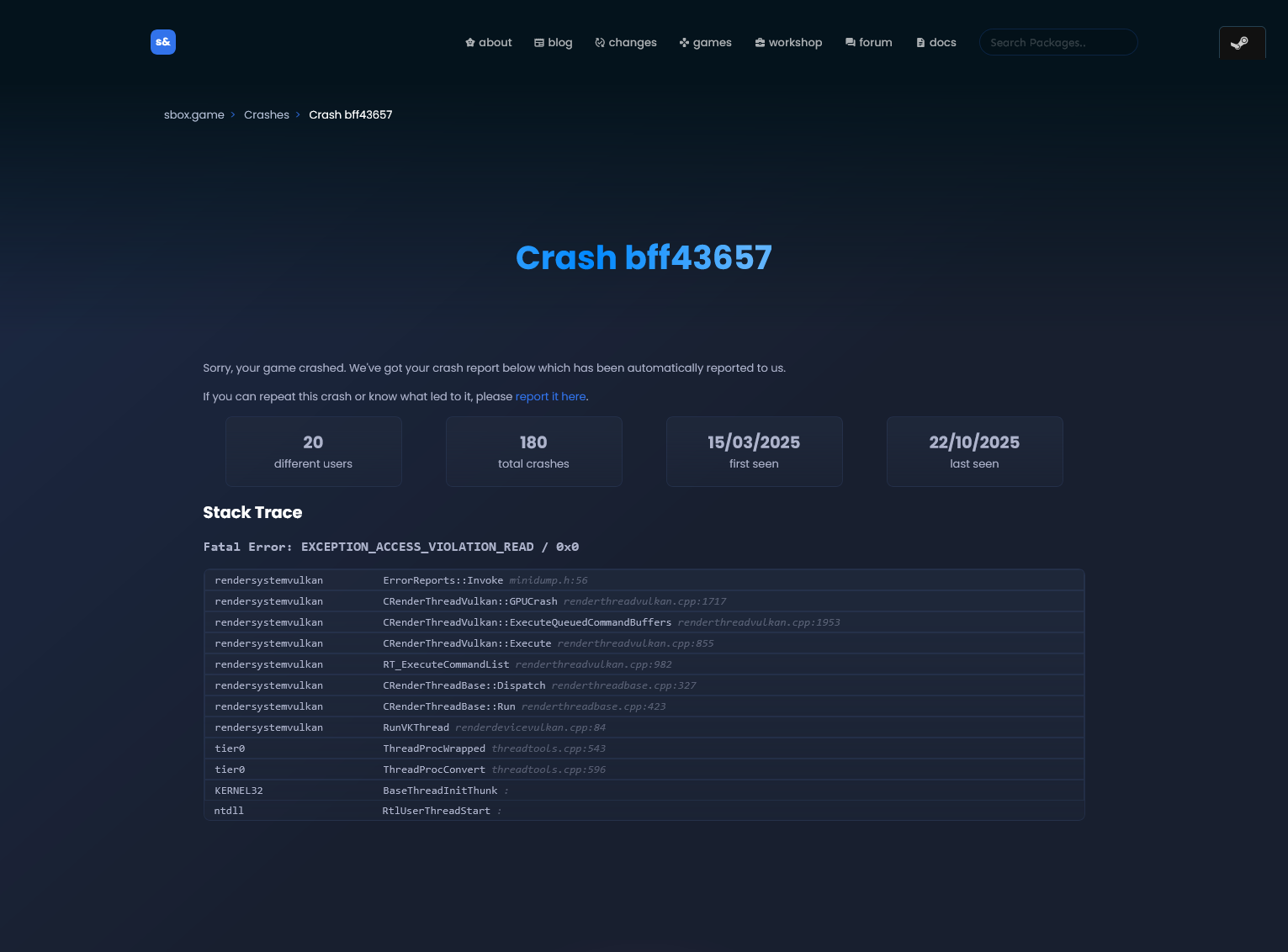
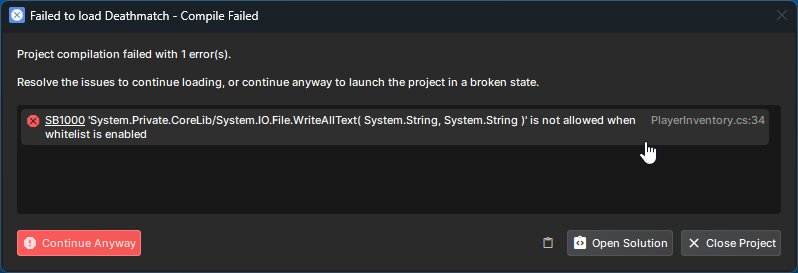
Crashing now opens a crash report
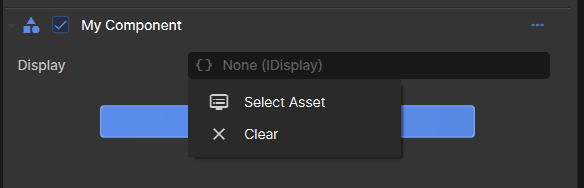
Support for selecting resources for interface properties in the editor
Sprite Editor: Multi-Select support. CTRL to add to current selection, SHIFT to select all between last selection
Sprite Editor: Added DEL and CTRL+D shortcuts for Delete and Duplicate
Sprite Editor: Deleting, Duplicating, and even Drag-and-Drop actions now work when performing a Multi-Select
Sprite Editor: Right Click -> Edit Frames can edit multiple frames at once with a Multi-Select
Sprite Broadcast Events
Sprite Broadcast Event Types
SpriteRenderer.PlayAnimation() no longer resets the playback when calling on the animation that's already playing
ParticleSpriteRenderer now has a PlaybackSpeed property for Sprites with animation
Ability to edit HashSet<T> properties in inspector
Material: Material.Set( ... ) actually works to set any parameters
Material: Added Material.SetFeature( .. )
Material: Added Material.GetFeature( .. )
Material: Added Shader.Schema (but don't use it yet because it's all gonna change)
Material: Refactored internal material system, so we understand it more
Sprite Editor: Made room for the scrollbar in the Timeline
Refactored SceneSpriteSystem.AdvanceFrame -> Sprite.AnimationState
Clears clamp properly to the render area
All resources support IsValid
BBox.Transform() now works correctly for asymmetric boxes and scale
PlayerController press trace can hit triggers, but drops if a solid fails press
ToolsVis Quality of Life Improvements
Allow PlayerController unducking while swimming or climbing
net_fakelag and net_fakepacketloss are cheat convars
Model reload crash
Physics: FindClosestPoint on overlaps
Glass now always uses the correct framebuffer, fixes it when multiple tools are open
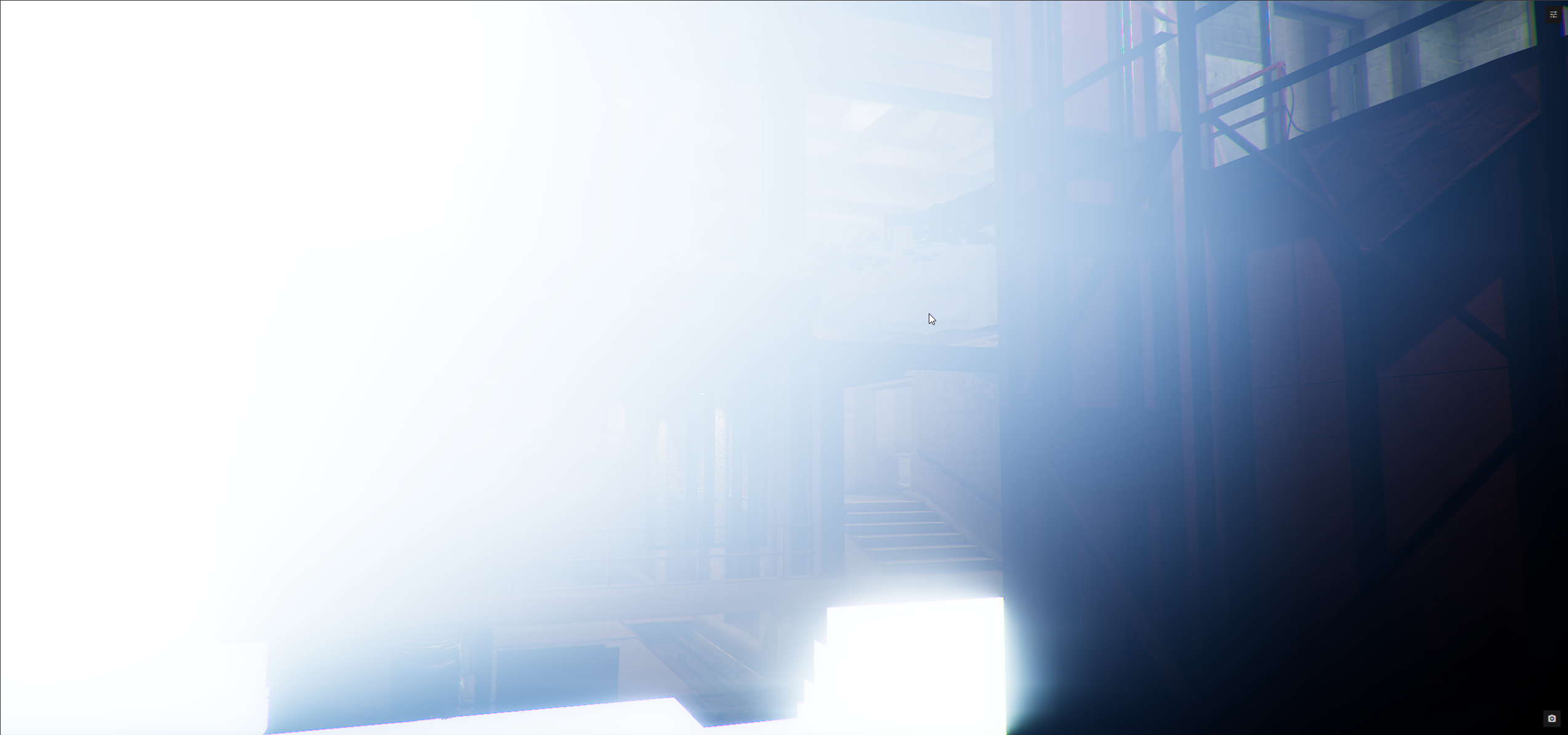
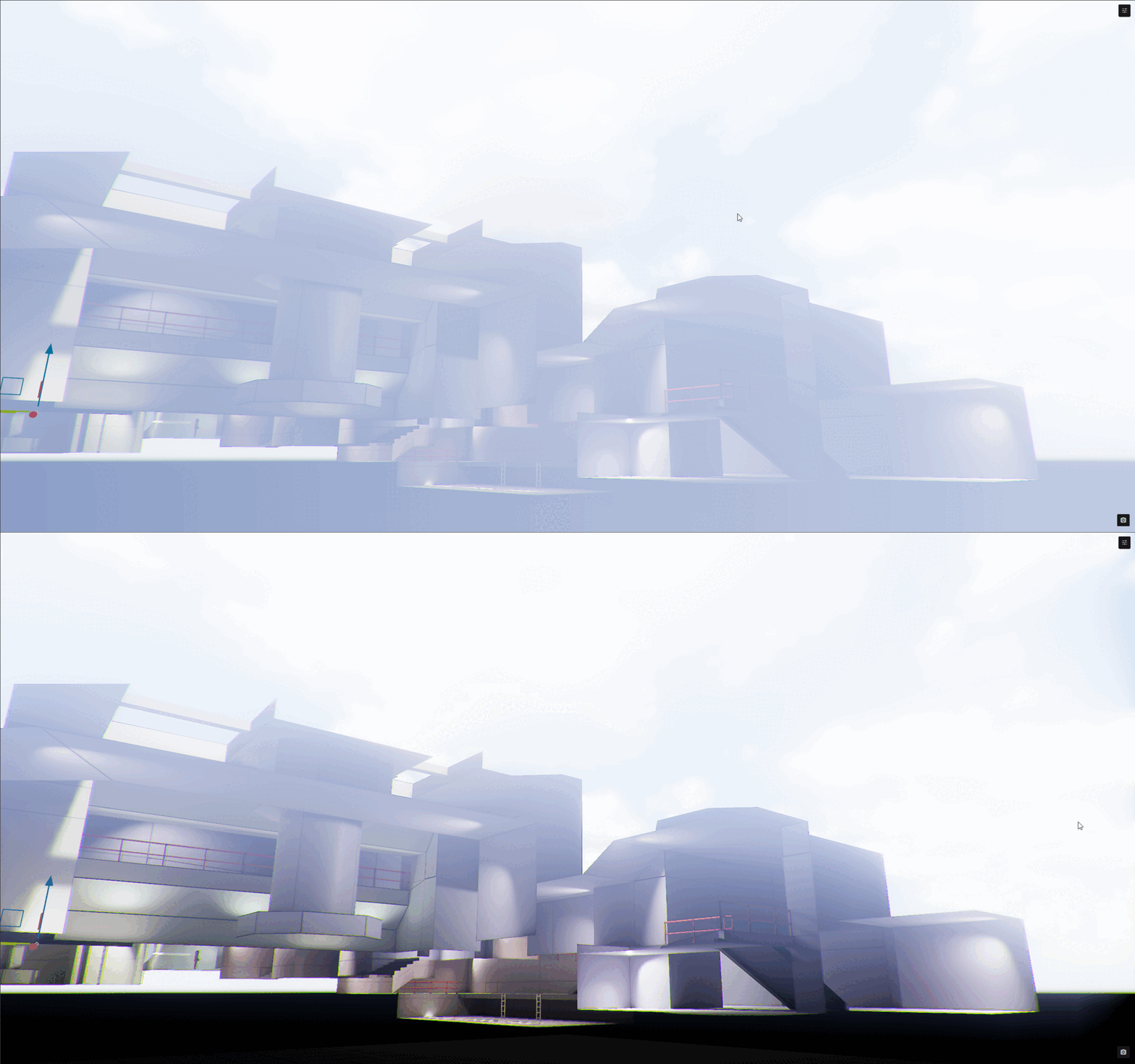
Depth of Field Fixes - Edge Vignetting & Quality Scaling
Clear connections from local snapshot states for networked objects on host change
Update main camera when a camera priority changes
Fixed [KeyProperty] properties not respecting [ShowIf] and [HideIf] attributes
GenericControlWidget now checks for visibility updates properly
NativeRenderingWidget: Replacement is SceneRenderingWidget
Material: Dynamic Expressions
Remove native unused WellKnownRenderTargets
vr_vulkan_wait_fence_between_eyes dead convar
 matt
3
1
matt
3
1 Titanovsky
12
Titanovsky
12 G+
G+ Grafis
3
Grafis
3 Trundler