




26.02.25
26.02.25
25 February 2026
59 changes in this update
Another round of optimizations and fixes, a few new features and Sandbox progress.








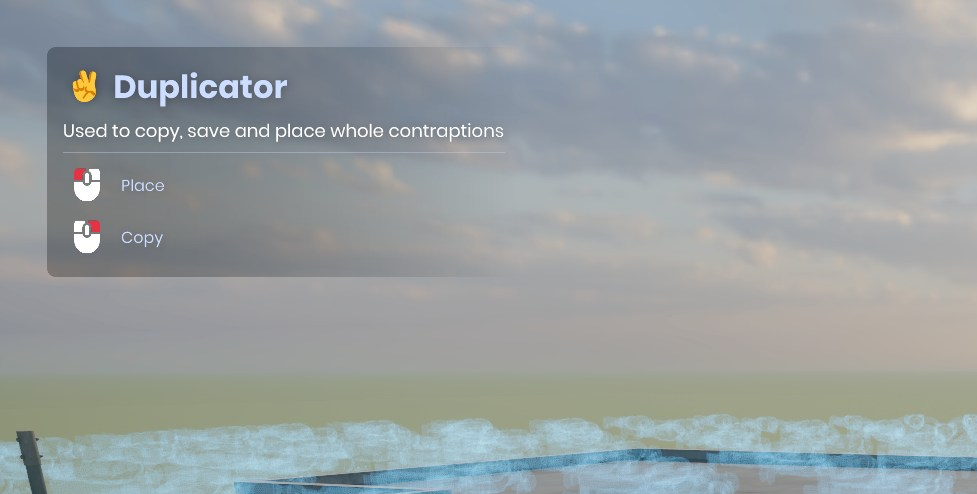
Scene.BatchGroup().



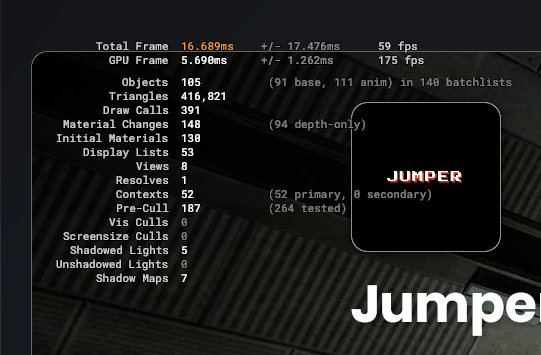
Editor splash screen has a progress bar, no longer spews console, is customizable
Editor Welcome Guide
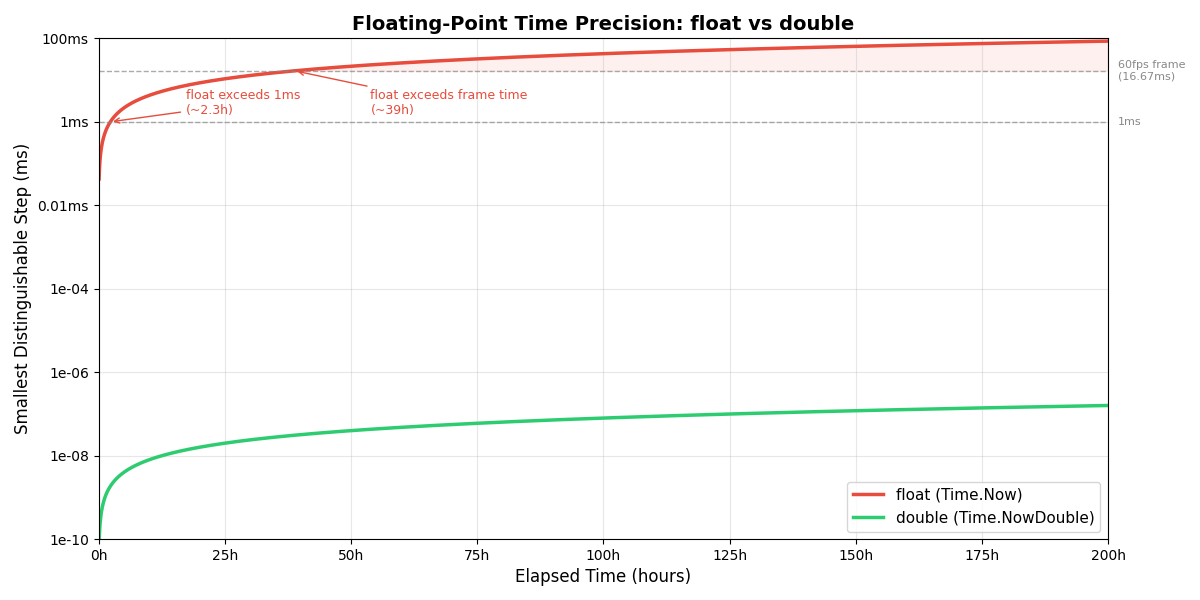
Time.NowDouble
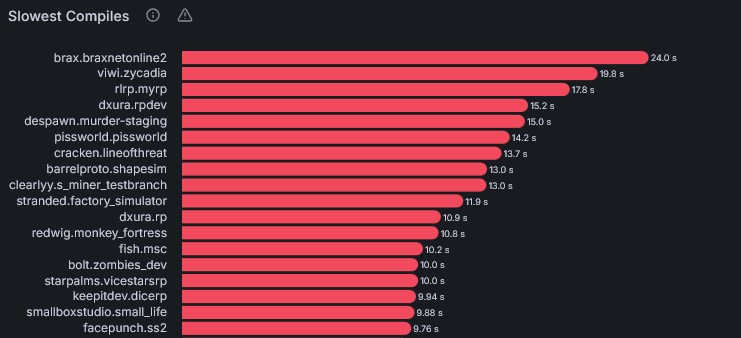
Incremental compiles: smarter processing, syntax tree reuse
Games can have a dedicated server only launch mode
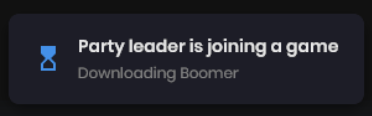
If a party leader is downloading a game, party members download it async in the menu
Mapping vertex paint selection modes
Updated Scene & Prefab Previews
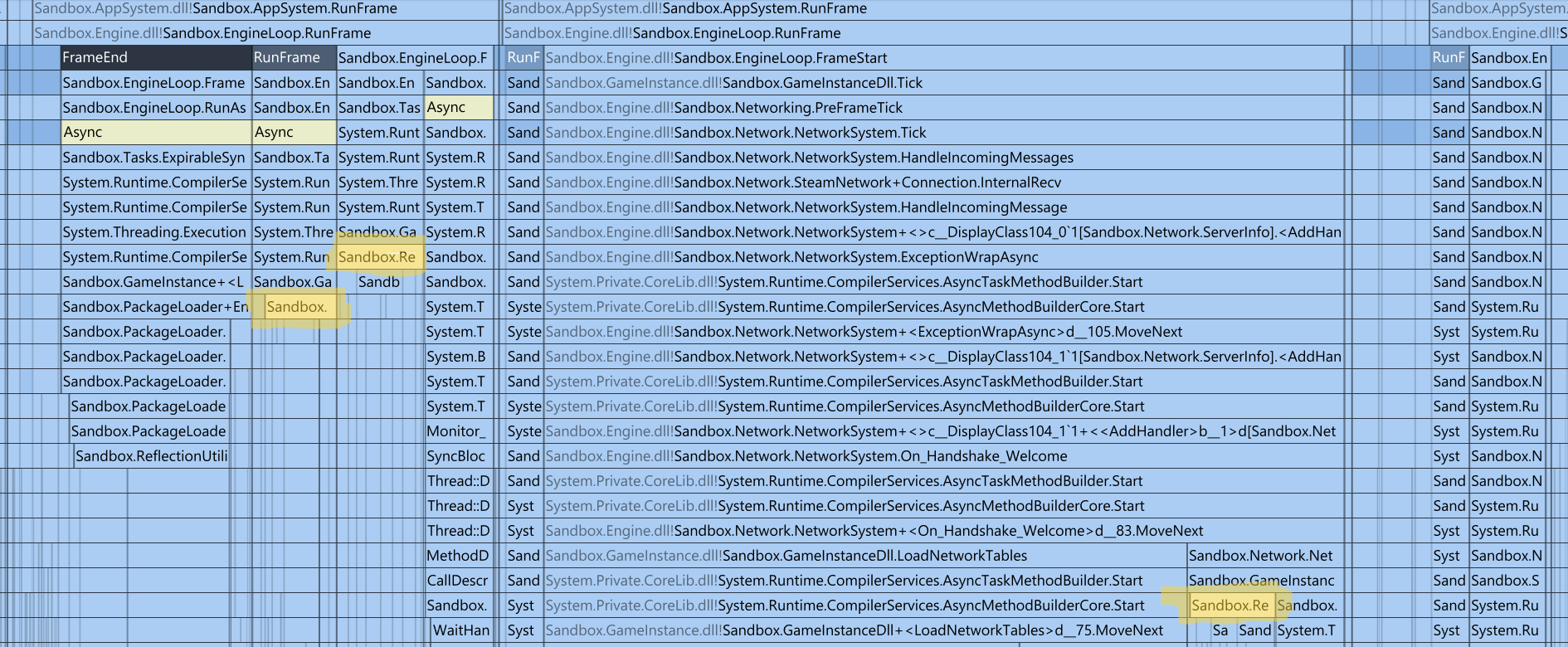
Scene.BatchGroup disposable method obsoleting SceneUtility.RunInBatchGroup, also batches network spawns
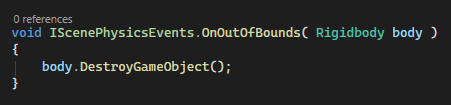
Physics out of bounds event
Selectable abstract AnyOfType<T>
Gizmo.Control.Rotate now outputs Rotation instead of Angle, added trackball and view based rotation @DrakeFruit
Mapping: Vertex paint traces only on selected surface
Mapping: Vertex paint shows verts with paint information
Mapping: Vertex paint can paint backfaces
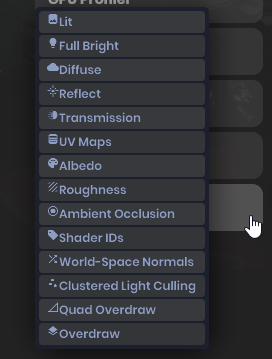
mat_toolvis button in in-game console
mat_toolvis converted to managed from native
Minor menu style tweaks: use actual logo svg, hide LiveLobbyCard whilst loading, tweak notification badge styles
Startup background is smaller, lighter and uncompressed UI image
Several verbose logs moved to trace channel
Cleaned up main menu assets and transient files
Dedicated server no longer does unnecessary transform interpolation
rendersystemvulkan: use SDL_Vulkan_GetInstanceExtensions for surface extensions
Update Vulkan headers and volk (w/ valve mods)
rendersystemvulkan: use VK_EXT_surface_maintenance1 make swapchain recreation a bit better
SceneUtility.RenderToBitmap uses a normal scene instead of an editor scene so components execute normally
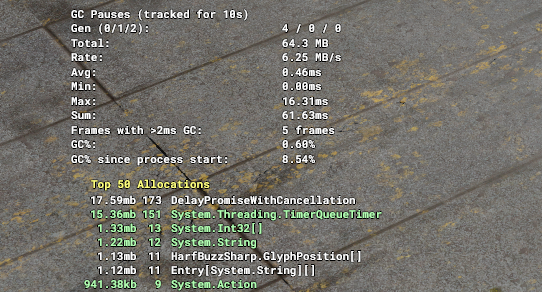
Improve allocation overlay (#4121)
Avoid StringToken boxing causing unnecessary allocations
Reduced Trace.WithCollisionRules allocations
Reduced Action allocations from Component.ExceptionWrap
Avoid per-frame KeyValuePair[] allocations when using Parallel.ForEach
Avoid allocations when creating and iterating CommandList
Remove need for second lightbinner for fog, just do it all on shader, we do classification on the shader itself, edge cases like fog disable are rare to require doing it with an entire new collection of lights
LoadAllGameResource only loads new resources
Make sure SeverPackages.InstallAll only reloads packages once
Close existing project settings window when opening new one
Use InvariantCulture in various places when parsing floats @MrSoup678
Don't show Max Player slider if Min players == Max players @nixxquality
Dynamic splash screen height to avoid stretching @boxrocket
Verify CreateGameResults cookie before usage @nixxquality
mat_toolvis convar doing nothing
Duplicated r_3d_skybox convars
BlitMode.WithBackbuffer actually respects WithMips setting (#4096)
physicalDeviceVulkan12Features.bufferDeviceAddress only enabled if hardware supports it (#4095)
addon type not having ProjectPage
Shadergraph: Don't generate TextureAttributes for albedo if its dynamic
Native Resource networking
PostProcessSystem does not run under dedicated servers
Custom loading screen not showing when joining to an existing session (#4124)
Envmaps, particles and light cookies not being marked as used, meaning they can end up evicted out of VRAM
GameObjectSystem configuration supports collections properly
Native resource reference networking
DirectionalLight gizmo line spacing @boxrocket6803
Tags not being applied to particle sceneobjects @LeDernierPoisson
Guard null button origin if none set in action @peter-r-g
list reorder not updating inspector for class types @Ardivaba
Enforce FriendsOnly lobby privacy during handshake @trende2001
Version overlay
W/ 52-bits in the significand, it would last much longer than that. At a ~1 micro-second interval (accurate enough for virtually all use-cases), a 64-bit float should last for: 2^52 / 1000 / 1000 / 60 / 60 / 24 = ~52k days.
As a small criticism, if you used integers instead of floats, it would never lose precision (it would just have a much higher hard-cap, rather than a lower "soft-cap" that gradually gets buggier).
When you need to accumulate many small amounts into a much larger amount, floating-point is simply not a good fit, because the advantage of floating-point disappears in that scenario. That's the reason that all the system-time functions across different operating-systems use integers (usually as micro- or nano-seconds). At an interval of 1 micro-second, a 64-bit unsigned integer timer would run for ~200m days.