Hey !
I don't know if it's a recent update that caused this or if I messed something up. I was working in a prefab where some of my icons are located. I saved the prefab as usual, but in-game, the icons seem to have changed color spaces?
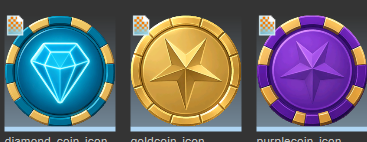
Normal icons vs altered in game icon
I don't know if it's a recent update that caused this or if I messed something up. I was working in a prefab where some of my icons are located. I saved the prefab as usual, but in-game, the icons seem to have changed color spaces?
Normal icons vs altered in game icon

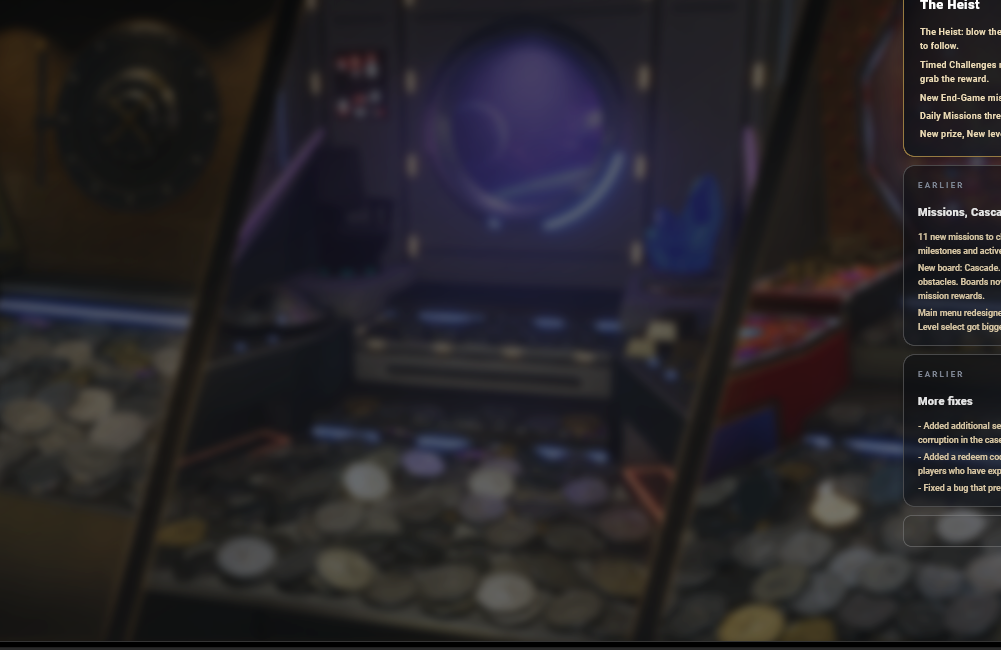
If I go back to my prefab and reassign those images, the issue is fixed, but if I restart the editor, it happens again on its own.