I've seen a couple of posts from people being unable to open the editor from Steam so I decided to make this post.
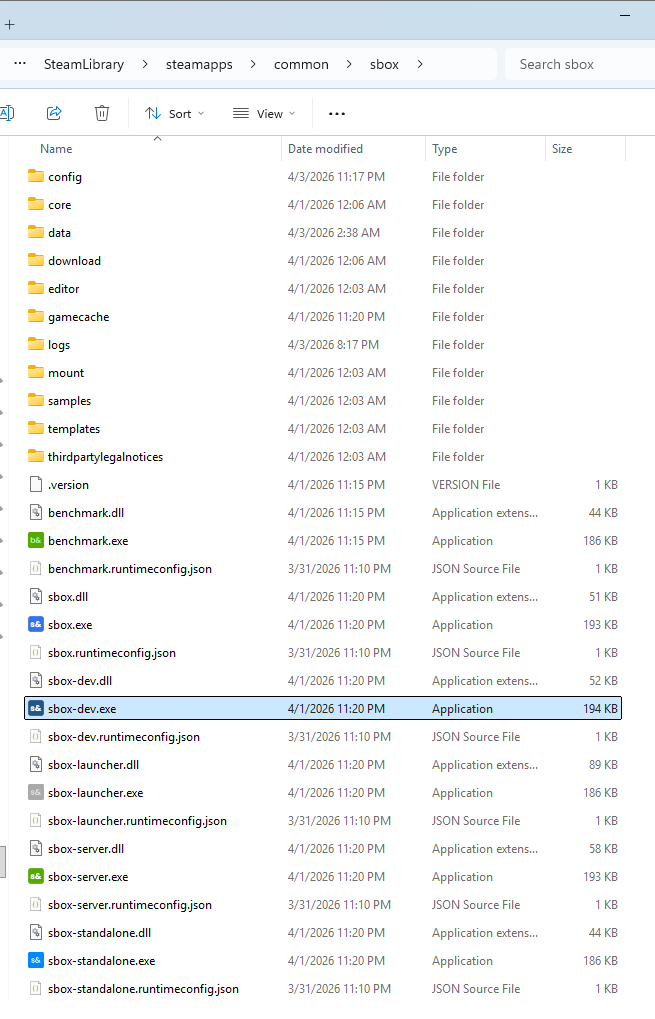
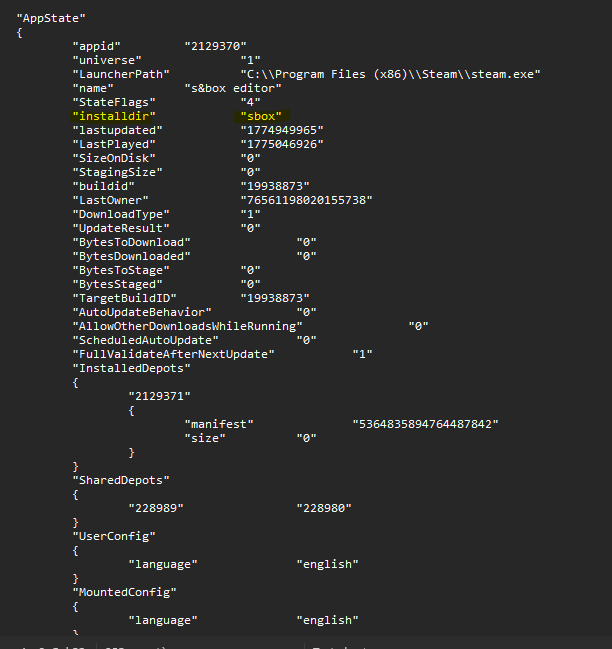
I too was facing issues, until I realized that the .exe is inside the game folder, not the editor folder.
So, don't click "Browse local files" by right-clicking the s&box Editor in Steam. Instead, go to where you installed your main s&box game and you should find sbox-dev.exe.Hope this helps someone.
Right click in steam library on s&box editor -> properties -> in General find Launch Options and type/edit following -> "E:\Program FIles\Steam\steamapps\common\sbox\sbox-dev.exe" %COMMAND% Close the window, enjoy