Update 25.12.10

Terrain now supports 64 materials, scene mapping tools got a big rework, you can now take high resolution screenshots, and more!

Terrain's been given some big love this week. We now support up to 64 materials, up from 4.. 🤯

We've changed to a non-destructive 2 layer blend (base/overlay) instead of a 4 layer blend, this drastically reduces memory requirements and is more performant - and realistically nobody was putting 4 materials on top of each other.
We've adapted the terrain tool UI to the same sidebar we use for mapping tools, so everything is in one place.

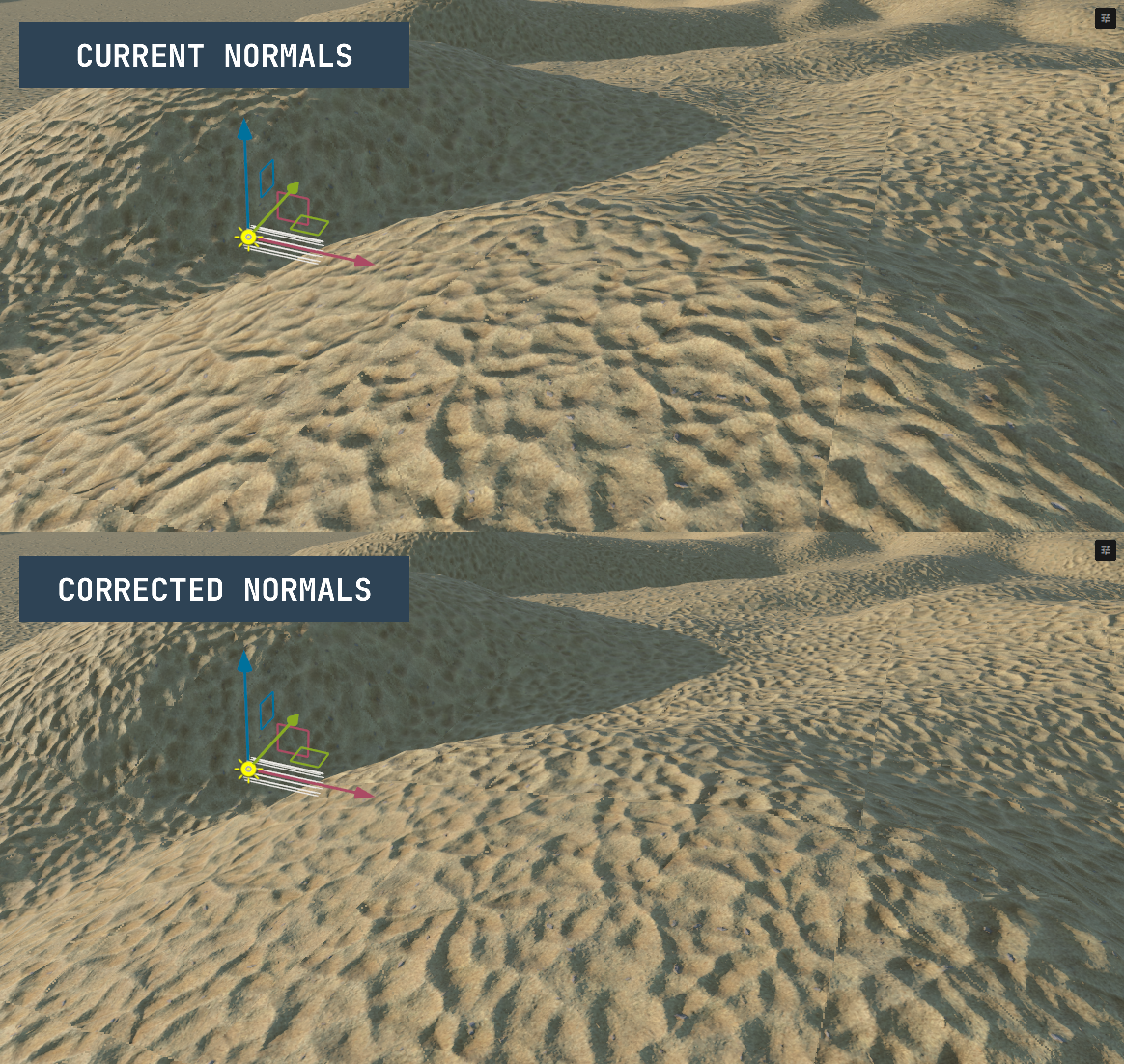
We've had lots of great community pull requests, one in particular this week was from wheatleymf fixing rotated UVs having incorrect normals.

https://github.com/Facepunch/sbox-public/pull/66
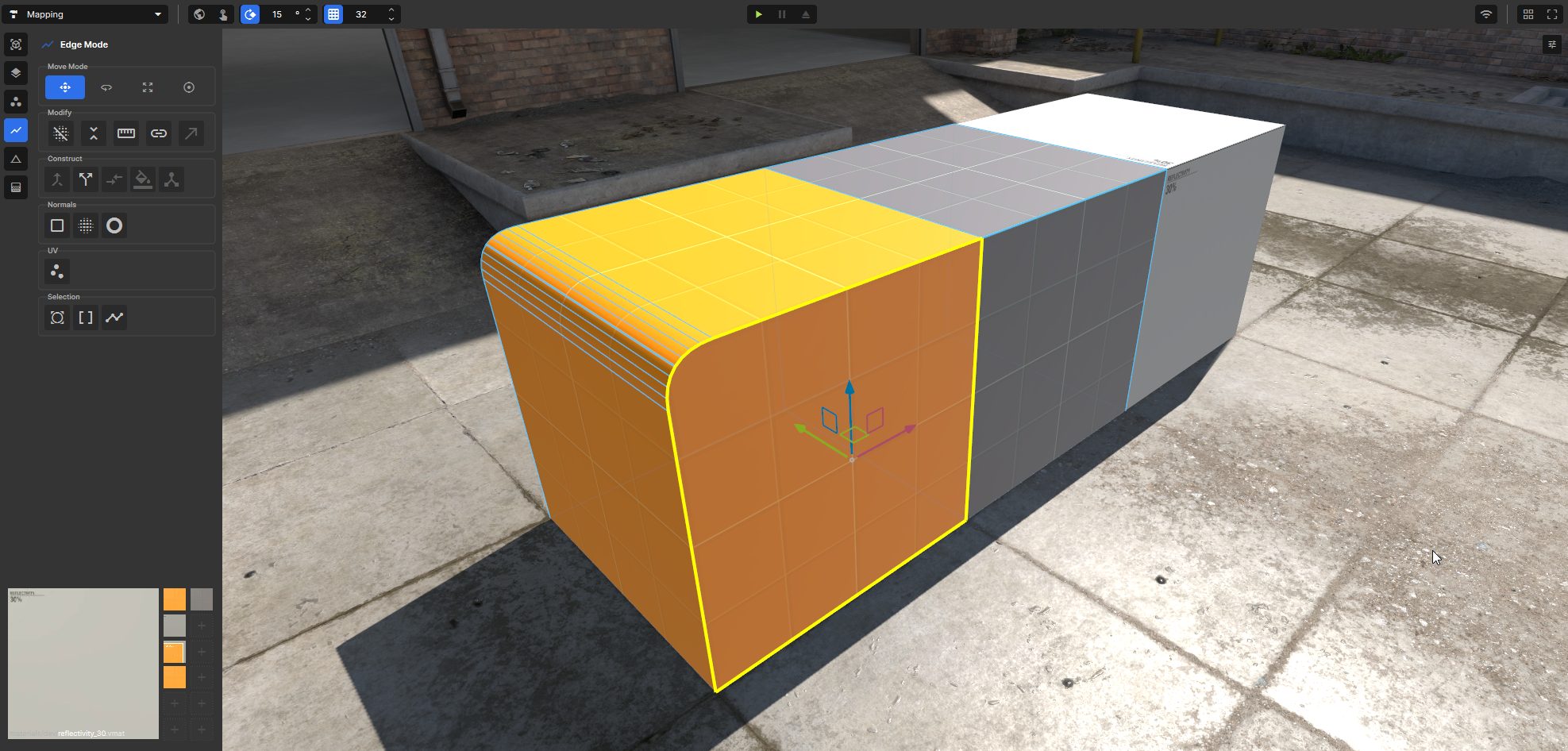
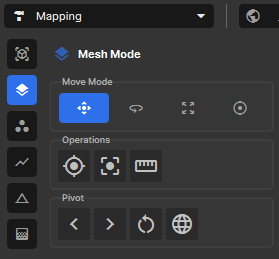
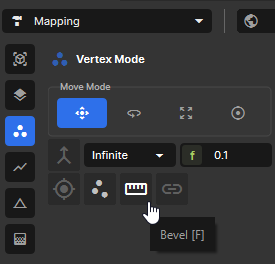
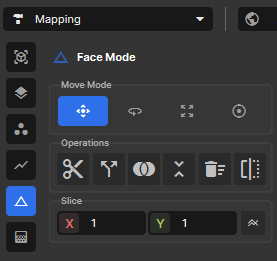
Mesh editing has moved to its own mapping tool. It has all the tools and modes needed to create and edit mesh geometry.

Tool properties are displayed in the side panel next to the toolbar. Your own tools can display properties here too.

We added the ability to capture high resolution screenshots via a console command.

screenshot_highres <width> <height> 

The command uses the perspective and settings of the active camera and works both in editor and in game.
We've found ourselves wanting random outfits from time to time, so we've added a Randomize button to Dresser.
We now have a component that can disable collision between two rigidbodies. Internally this is just a null physics joint with collision disabled. We use this in sandbox mode for the no collide tool.
The humans have been updated to have working visemes, to help bring them up to par with the citizens.
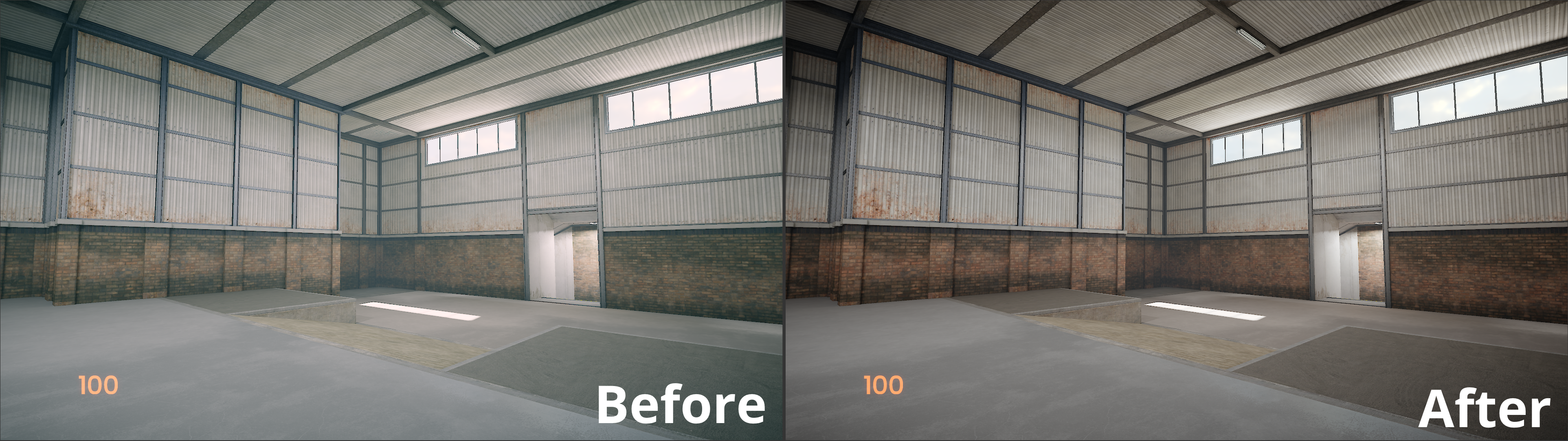
Fixed the AgX tonemapper looking like shit

Update 25.12.10

25.12.10
10 December 2025
36 changes in this update

Added

11 changes
  • Terrain: Can now support up to 64 materials, changed to a 2 layer blend (base/overlay) instead of a 4 layer blend

  • New mapping editor tool interface

  • High resolution screenshots with screenshot_highres command

  • Dresser component now has a randomize button

  • Human Visemes

  • PhysicsFilter component which allows collision to be disabled between two rigidbodies

  • VolumetricFogVolumeTool editor tool to edit volume bounds @Nolankicks

  • API: Panel.GameObject

  • API: Make public SceneModel.GetBoneVelocity() and SceneModel.HasBoneOverrides @yuberee

  • API: Add SkinnedModelRenderer.GetBoneVelocity() @yuberee

  • API: Allow DecimalConstantAttribute @766974616c79

Improved

8 changes
  • Crash Reporter is now a C# app, and calls to our API

  • Multi-viewport in play mode

  • Update meshoptimizer to v1

  • Make MSAA setting work on editor SceneRenderingWidgets

  • enforce gameobject order and form groups whilst duplicating @johncosfm

  • Various crash fixes when shutting down engine

  • unfuck the ordering of rebuilding in mesh component so mesh is built before collider, also don't use gameobject scale to scale geometry

  • suspension disabled just limits the suspension to zero internally so it doesn't fly off into space, also set suspension and steering spring defaults to 10 hertz, 1 damping

Fixed

17 changes
  • Don't double present the game in editor, which was incrementing completed frames too far and freeing used resources too early

  • Avoid doing LoadAllGameResource multiple times on editor startup (and before we've setup some search paths)

  • AgX tonemapping being washed out

  • Networking: Performance Regression

  • DebugOverlay.Text not rendering @andy013

  • Mesh Tool - Shortcut Fixes

  • Cache (De)SerializeOptions in hot paths

  • Check if native SteamUser is valid before trying to access it

  • Fix clamped does nothing @766974616c79

  • Fixed additive scenes (such as the system scene) applying its NavMesh properties on the main scene

  • Fixed terrain UV rotation giving wrong normalsa @wheatleymf

  • Handle profiler cancel @766974616c79

  • Categorize uncategorized base components @Nolankicks

  • change "games" to "maps" @chesiren

  • Fix: Properly destroy Scene in MapWorld to prevent memory leak @PatrickJnr

  • ControlSheetRow hides property based on ShowIf etc

  • Fix broken grass texture in menu

matt
Facepunch
JoinedApr 2021 Posts263 Score2,045
Update 25.12.10 : news/update-25-12-10
K3rhos
Member
JoinedJul 2023 Posts58 Score680
🔥🔥🔥
Jonny
Member
JoinedJul 2022 Posts56 Score4,938
w
Titanovsky
Member
JoinedSep 2021 Posts322 Score3,958
Actually, it's good that you're replacing the tools with your own. I'm sure that sooner or later, Hammer Editor will have to be removed and only Map Editor will remain. Anyone who wants to can create own mapping tool 

That's exactly why I really like s&box. It's an engine and platform, and it's also open source, which gives you so many possibilities 

Special thanks to lolleko for the high-quality screenshots and Tony for the random dresser (although I wrote it back in the summer) Now we can make even cooler previews
G+
Member
JoinedFeb 2024 Posts75 Score3,100
nice to see hammer slowly being integrated into the editor
Plλyer
Member
JoinedJul 2022 Posts2 Score5,457
Nice update :)
braindeadreece
Member
JoinedNov 2024 Posts5 Score1,225
epic
deluxulous ✌
Member
JoinedAug 2025 Posts7 Score0
Praise be... I found out this update released by trying to figure out how to get an object to ignore physics collisions with another object.
Aleph
Member
JoinedAug 2022 Posts59 Score755
Huge congratulations to Layla on shipping the new Mapping tool. Replacing one of the most powerful and well loved tools in Valve’s ecosystem is an absurdly high bar, especially with the kind of expectations Hammer carries, but this already feels like a major step in the right direction. I’ve been using it heavily over the past week and I’ve genuinely enjoyed it. Excited to see where it goes from here. 
Gabe Newell
Member
JoinedJul 2023 Posts1 Score540
I love it!!!!
people
Log in to reply
You can't reply if you're not logged in. That would be crazy.