


26.01.21
26.01.21
21 January 2026
66 changes in this update
More Sandbox entities, lots of optimizations, baking things, crash fixes and a boat load of new editor tools!





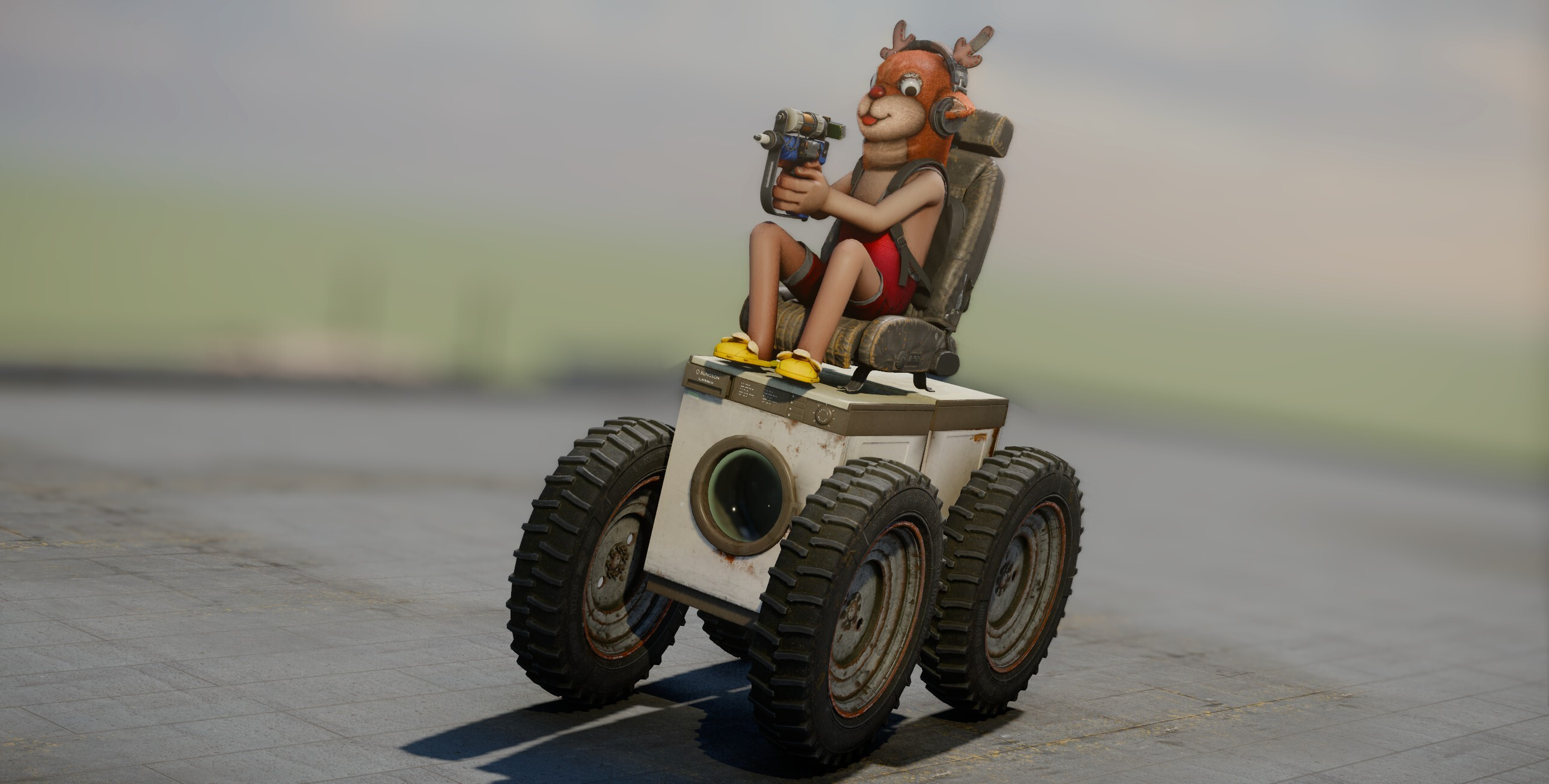

thrill. It is also usable outside sitting — which will probably useful to you if you're making a cops & robbers thing. You could even combine it with the wish values that govern leaning to get a rather zombie-like result...face_override list was added to let programmers forcefully close a character's eyes at any time.


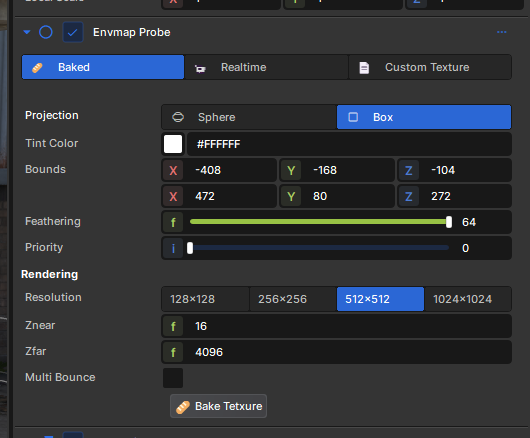
public async Task Bake()
{
	RenderCubemap( CubeTexture, CubemapRendering.GGXFilterType.Quality );

	var sceneFolder = Scene.Editor.GetSceneFolder();
	string filename = $"/envmap/bake_{Id}.vtex_c";

	var vtexBytes = await CubeTexture.SaveToVtexAsync();
	var path = sceneFolder.WriteFile( filename, vtexBytes );

	BakedTexture = await Texture.LoadAsync( path );

	// Make envmap baked
	Mode = EnvmapProbeMode.Baked;
}
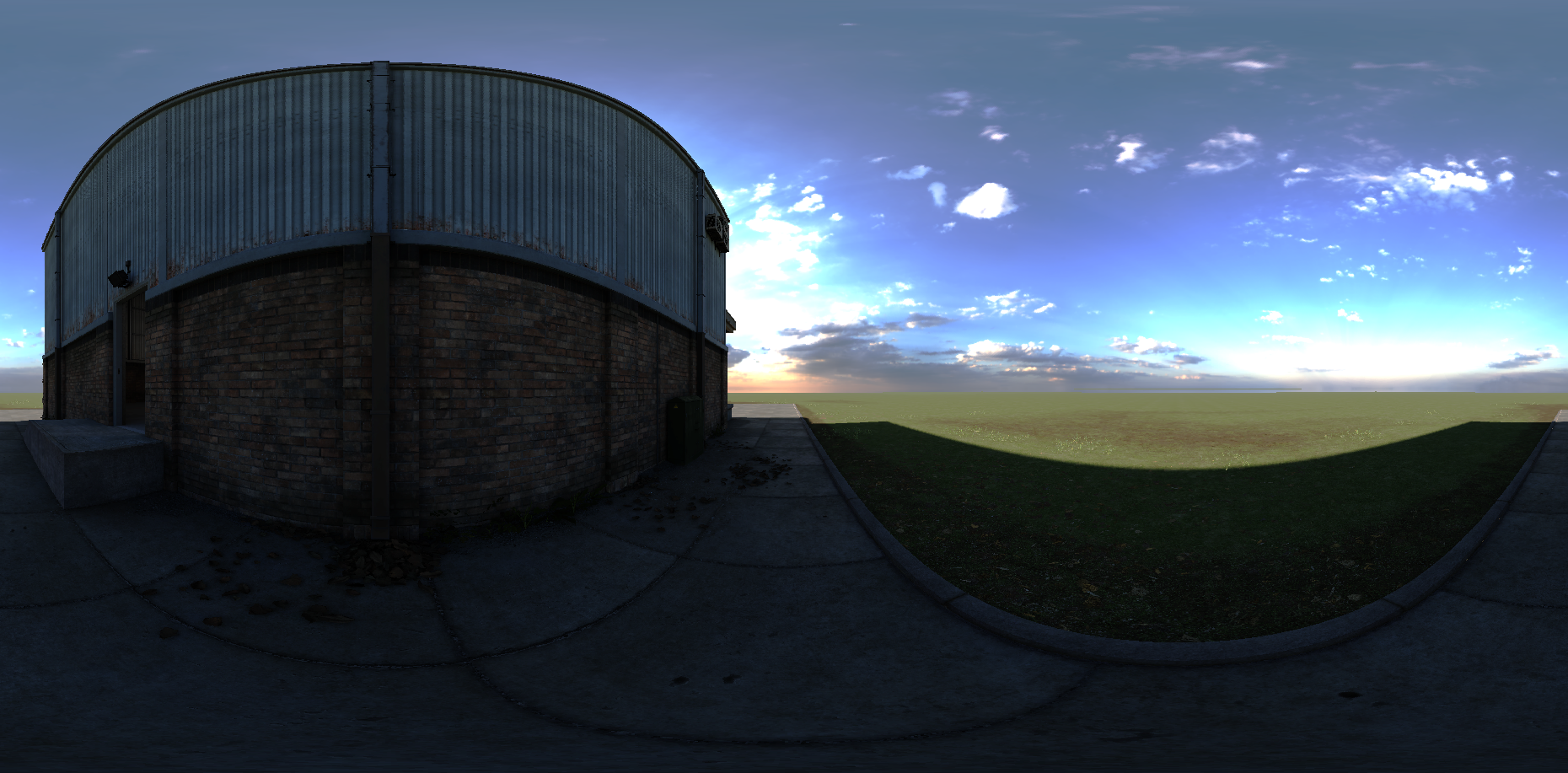
Scene.Editor.GetSceneFolder() to get a class to interact with this folder in the editor. You can generate and save resources in there, which your scene will reference and use. For example, when we bake cubemap textures we save them in this folder.

GroupButtonControlWidget by adding the [EnumButtonGroup] attribute to the property.

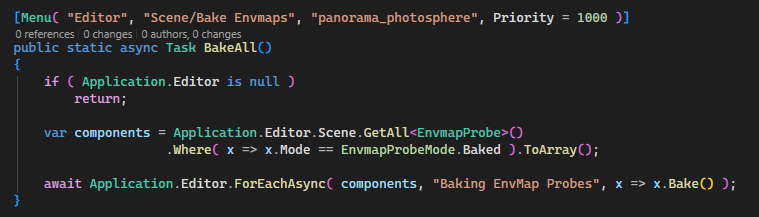

BlobData will automatically be serialized as embedded binary data alongside JSON.public class MyBigData : BlobData
{
public List<float> Data { get; set; } = [];
public void override Serialize( ref Writerwriter )
{
writer.Stream.Write( Data.Count ); // Int
foreach ( var instance in Data ) // float * Data.Count
{
writer.Stream.Write( instance );
}
}
public void override Deserialize( ref Reader )
{
var instanceCount = reader.Stream.Read<int>();
for( int i = 0; i < instanceCount; i++ )
{
Data.Add( reader.Stream.Read<float>() );
}
}
}
@mixin and @include support to the UI stylesheet system.@content blocks for wrapping patterns, dramatically reducing repetition and making your UI code easier to maintain.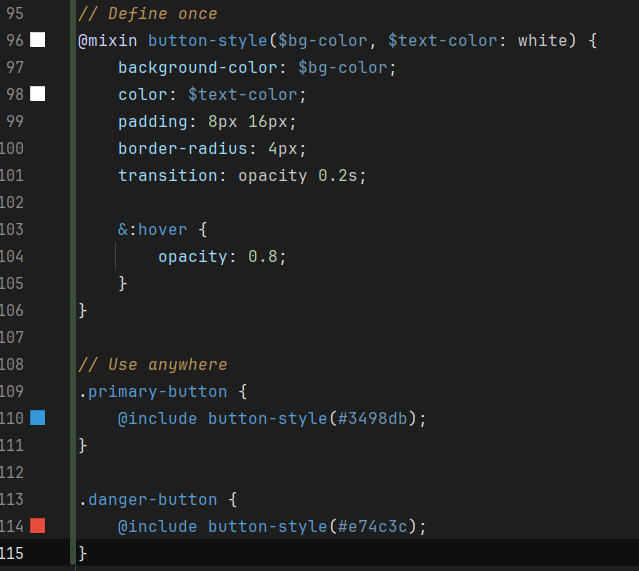
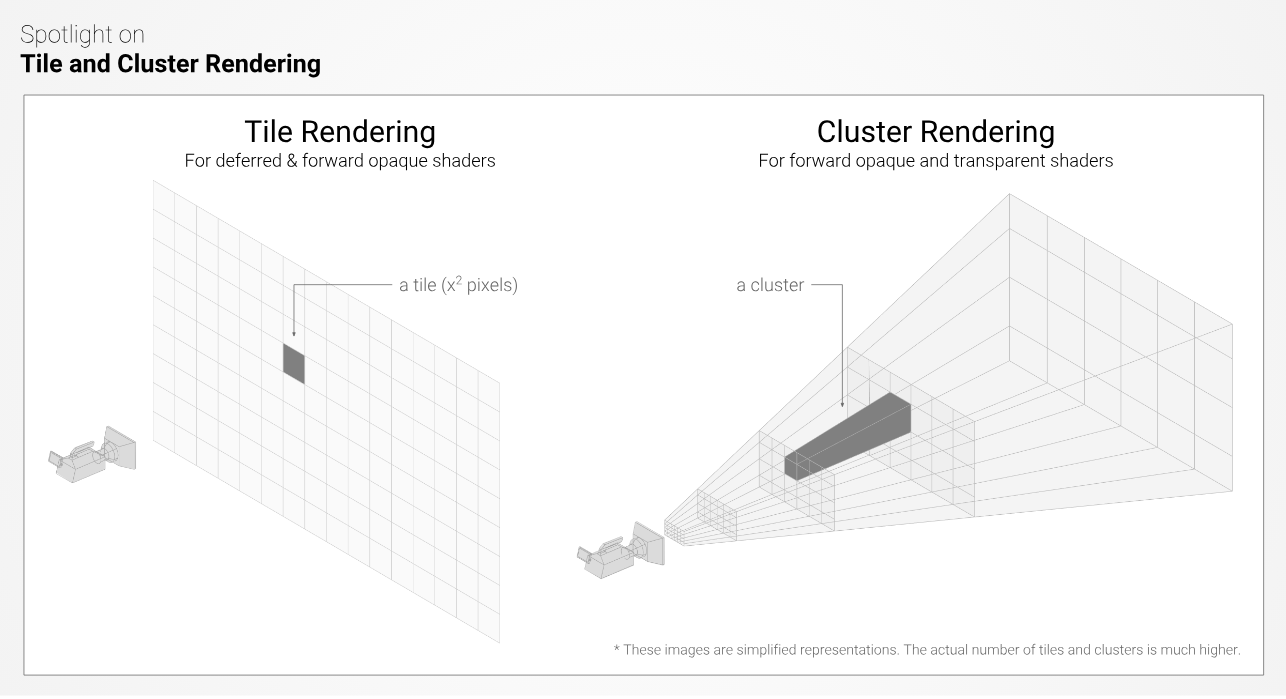
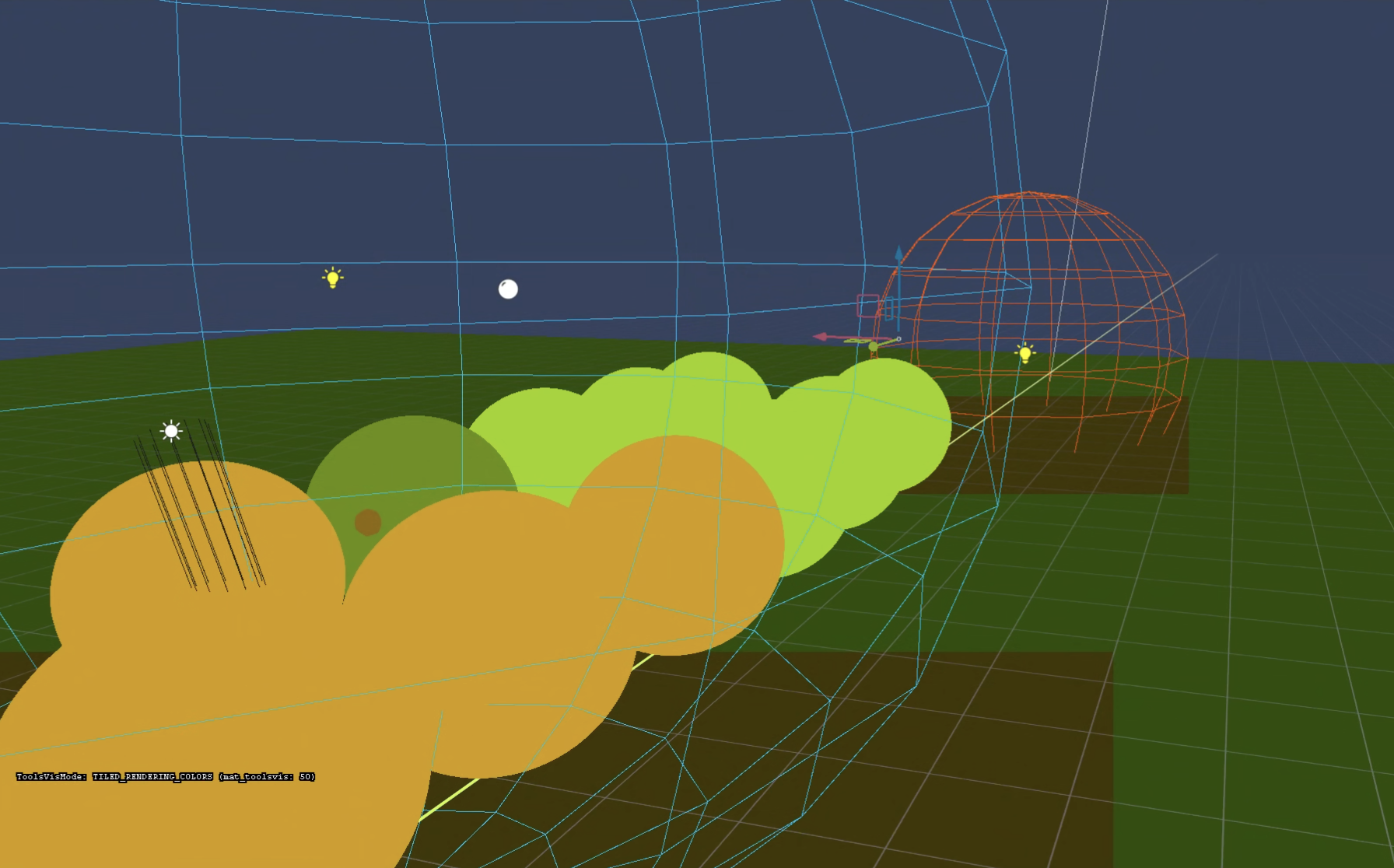
Clustered Culling
EnvmapProbe baking
SCSS Mixin Support
Editor gizmo selection
BlobData API which will serialize as a binary file blob
IPressable Tooltips
Mapping tools apply hotspot
Expose MinImpactDamageSpeed, ImpactDamage in ModelPropData
Added "thrill" parameter to the player animgraphs
Added "eyes_closed" override to the "face_override" list in the player animgraphs
Add custom texture filtering/address mode to line renderer @wheatleymf
Allow for getting and setting of static properties and fields in TypeLibrary @Kicks
CodeGen supports C# 14's `field` keyword @badandbest
Restrict client object destroying option (Networking) @jusvit
Custom filtering/address mode for line renderers @wheatleymf
Add custom texture filtering to BeamEffect too
Editor: Better widget feedback
GameObjectSystem can now serialize properties
Managed Skybox Pipeline + Skybox Tiled Rendering
Fast Texture Tool preview update
Mapping gizmo & helpers
Crash reporting reports C# stacks when C++ crashes
Edge cut tool & pivot picker updates
Dedicated Server Improvements
Audio Optimizations
Reduce Some Network Allocations
Humans now blink the same as citizens
Updated mimalloc to 3-rc2
Show resource generator descriptions as menu option tooltips @Zontax
Node Editor API changes @QuackCola
Having to restart after purchasing a new Clothing Item
Crash in video recorder with double mutex unlock
Crash when closing ModelDoc Shutdown called before hide
Crash when joining via New Instance
Crash when rendering lines with an invalid LPV
Crash in animation code out of bounds
Crash catching EnqueueResourceManifest in managed
Crash with managed exceptions in Qt callbacks crashing native engine
Crash with IES being disposed at end of function
Assets recompiling just because of search path changes (menu assets primarily)
"Discard Changes" option not working, make sure we're updating the scene source when saving a session
Editor Viewport Fixes (DPI scale, multiple viewport box select)
Cubemaps messed up in scenemaps with 3D Skyboxes
UpdateActivity Exceptions
Selection breaking after model reloads (recompiles)
OnNavigationOpen not being called on panel you switch to
Editor tools not being ticked if mouse is not focusing a viewport
Press events on child GameObjects being sent to the parent if it has a rigidbody
Hammer block tool exceptions
Hammer GameObject components being unable to be edited
DropDown initial display when using Value:bind with Options
Clean up editor tools when entering play mode, notably camera preview doesn't stick around in play mode anymore @boxrocket
NRE when clearing graph on GraphView @fishy
ActiveScene.Name @766974616c79
CheckValidationAttributes call within ReviewWizardPage not outputting all error messages @TrvsF
Broken hover styles, add missing tooltip & relevant localization files for "Notifications" @matt944
update model drop object gizmo scenemodel, no longer gets stuck @boxrocket
UseInputControls disabling lookat controls on PlayerController @LeDernierPoisson
Localized Particle Velocity Fixes @Fortune
Asset Browser clearing on asset recompile @trende2001
i like the way for expansions buil-in already features like player animations/hands/models/guns/open source project wants to see it more
This is a good entry point for beginners and for quickly creating a variety of games from scratch, not just clickers i think
More features like this, more game variations, more audience.