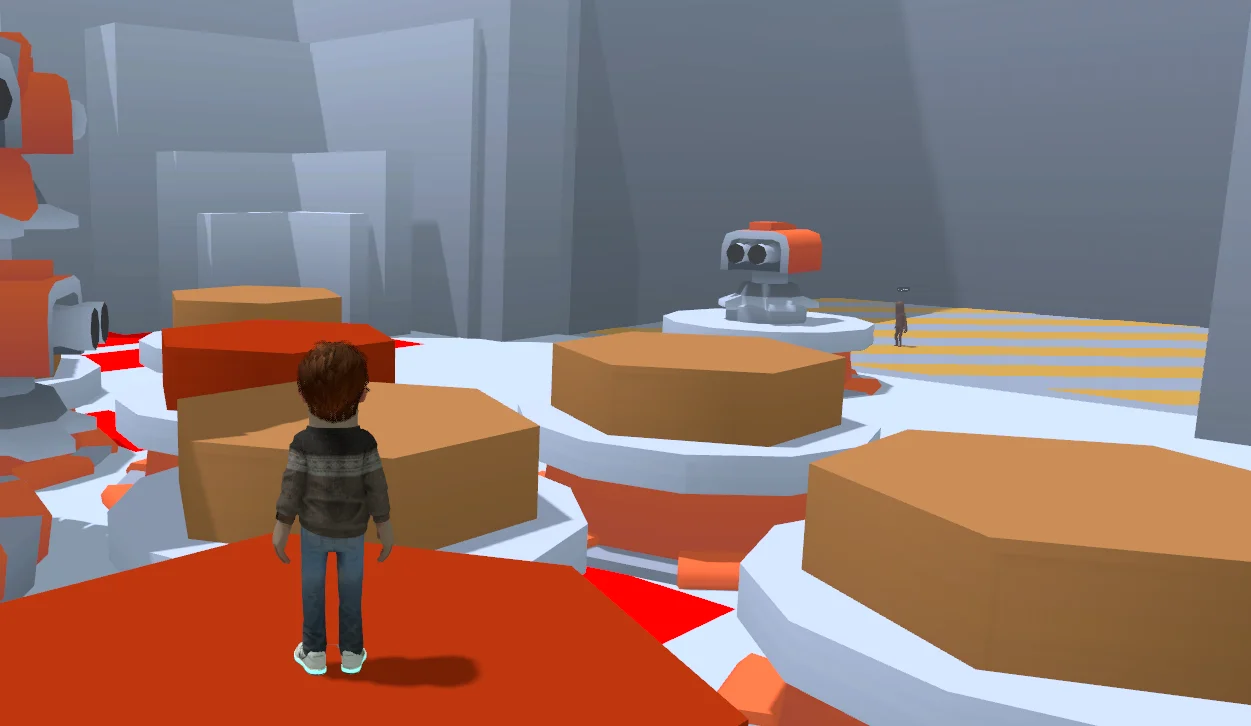
I had a Player come in today and let me know that my UI/UX was slop, it was gross and it overall made them lose interest in the game instantly. Now you might be thinking, did it hurt? Yes. Am I going to do something about it? Absolutely Yes. For a bonus, this player also gave me a ton of Feedback for the game, and as harsh as it was, I'm absolutely grateful for every single letter they typed out about the game, so if you know who you are, Thank you so much.

I looked over my core User Interface of the game and let's be honest, yep it's pretty shit. In my past experience with UI/UX Design, I've used WordPress & Figma, who are more Visual-based UI/UX tools to design prototypes for Games and Software User Interfaces. So for todays News Blog I want to show what I've been working on and what I've been learning about Razor. Before you go to the post below here's the small summary about Razor from the S&Box Devs as well.

"Razor Panels

UI can also be created using Razor, which allows you to use web-like HTML/CSS to create and style each Panel while also being able to leverage C#.

The panels are created and rendered exactly the same way. They don't use a HTML renderer. This syntax is a convenience."


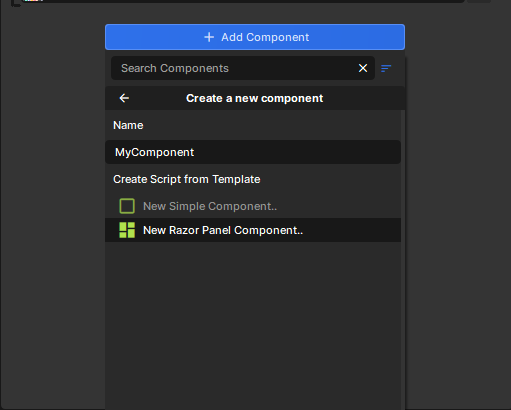
Razor to me was my first experience ever going into Code/Text-based UI/UX Design vs using a Visual Editor like Figma. I had to go over the Razor Panels, Razor Components, and Styling Panels Documentation. It was all very weird to me and it reminded me a lot of HTML5 & CSS. Which to me pretty new, I know about HTML5 & CSS but I use WordPress, so it kind of was a "Drag and drop" and did it for me.

I looked up Razor Tutorials and didn't find much, but I did find a Course Online you could pay for to learn Razor for S&Box, which I guess is nice for that instructor. I did today find a Youtube Video from Crayz "Crayz" about How to Create UI in S&Box - Razor Basics

There was just one problem however, and these tutorials are about 3 Years old for S&Box's Beta, so there was a lot kind of outdated that I had to translate with the Documentation. 

But before the next section, it might be evil.
Well you made it. This is the toughest part.

I'm going to flat out say it, Yes I did use a AI to look into Razor components. I asked how Razor components worked, had it teach me simple shit like font-style: or, font-weight:, and it told me and taught me a lot about Razor. So then I asked it to create UI stuff for the game, and well....

It was shit. Like, actually shit, slop, nasty as hell.

If you look at the screenshots below, AI just has no artistic talent, it just makes UI/UX just super bright on the edges, makes ONLY ROUNDED RECTANGLES, and literally it was like... what the hell man?

If you look at the screenshots below, you'll see like big examples of this "shit" that it was making. It had too many colors everywhere, took what I was starting with and making it 100% worse.

And before you look down below of the screenshots, these are me putting Razor slop into my game to show you some great examples of Slop Razor Components, not anyone else's games.


Well I did what I had to correctly since I am still failing with the UI/UX Department side of things. I took what I understood from The Documentation, Videos, and the AI, and started reworking and making my own well, still shitty UI/UX myself. I looked into how to size overlays myself, size specific panels, and overall the entire day today was just me erasing the most dogshit parts of the UI/UX that was made, and learning from what was made.

For now I just stook with the #hexcodes for S&Box, and use that for my interface colors mainly for now until I can watch more UI/UX Tutorials for Gaming in general. I adjusted the dumb bubbly / thick round-ish boxes, adjusted the fonts on text, font weights, and even went through and added Icons which were provided by the awesome game-icons.net. I used .vtex images for the Icons since regular .png's won't compile for packages for S&Box and the game. I tend to really keep looking at S&Box UI/UX especially for the Sandbox Gamemode, and S&Box's website, which has a lot of Rounded-Rectangular boxes, Blue, and I think not having those rounded-rectangles is a positive, it makes game UI unique a little bit or it doesn't because it's Razor, Razor is supposed to look Bubbly and Friendly (I think?)

For what I'm doing right now, I'm completely making a new Panel, New UI System for the Chat, and the Voting System, and seeing if I can make something way better. So that's on my next agenda.

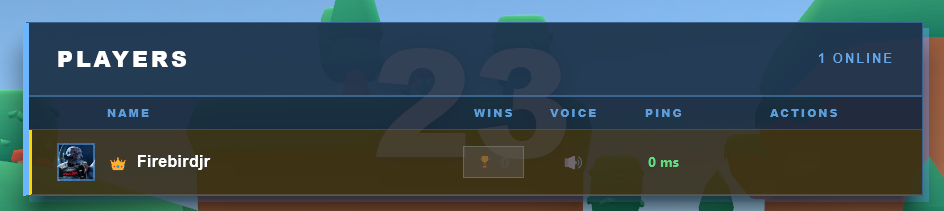
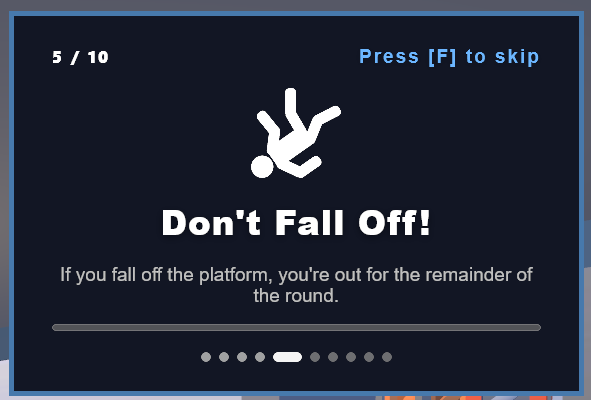
I posted some screenshots below of some past, current, and WIP Rectangular panels with the GuideHud and information on them, as well as just a Rectangular "You Are The Host!" button for Lobby Hosts for the game as well. For now it's just plain and basic and simple, but it's a better start than using a machine to just well, do it all for someone (Aka AI Slop). My first UI Element I've ever added was just a Rectangle, and it just had a "Work In Progress" on it, and I slapped that and stopped with continuing the UI/UX since I was more focused on the Gameplay (Sweeper Spin Mechanic)


As always I'll have the Changelist below!

I want to thank everyone who gave me feedback on the game so far, I really appreciate it, and please keep giving me feedback as it will help me polish up the game more and more. The journey has been amazing so far, difficult, and overall insanely tough when it comes to working with a New & Released Engine.


Also I want to mention, I had a incident today with a Team Member and I wanted to let everyone know they've been severely warned by me. I personally apologize for that incident and hope that it never happens again.
May 17th, 2026
18 May 2026
🎁 Added
  • New Icons for the Small Guide & Intro Guide Cards (These Icons were provided by game-icons.net under the CC by 3.0 License)
  • New Guide Cards for Specific Maps & Levels (These also use the new Icons now as well)
  • A couple more Sharks in Pirate Sweeper
🧼 Improved
  • Code Optimization
  • User Interface & Design
  • Network Syncs
  • Increased the speed of the shark's attack, and added out of bounds killing volumes
  • The Intro Guide Cards
🪛 Fixed
  • Ragdoll Physics and Player Collisions bounce all over when Players jump into each-other (Facepunch did a Update to Fix This Issue)
  • Items aren't spawning in Facility Sweep
  • In Facility Sweep, players can get to the lower part of the Platform and camp the area and dodge bullets infinitely.
  • Players(Non-Host) can't see the Cannon Ball Shadows
  • Cannons are Firing at players who are already Eliminated
  • When players are being eliminated and falling off non water surfaces it's saying "XYZ is going for a swim"
  • The Sweeper at the end of the round will sometimes keep it's last round speed, causing it to be really fast at the start of the next round.
  • In Pirate Sweeper, you can swim and fall out of the map!
  • The sharks will ignore players if they keep spam jumping in the water.
🚯 Removed
  • Old UI/UX Trash Systems
  • Un-used Game Mangers (Old Network Managers)
  • Removed Unused and Useless Network Helpers on a lot of Objects
⚠️ Known Issues
  • On some occurrences, when the map goes to Switch Scenes, the game will stall out and not load the Scene. Needs more Testing / Needs to happen again for confirmation
  • The Camera Collision will be zoomed in and affected by other Players causing Zoom-ins & Zoom-outs when you collide with someone else.
  • There are multiple get out of the playable area Jump spots in Grass Sweep & Facility Sweep.
  • Music is no longer playing on the first-round / first-scene load.
  • Chat History is getting wiped after a new map is Loaded
  • The Boat Swaying is causing Ragdolls to get stuck in like a "Flying" animation state when the Boat is tipped on a certain side.
  • The Island on Pirate Sweeper has no collision
  • The Ghost Ships have no collision on them
people
Log in to reply
You can't reply if you're not logged in. That would be crazy.