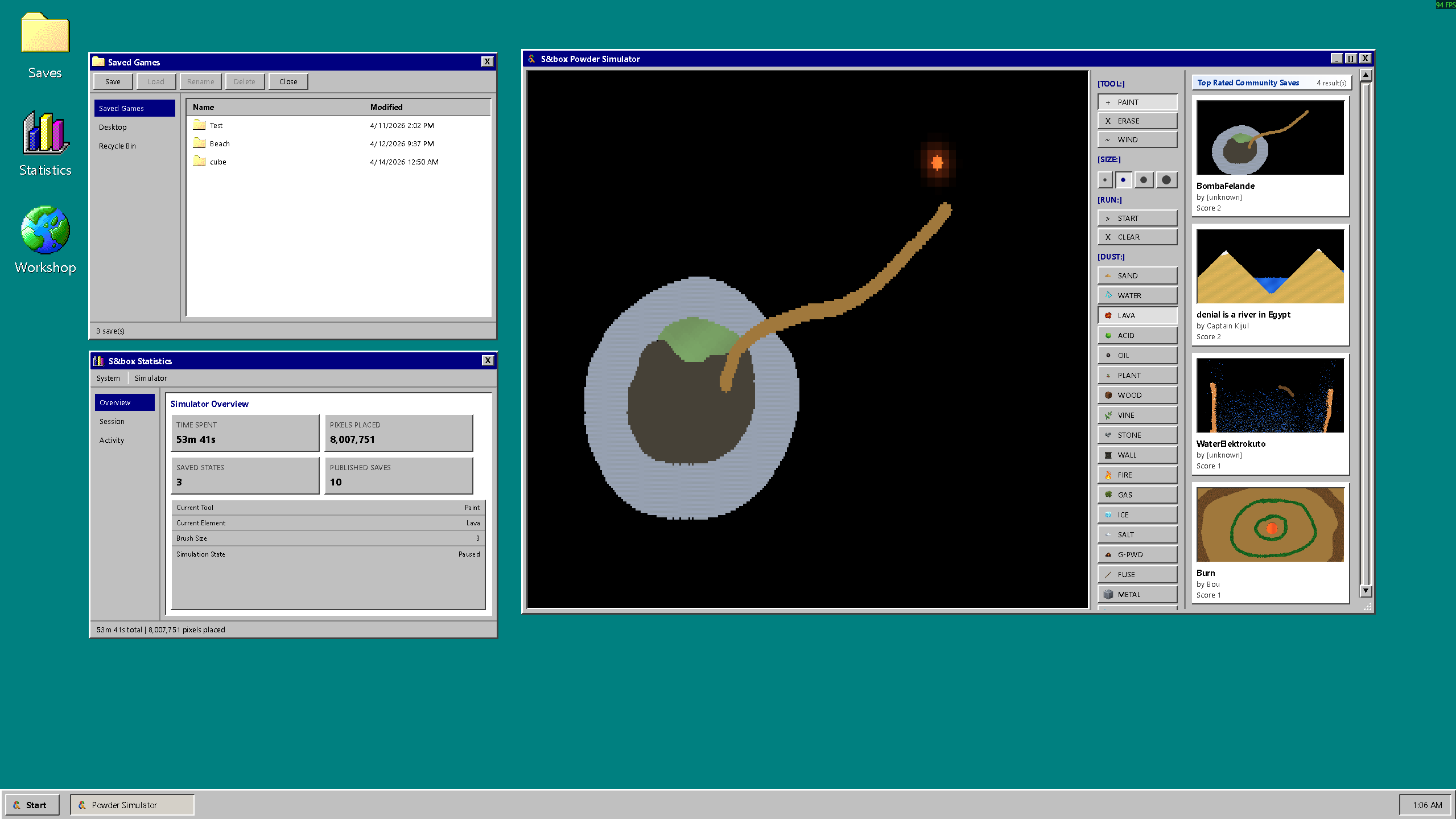
When you launch Powder Simulator, you're greeted by a new teal desktop, a couple of icons, and the feeling that you've just booted up an old PC from 1998.

The windows, the buttons, the title bars are styled to look like Windows 98. You can drag windows around, bring them to the front by clicking them, and close them with a little X in the corner. It's nostalgic, a little silly, and immediately familiar.


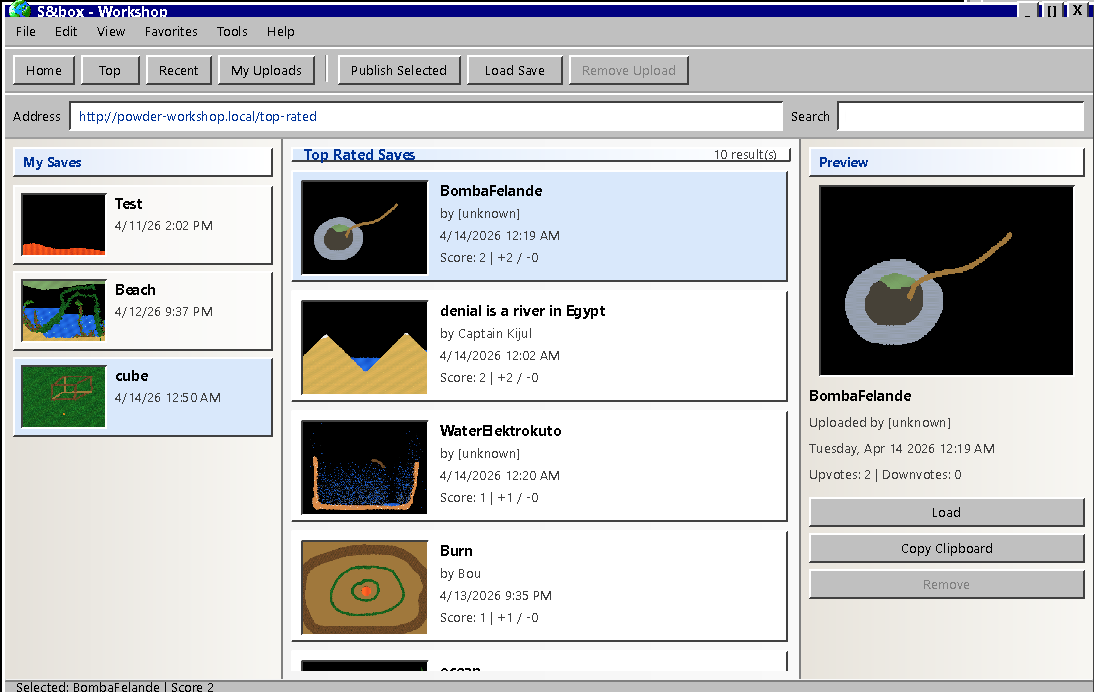
Hit the Workshop desktop icon and a window opens up with community saves laid out like a file browser. From there you can:
  • Browse trending saves from the community
  • See the top rated saves ranked by player votes
  • Check the newest uploads
The best community creations show up right on the main screen in a small panel, always visible while you play. One click loads them in.


UI and Workshop
1.2
14 April 2026
🎁 Added
  • Better UI
  • Workshop
  • More elements to play with
🧼 Improved
  • Birds
  • Textures and shaders
people
Log in to reply
You can't reply if you're not logged in. That would be crazy.