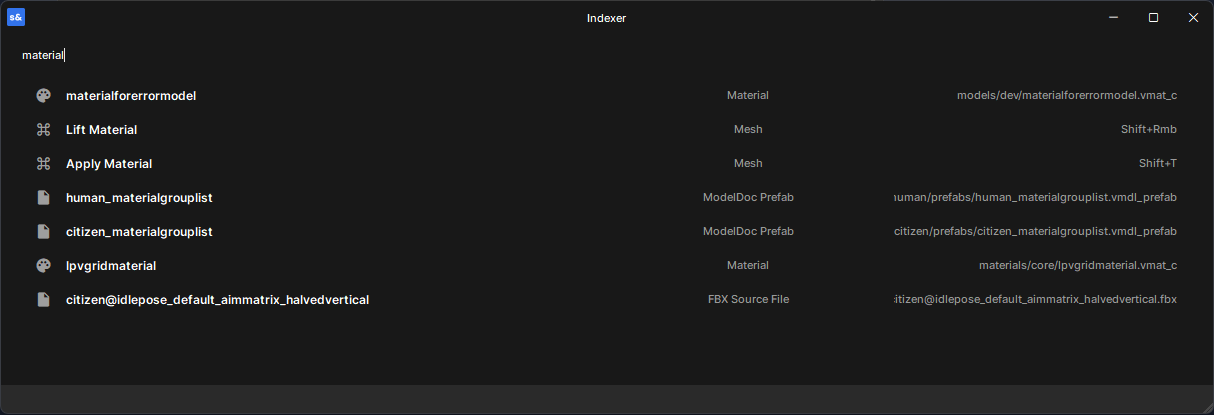
Indexer is a command palette for searching assets, scene objects, code, evaluating math, and converting colors.
Open with Ctrl+P (keep in mind that you might have to re-bind the existing Ctrl+P shortcut).
Features
Asset Search
Search across all project assets by name. Models, materials, animations, and other asset types are displayed with their type and relative path. Selecting an asset opens it in its default editor.
Scene Objects
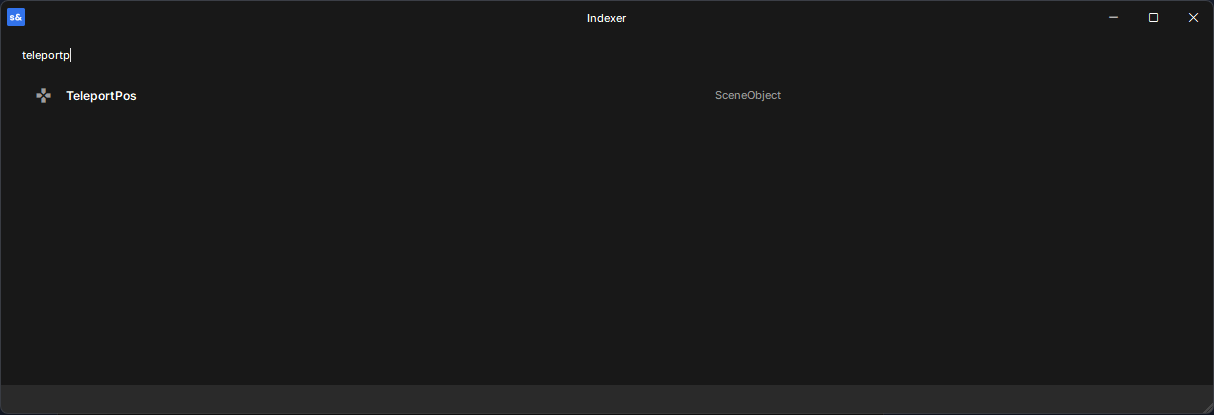
Search through all objects in the active scene. Results show attached components and selecting an object focuses it in the scene editor.
Code
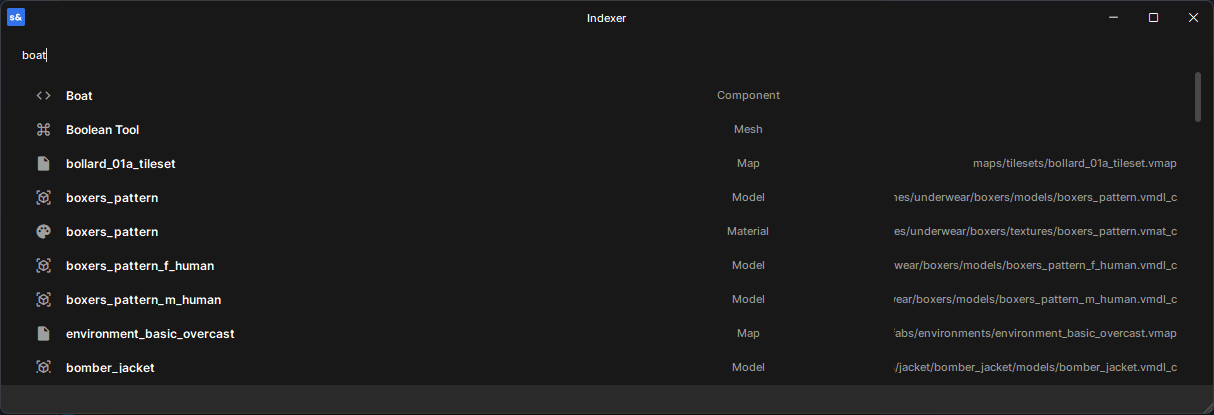
Search project components by class name. Selecting a result opens the source file at the correct line in your code editor. Engine types are filtered out for clarity.
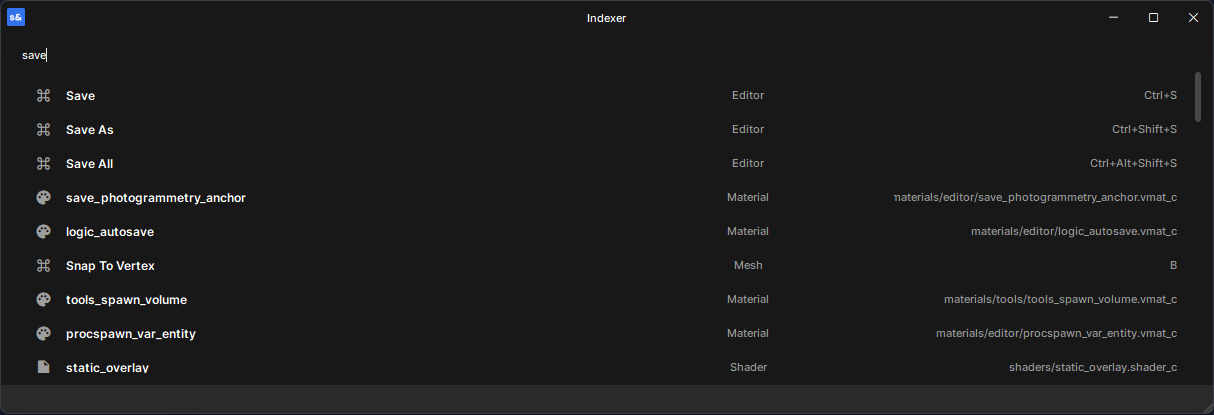
Editor Actions Search editor actions and shortcuts by name. Results show their keybinding, and selecting one runs the action as if you pressed the keys.
Math
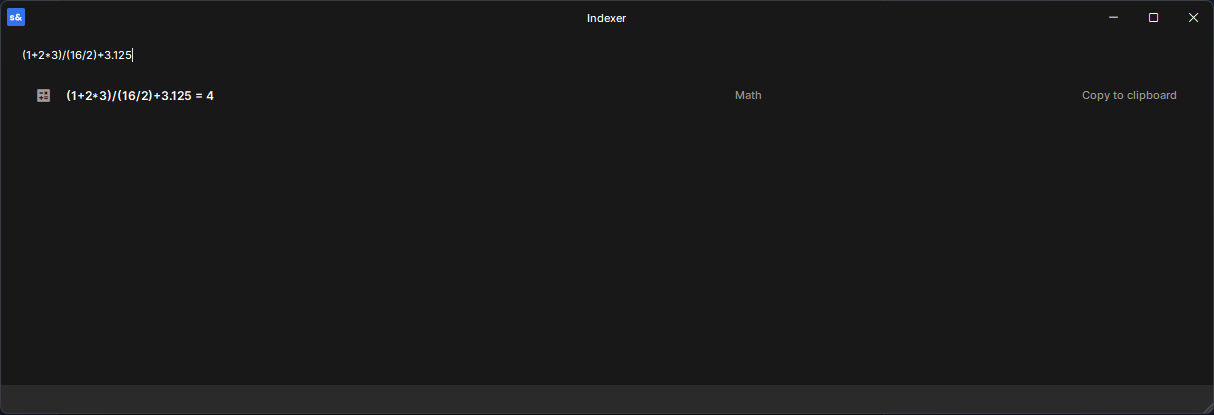
Type a math expression and see the result inline. Select to copy the result to your clipboard. Supports +, -, *, /, parentheses, and negation.
Color Conversion
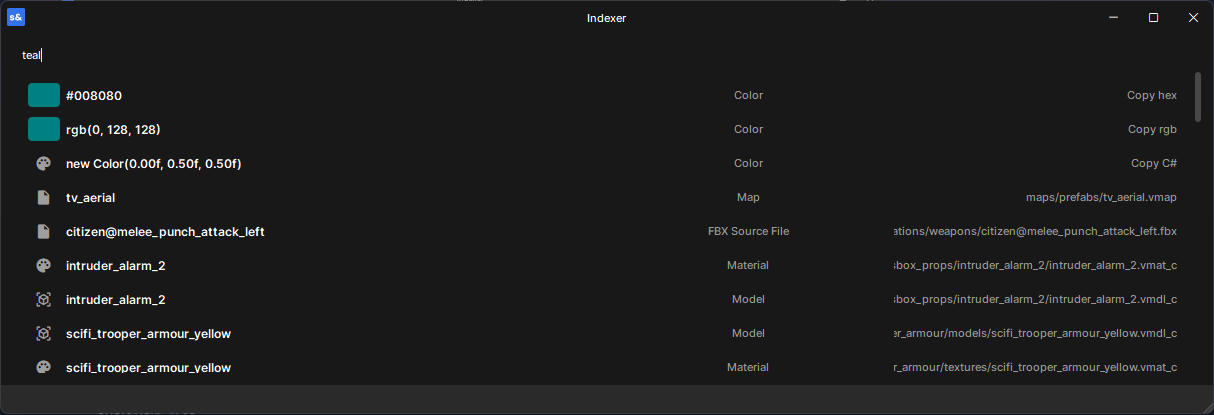
Type a color in any format and get instant conversions:
Hex: #FF5733
Short hex: #F53
RGB: rgb(255, 87, 51)
Named: red, blue, cyan, etc.
Each result copies the color in a different format — hex, rgb, or C# constructor.
Future plans
Here are some things I would like to add to this library: - Memory of last choices, which would allow for more consistent filtering and lookup
- Better filtering using prefixes, such as mat: (material), mod: (model) and so on - Improved search matching