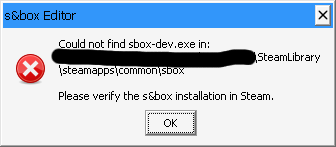
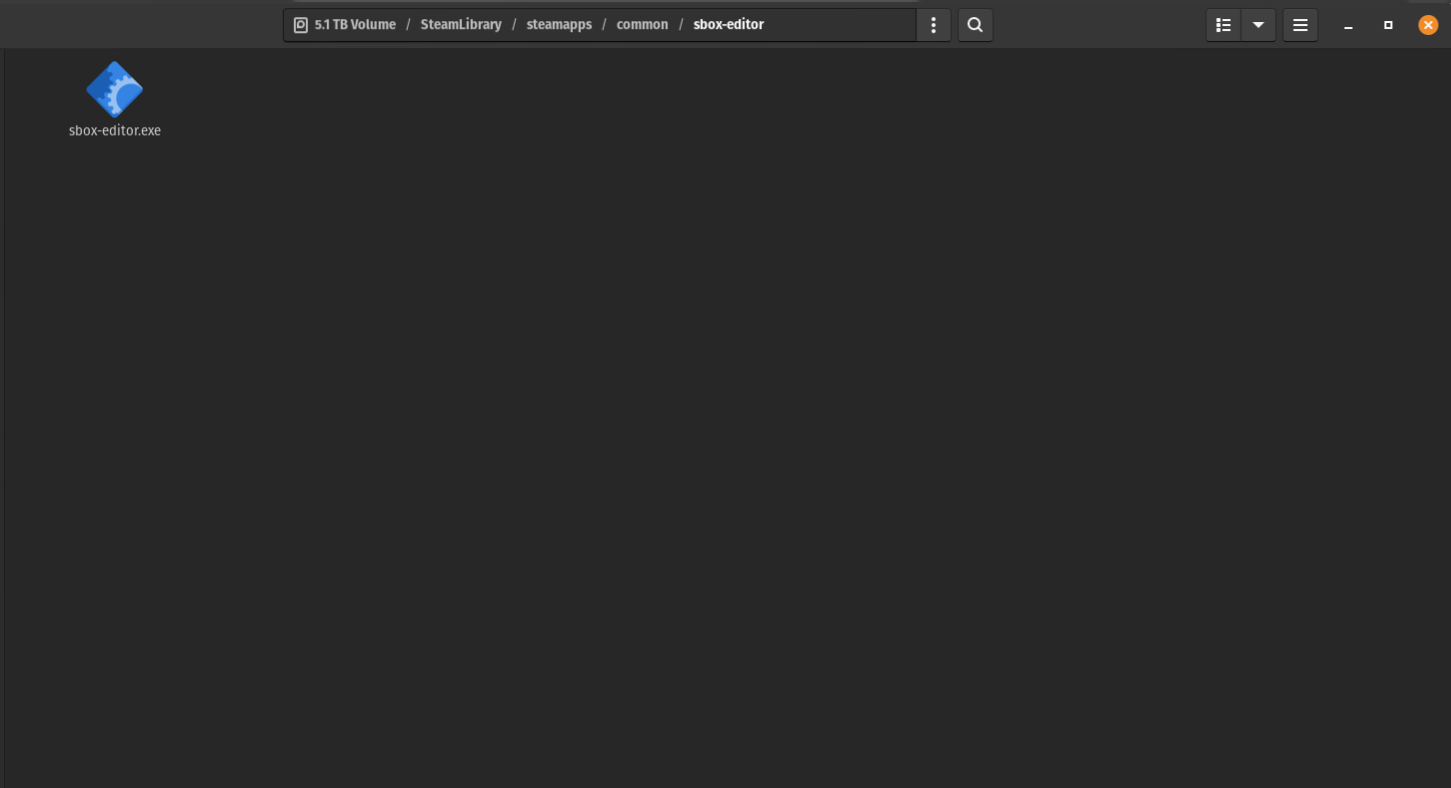
To clarify, the temporary workaround is to go to your local install of S&box (at this time don't even bother with installing S&box Engine). The install location should be something like:
~/.local/share/Steam/steamapps/common/sbox/
You will see a executable for sbox-dev. You can either double-click to run it right away, or copy the location down for adding it to the non-steam games (if you add it to the non-steam games, you will probably have to include all files, not just the .exe, .sh, .bash, etc.)
Note: the S&box editor hasn't been updated since April as of making this comment.
After enabling this you will be able to access S&box's editor launcher; however, at least for me, the project crashes, so this still needs proton.