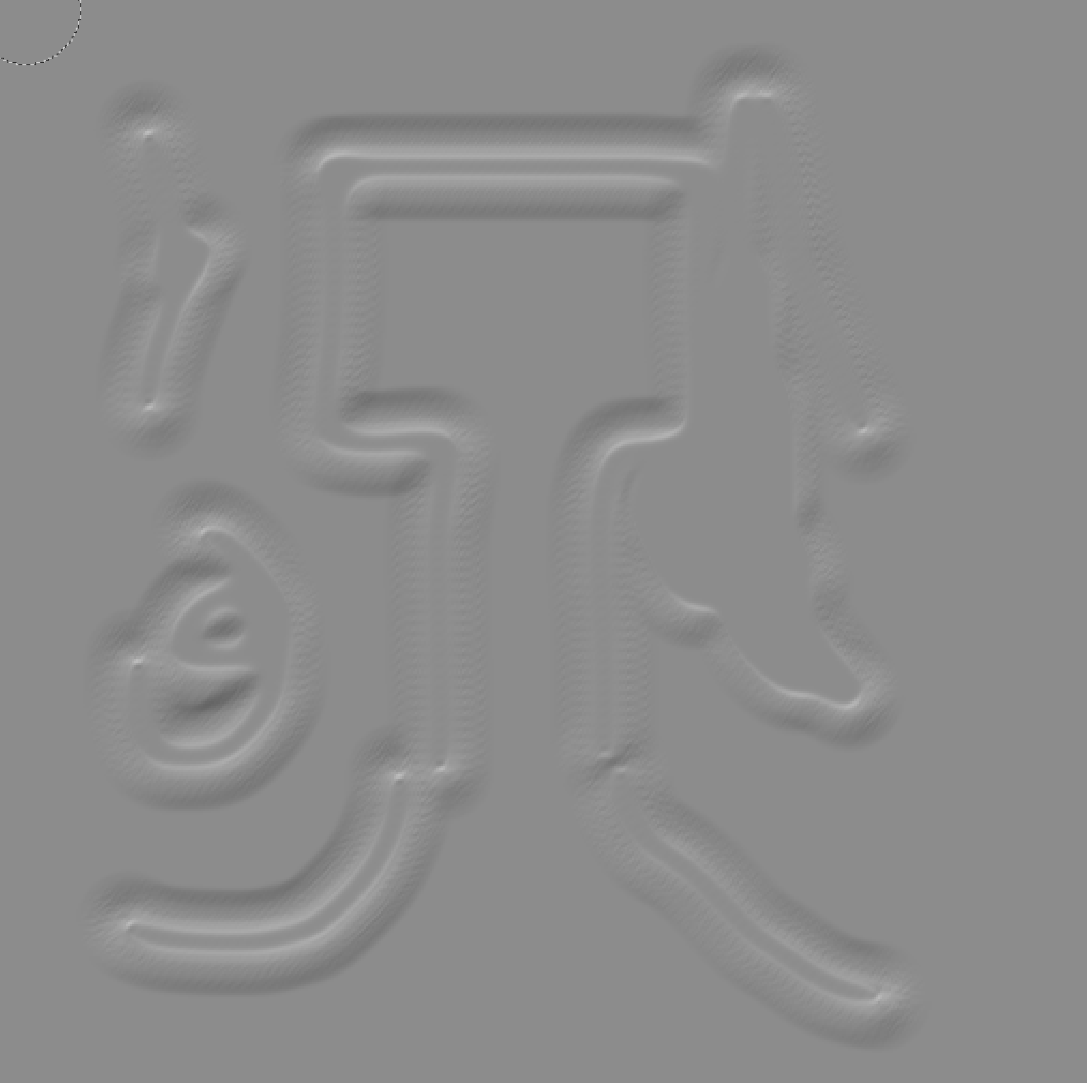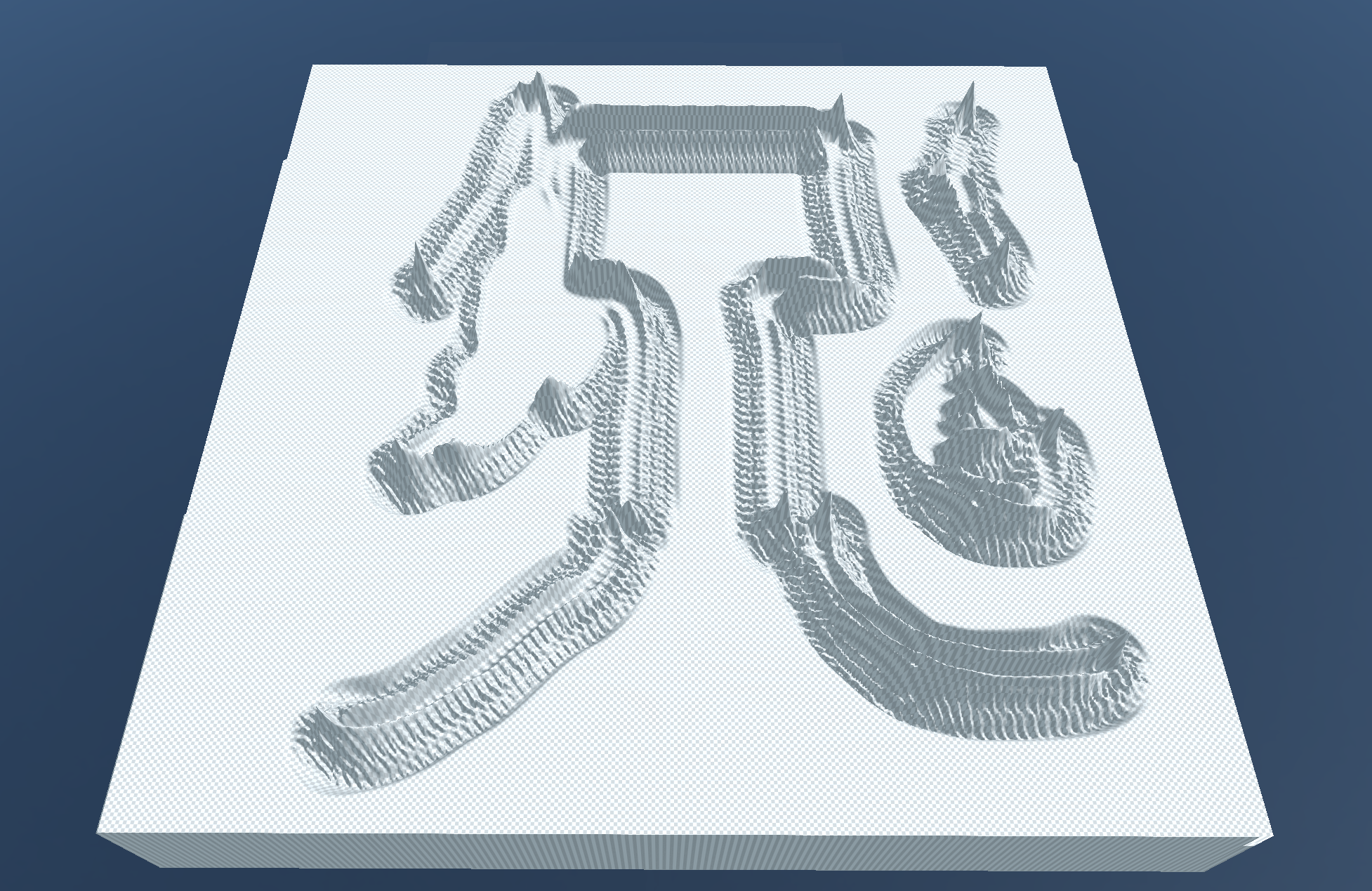
S&box can be really "unpredictable" sometimes when importing an heightmap, if you've made a small mistake in the export format, or if you kept an alpha channel active, or using the wrong precision format, you will end up with a complete mess on your terrain and it's probably gonna leaves you frustrated about why it doesn't work as intended !
So here is the steps if you wanna create one (I'm using GIMP so idk about the steps on Photoshop, so if anyone knows, feels free to leave a comment !)
- Open GIMP
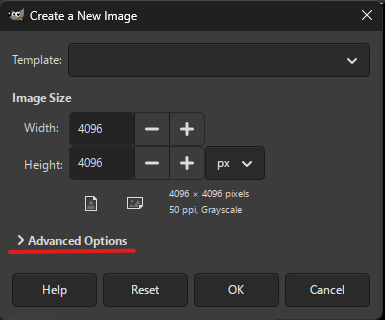
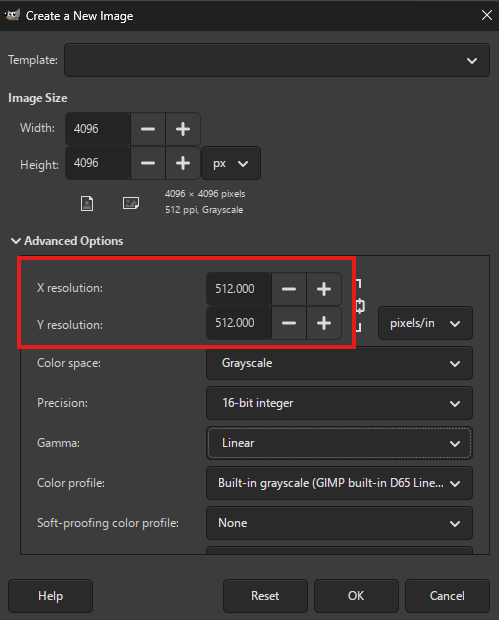
- Create a power of two texture (512x512 as an example, this is important, I personally recommend a 4096x4096 texture if you want enough details)
- Then make yourself an heightmap (by drawing) or import one (You can create an heightmap by going "Filters" > "Generic" > "Heightmap")
- Set the mode to "Grayscale" (Go to "Image" > "Mode")
- Set the precision to "16bits integer" (Go to "Image" > "Precision")
- Disable colors management (Go to "Image" > "Colors management")
- Make sure to remove the Alpha channel (if there is one) by right clicking on your layer and select "Remove alpha channel" (This is super important)
The file should then be exported as
My original gist post: https://gist.github.com/K3rhos/5d72302e14c6a8acd48a701c9affe482
So here is the steps if you wanna create one (I'm using GIMP so idk about the steps on Photoshop, so if anyone knows, feels free to leave a comment !)
- Open GIMP
- Create a power of two texture (512x512 as an example, this is important, I personally recommend a 4096x4096 texture if you want enough details)
- Then make yourself an heightmap (by drawing) or import one (You can create an heightmap by going "Filters" > "Generic" > "Heightmap")
- Set the mode to "Grayscale" (Go to "Image" > "Mode")
- Set the precision to "16bits integer" (Go to "Image" > "Precision")
- Disable colors management (Go to "Image" > "Colors management")
- Make sure to remove the Alpha channel (if there is one) by right clicking on your layer and select "Remove alpha channel" (This is super important)
The file should then be exported as
.raw format, make sure to leave the export settings to default. (Otherwise it will not work properly)My original gist post: https://gist.github.com/K3rhos/5d72302e14c6a8acd48a701c9affe482