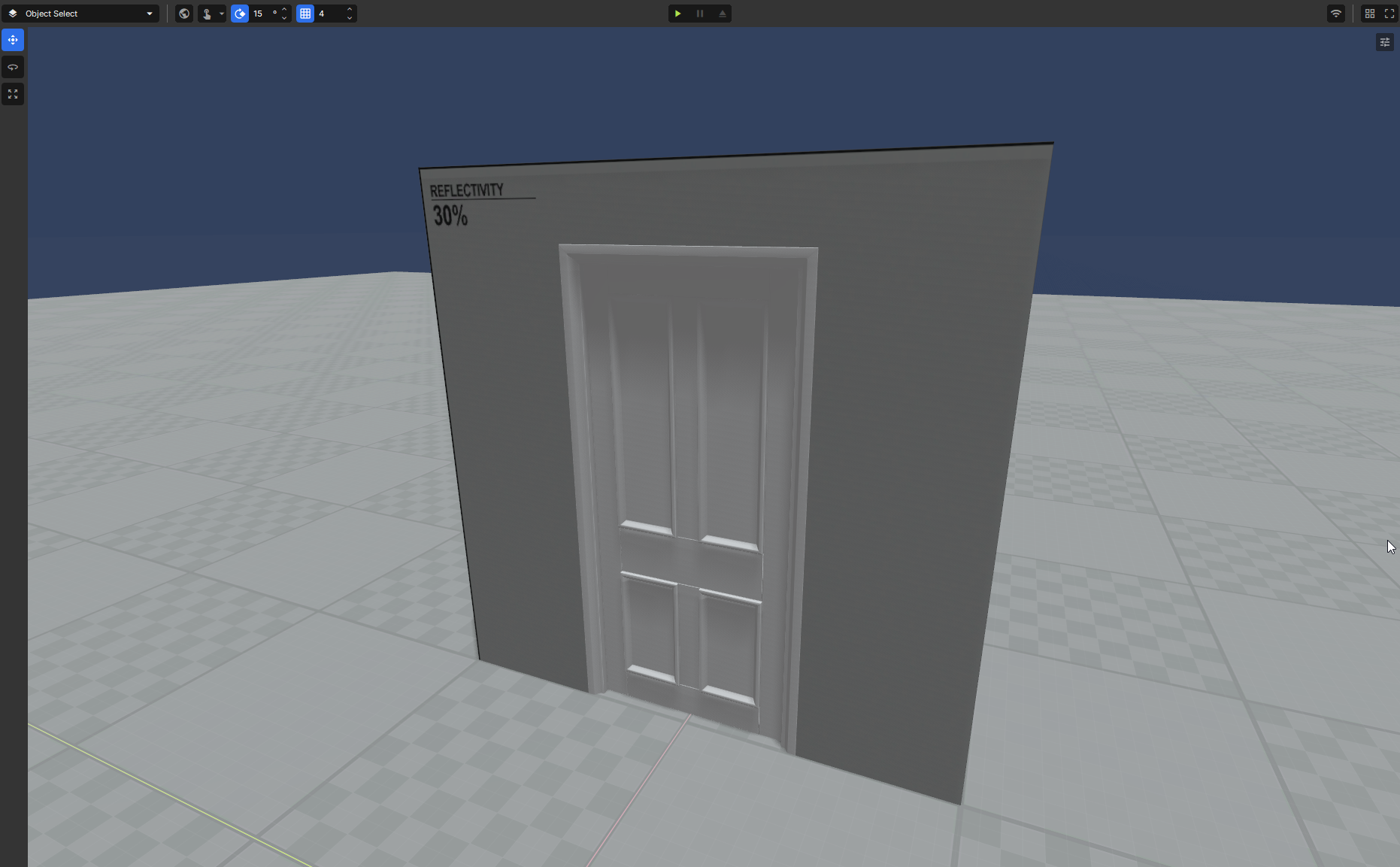
Doors can basically be anything as long as it has a collider, for this tutorial we will use a door model.
Setup
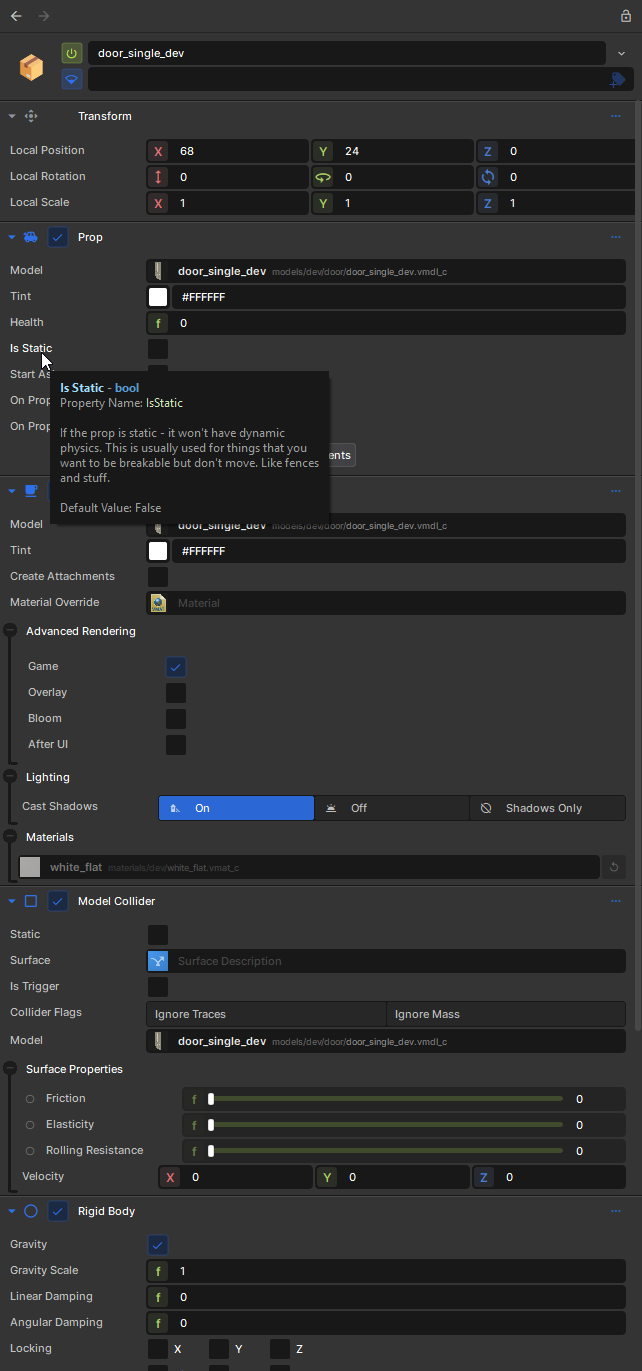
Once you have your scene set up and the door in place, we can add the door component. Select the door and look at the inspector, you'll see a list of components these are what make up the door. Normally its a Model Renderer and Model Collider if you are using a prop.
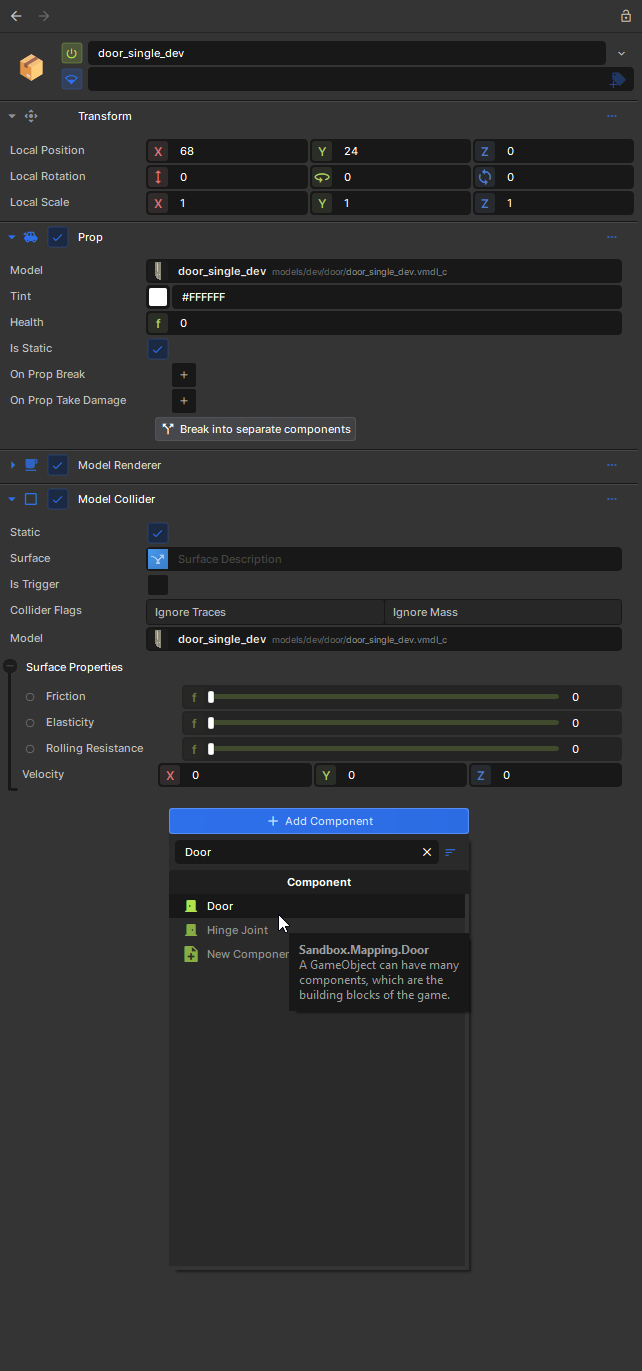
If you have a Prop Component make sure you tick the Is Static option or if you have a rigid body to either disable it, remove it or turn off Motion Enabled.
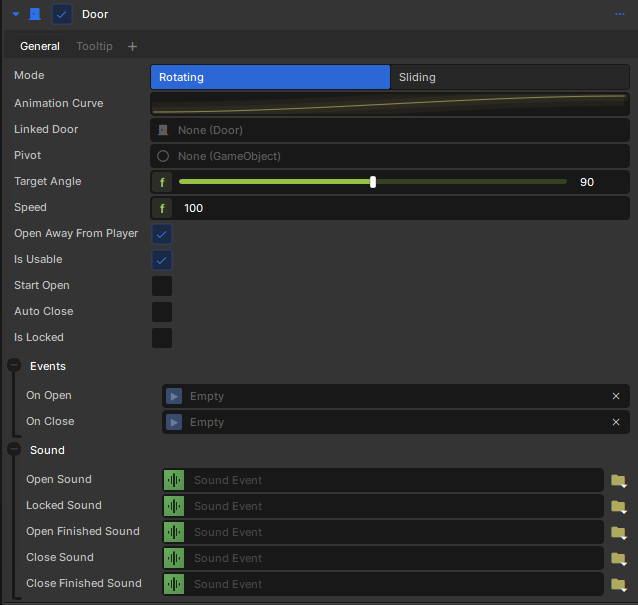
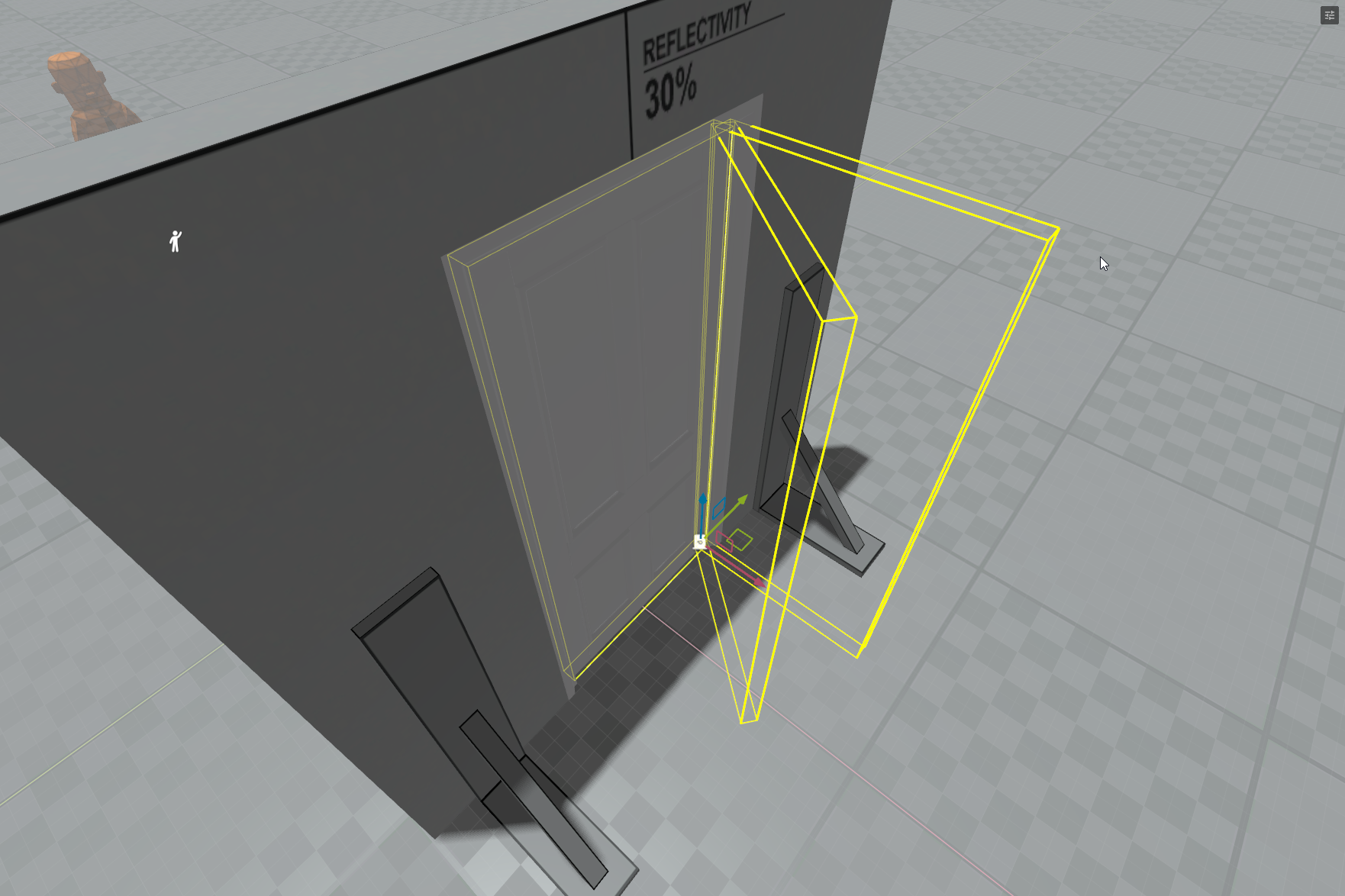
Let's add the Door component, scroll down and press the Add Component button and search for "Door" select it to add it. You should now have the Door component now. As you can see there are a lot of options for now we don't really need to touch anything it's good to go out of the box.In the viewport you should see the gizmo of the door animating. Press play and open the door.
Sliding Door
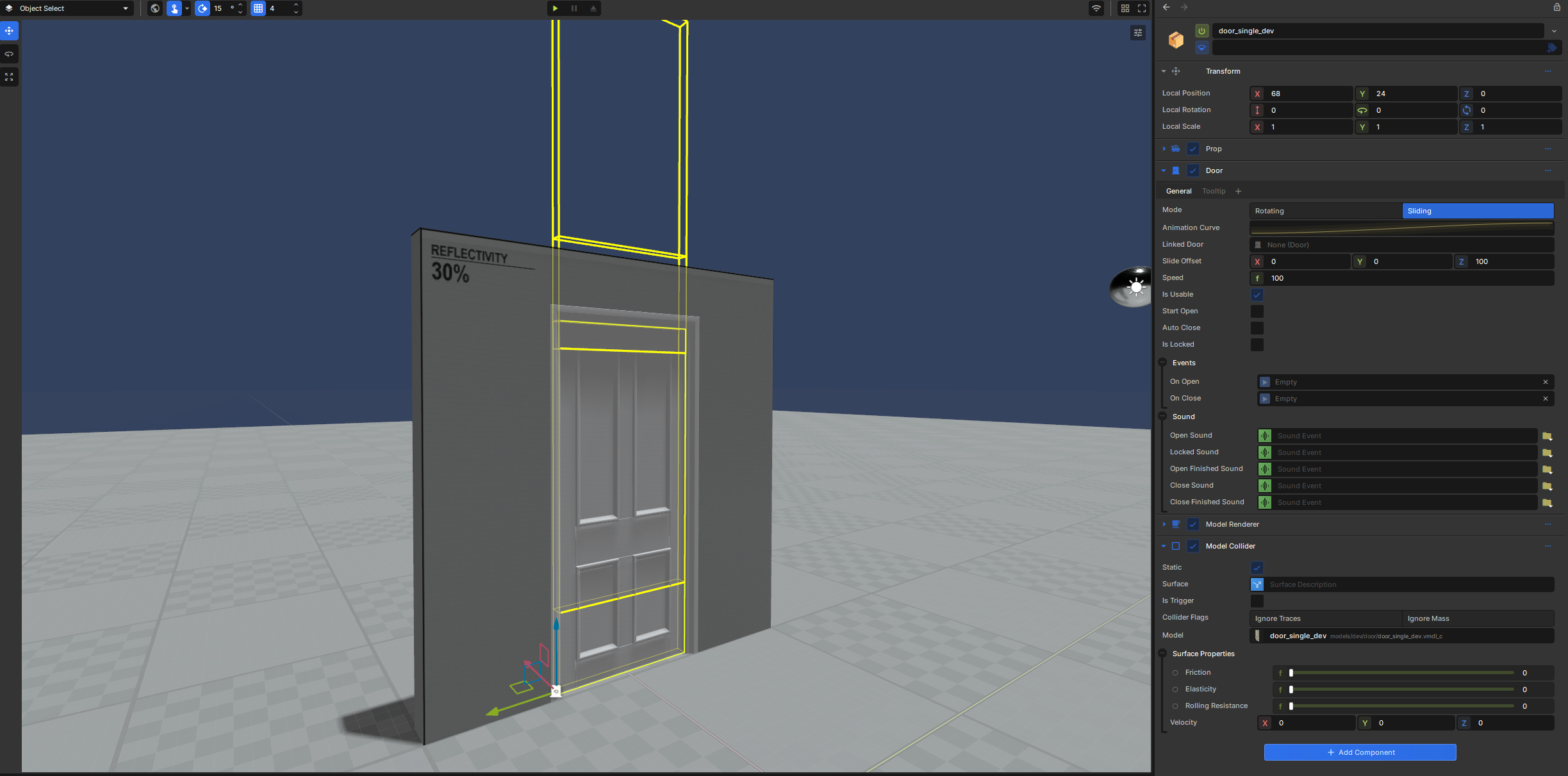
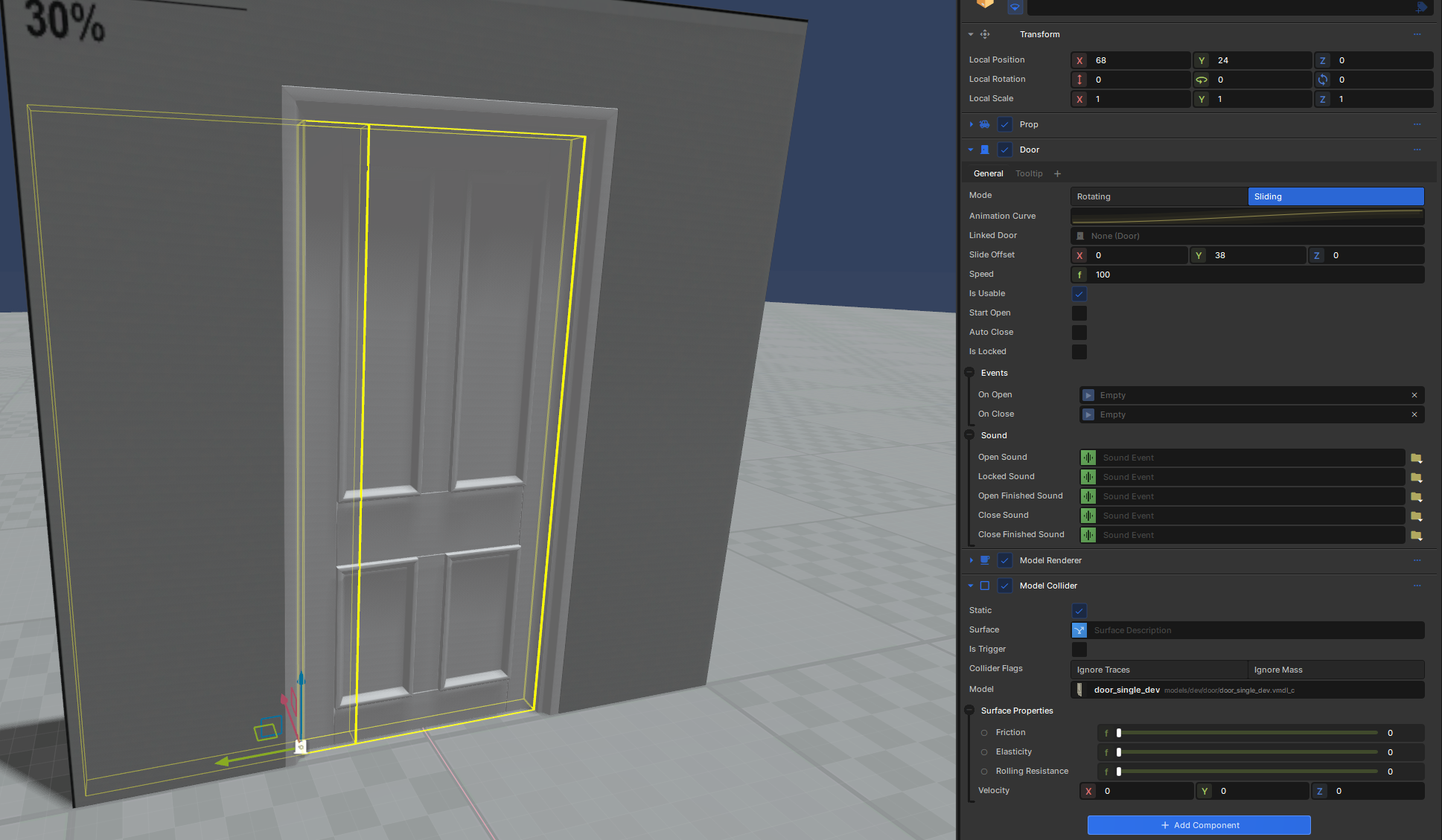
If you want a sliding door, at the top of the component you'll see 2 buttons one for rotating the other for sliding. Simply change it to sliding, The gizmo will now change to show its a sliding door. You can change how far it moves with the Slide Offset, Here I have changed it to move to the left. Press play and try it out.