Official Release: Main Menu, Dedicated Servers & Legacy Fires
1.0.0
11 October 2026
Areas
22 changes in this update
The Rust you remember is back, now with a main menu, a server browser and dedicated servers. Host it, join it, wipe it.

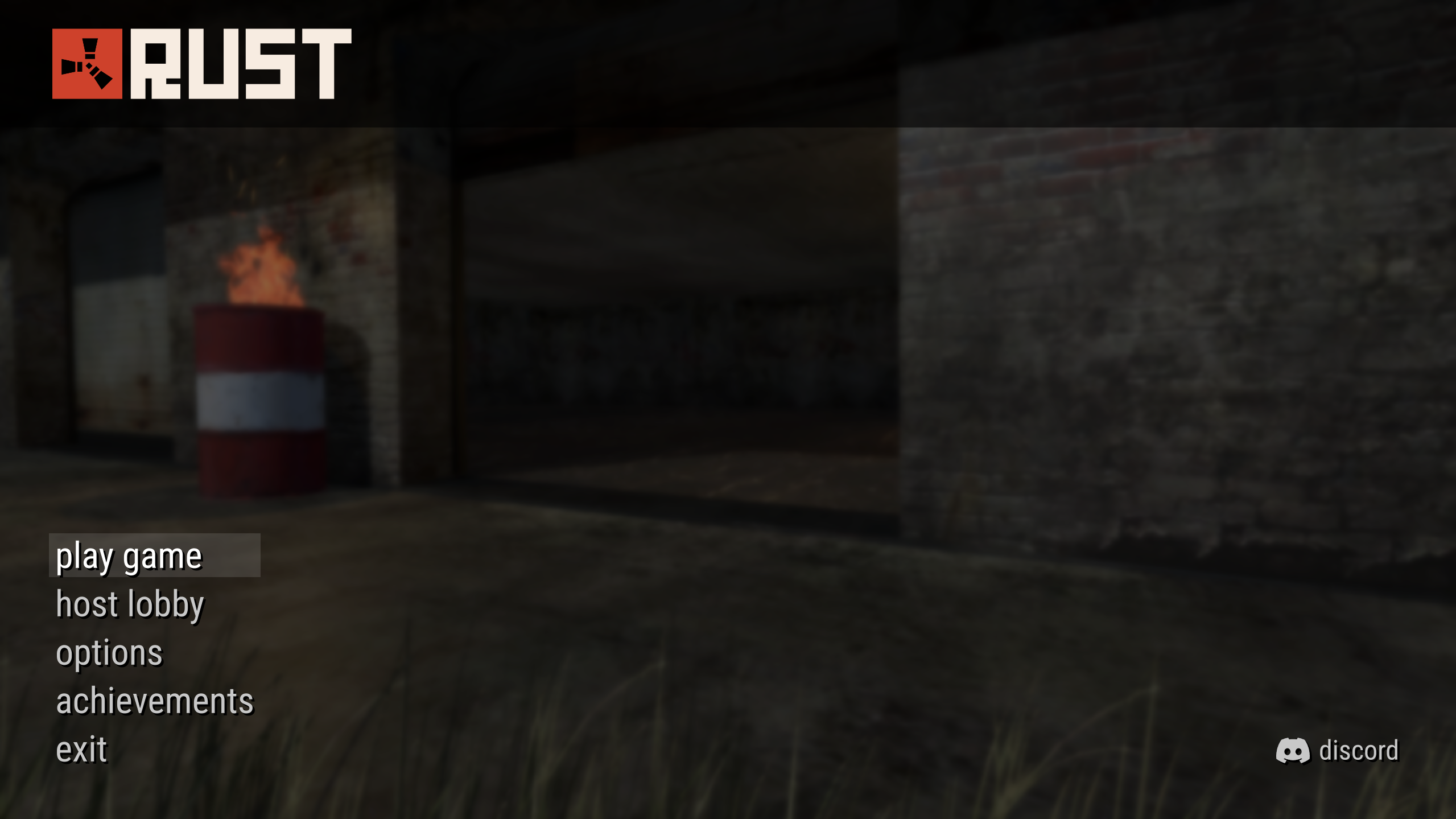

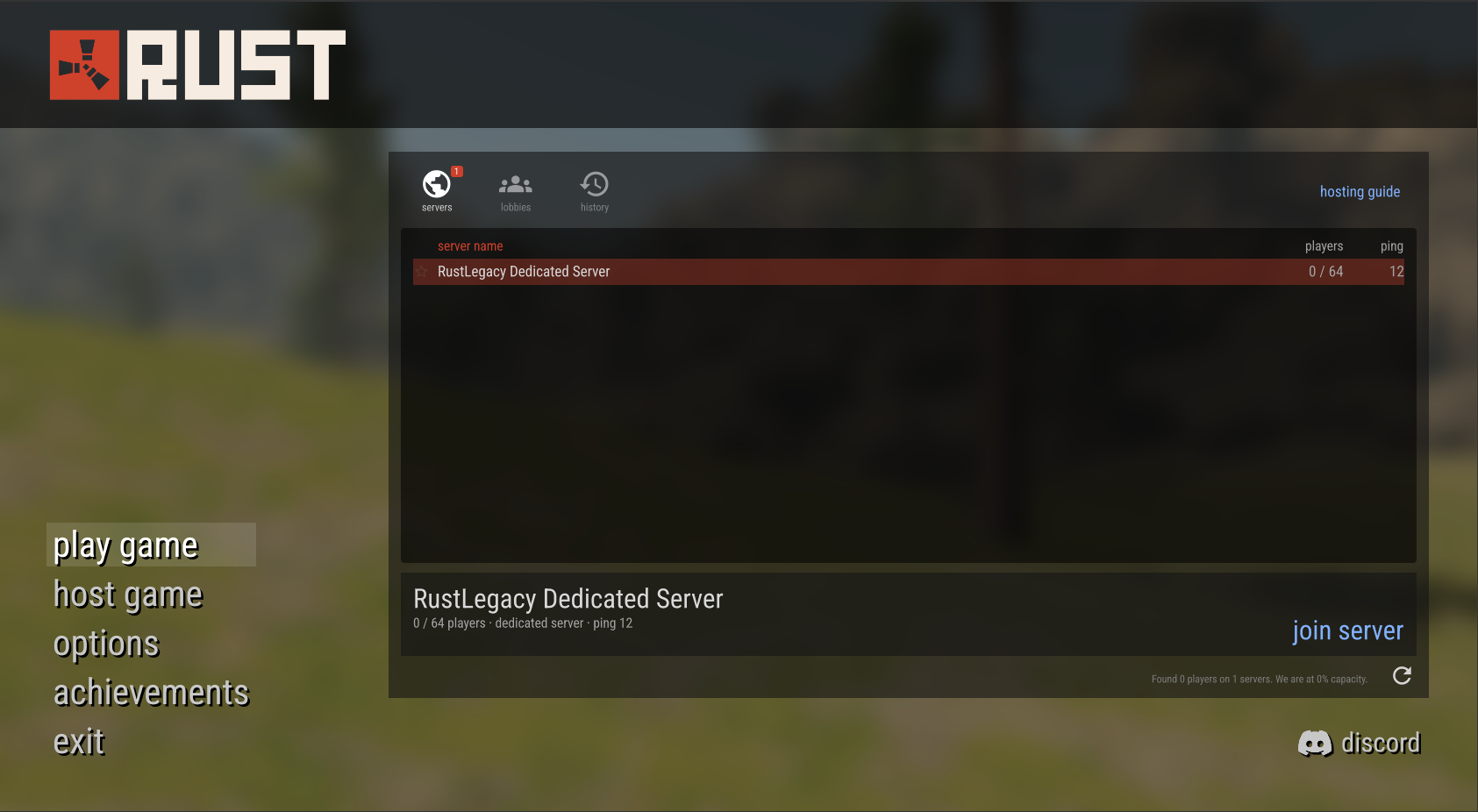
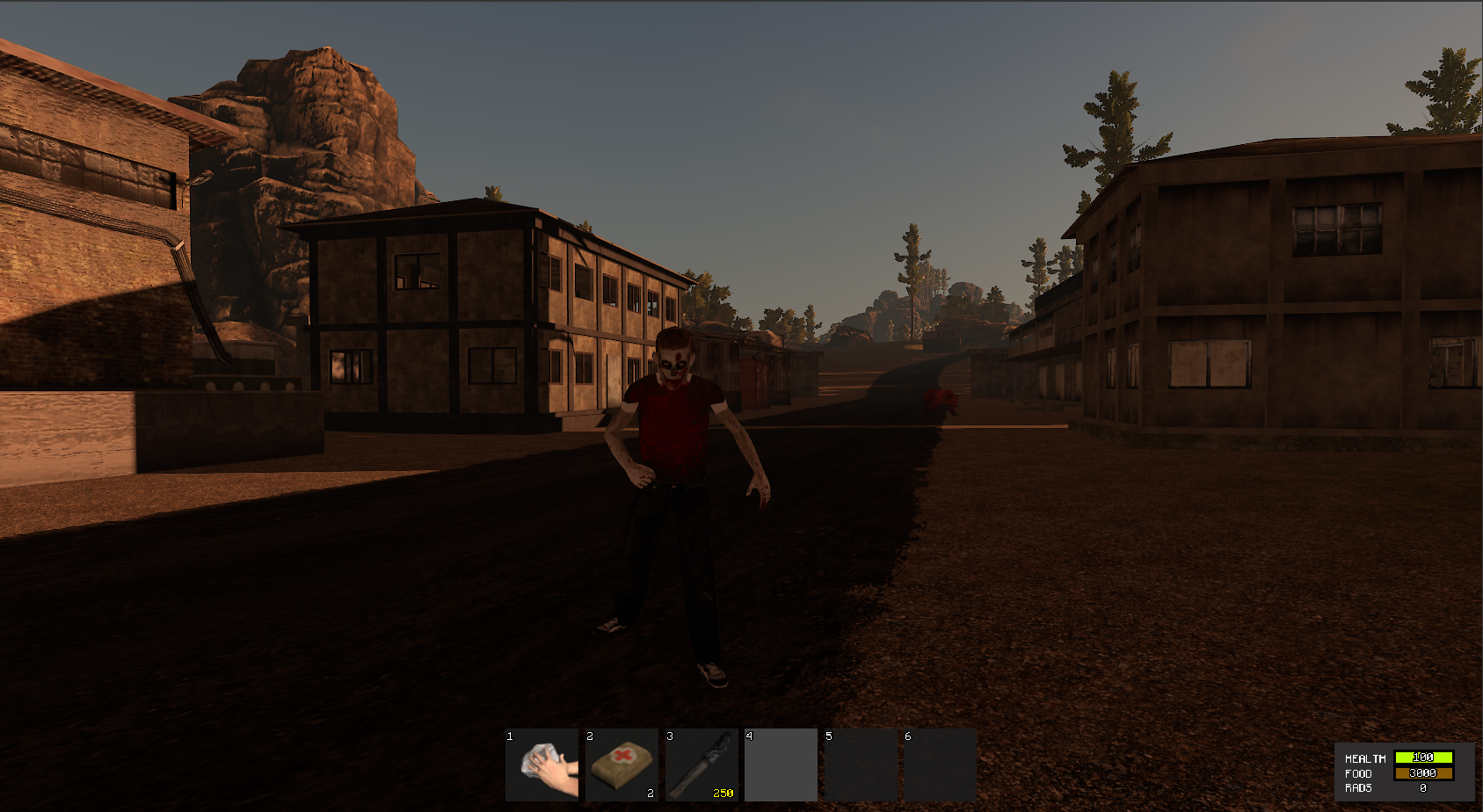
Main menu - the game now opens on the Legacy main menu (play game, host lobby, options, achievements, exit), in front of the Legacy menu scene: the garage, the burning barrel and the resting bear
Server browser - play game opens the Legacy server browser: servers, lobbies and history tabs, sortable server name / players / ping columns, favourites, pages and join server
Host lobby - start the island on your own computer with a name, a player limit (1 to 64) and a visibility (public, friends, private); friends join from their server browser or through your Steam profile
Dedicated servers - anyone can run a Rust Legacy server that keeps the world going with nobody online; every setting is a console variable (`rl_pvp`, `rl_sleepers`, `rl_decay`, `rl_gather_rate`, `rl_day_length`...)
Server hosting guide - an in-game guide (link at the bottom of the servers tab) covers installing the server, the launch line, settings, admins, the world save and joining
Server admins - server owners list their admins in config/users.json ("admin" claim); admins get the admin menu and the Legacy admin commands (inv.give, teleport.topos, env.time, airdrop.drop...) in their own console
Server commands - `net.connect <id>` joins a server by id, `net.disconnect` goes back to the menu, `rl_save` saves the world now, `rl_max_players` sets the server slots
Time of day - the World tab has a 24 hour slider set to the minute and -1H / -5M / +5M / +1H buttons, instead of 4 fixed times
Timelapse - freeze the clock or run it x10, x60 or x240 (a full day in 15 seconds); back to normal speed when the server restarts; `rl_timescale` in the host console
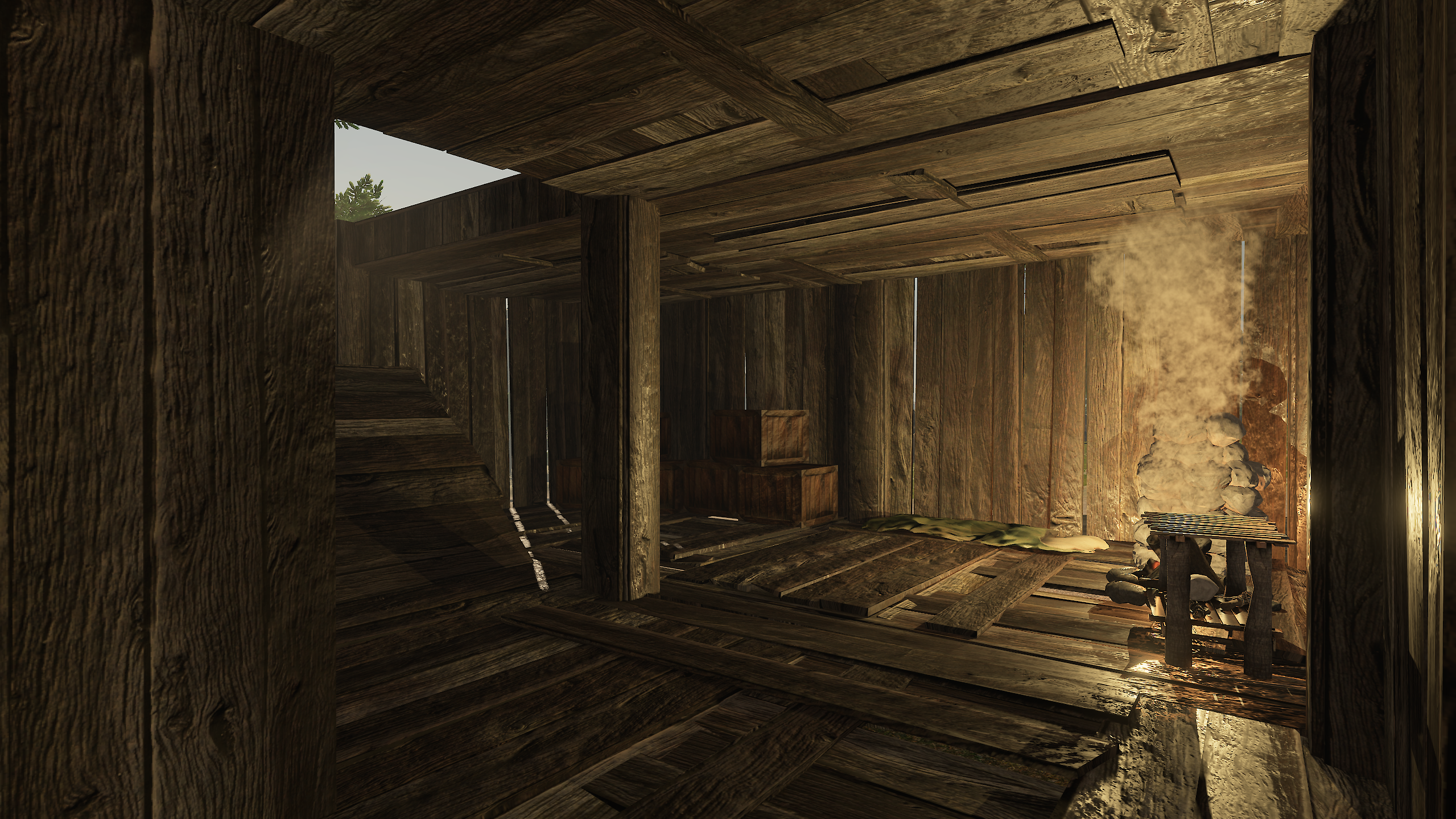
Camp fire wood - a new camp fire comes with 5 wood, as in Legacy
Joining - a loading screen shows while connecting to a server
Placement on slopes - placed objects (boxes, fires, furnaces, benches...) follow the slope of the ground as in Legacy instead of staying level
Camp fire and furnace - flames, smoke, sparks and light rebuilt from the original Legacy effects; the ashes glow with Legacy's animated embers, and the smoke and last flames fade out when the fire goes out
Torch - flame and light rebuilt with the Legacy sizes and colors, the light sits where Legacy put it and lights the torch head and your hand
Controller menus - the d-pad reaches every line of the server browser and the start button of the host lobby panel, and opening a menu panel puts the cursor inside it
Admin commands - the Legacy admin commands now work for dedicated server admins, not only for the host
Server on your own network - a dedicated server can be missing from the list on the computer or home network that runs it; join it with `net.connect <id>` (type status in the server console for the id)
Server list - coming back to the menu shows the last list fetched; press refresh to update it
World tab title - the World tab shows "TIME OF DAY" with the clock again, not only the clock
Flying admins - an admin who leaves while flying is saved on the ground below, instead of falling to death when coming back
Controller sliders - the player limit and volume sliders are set with A held and the stick, not with the d-pad
Controller chat - the chat cannot be opened with a controller (no on-screen keyboard)