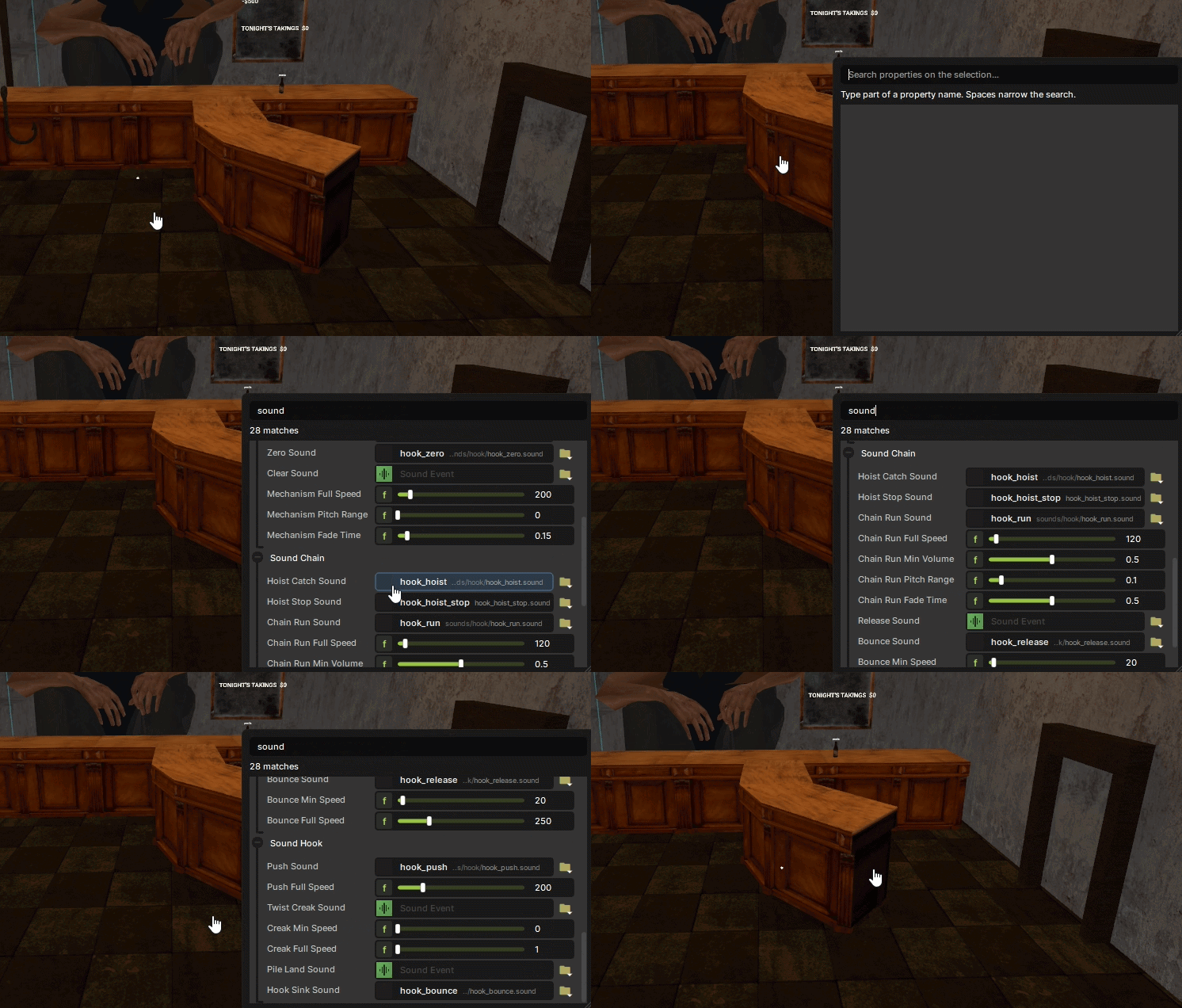
ctrl+f search for component properties bc the inspector doesn't have one lol
got sick of scrolling through components with like 40 properties looking for the one i wanted so i made this. select stuff, hit ctrl+f, type, done
how to use
- ctrl+f opens it (or edit > property finder). cursor's already in the box so just start typing
features
- type part of a name. spaces narrow it down. matches display names, groups and feature tab names too
- searches every component on whatever you've got selected (up to 16 objects)
- it searches ALL the feature tabs at once and lists stuff under the tab/group name, so nothing's hiding on some tab you didn't click
- edits work exactly like the inspector (same controls) and ctrl+z works
- right click a property > show in inspector and it jumps you there. picks the object, opens the tab, expands the component if it's collapsed, scrolls to it and flashes it so u can see it
- click anywhere else or hit esc to hide it. it remembers what you typed
- works in fullscreen
shortcut id is `propertyfinder.open` if you wanna rebind it