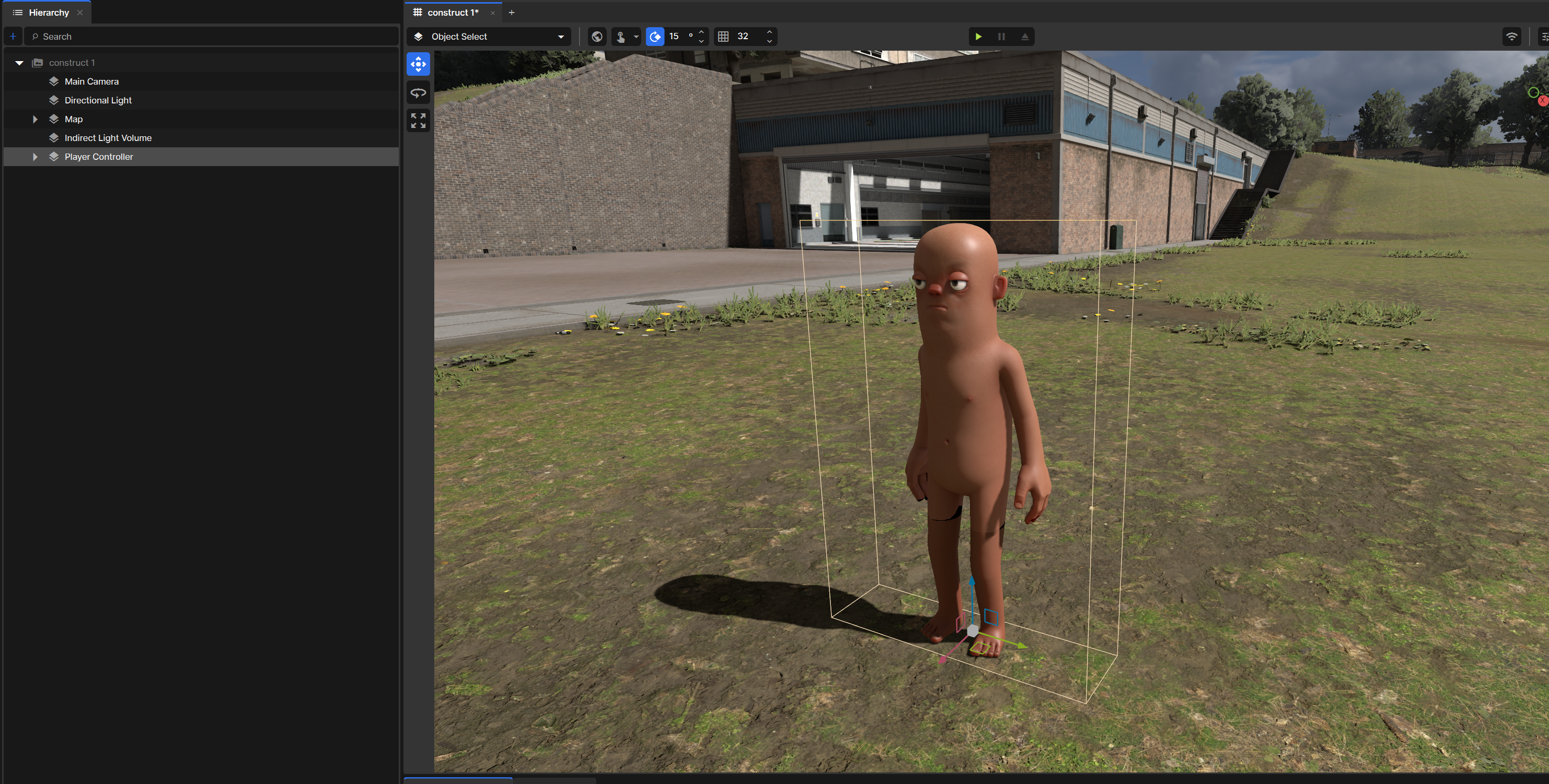
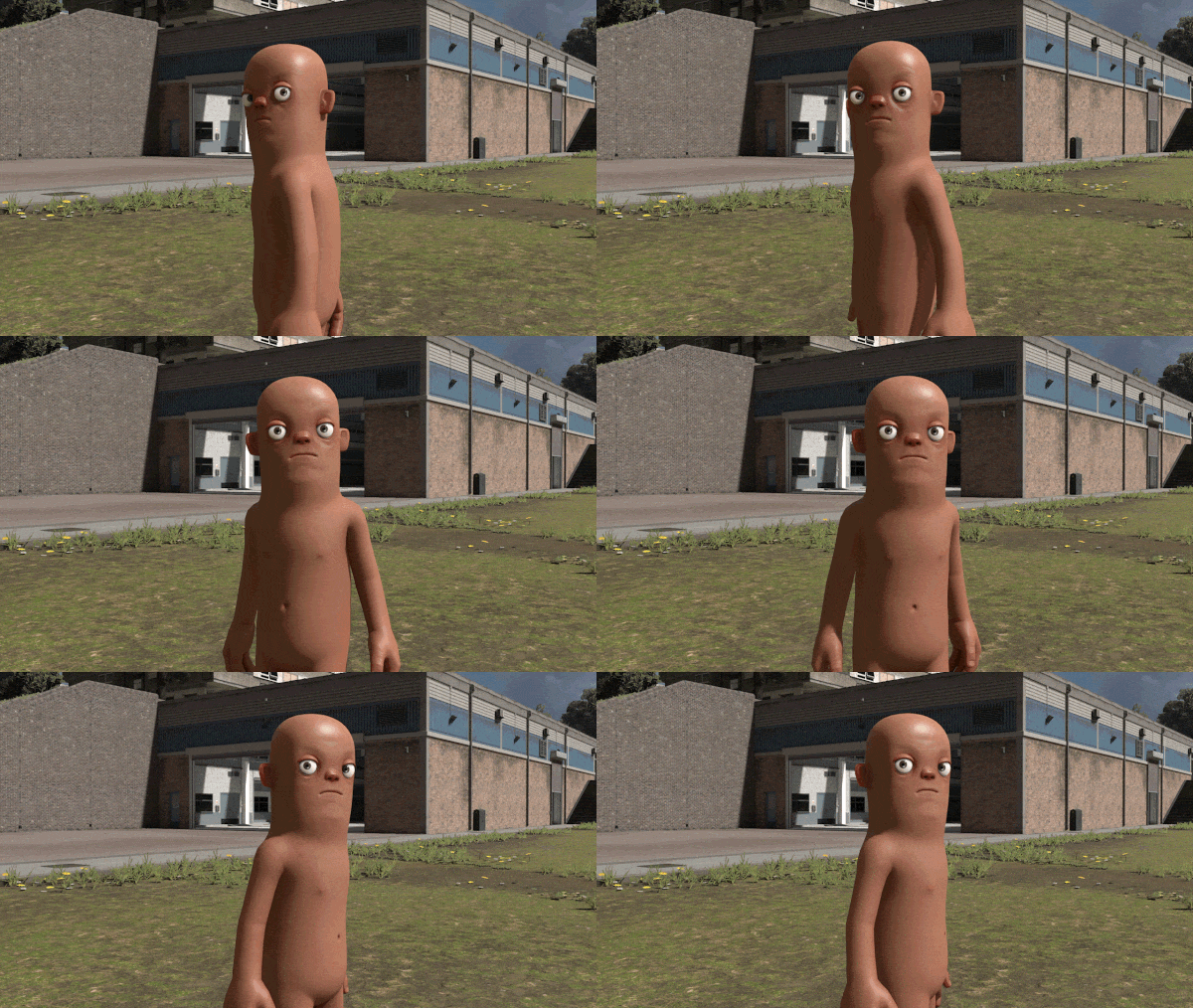
So, your game or your movie has a citizen player character, and you'd like their eyes to look at something. Maybe another object, a player, a camera, static or in motion. Well, you can!
Spawn a player
Right click in the hierarchy > create > Player Controller.
Add a "Citizen Animation Helper" Component
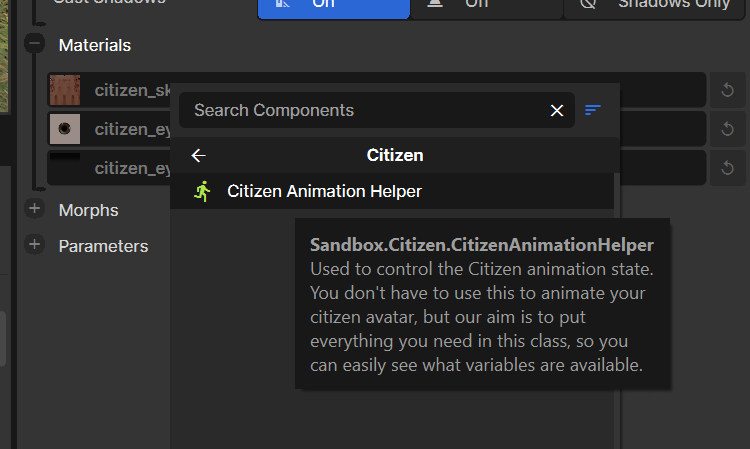
After selecting your new player's "Body" in the hierarchy, add a new component to it, "Citizen Animation Helper" from the "Citizen" category.
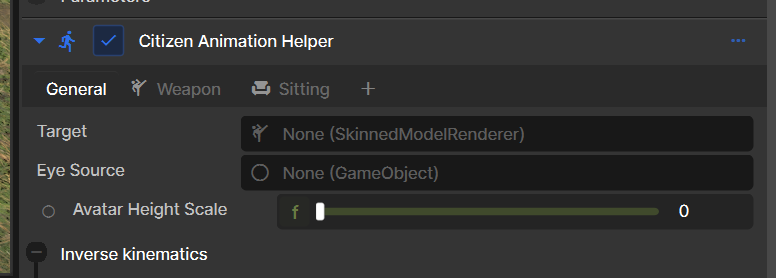
Set up the component
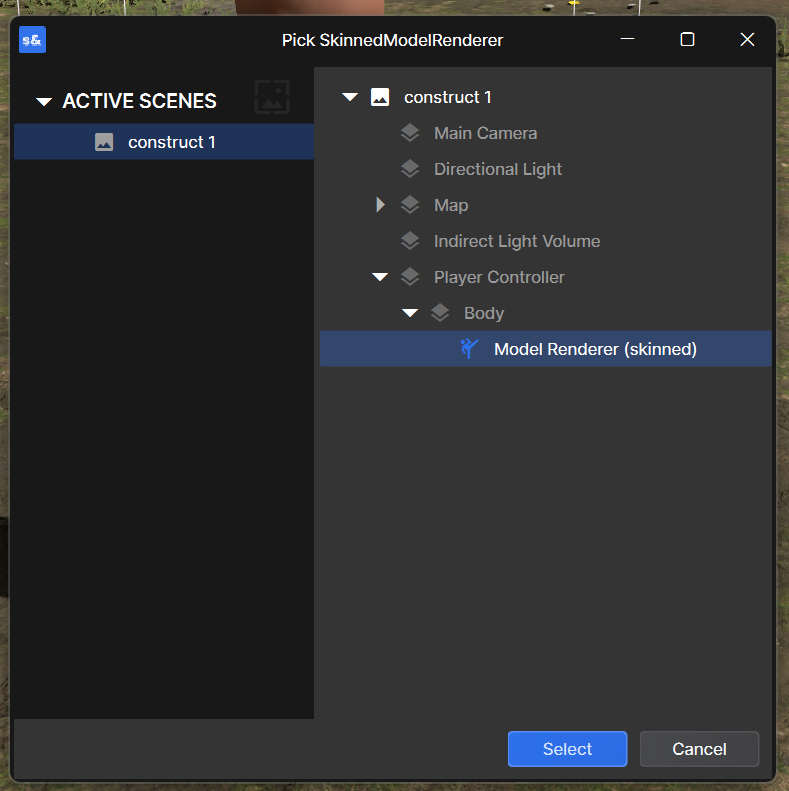
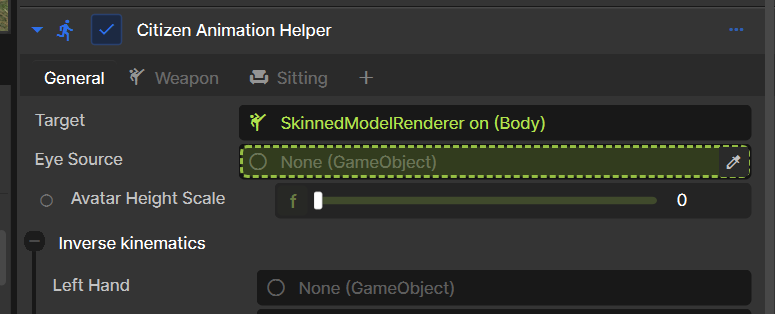
In the general settings we need to point our 'target' to the player who's eyes we want to control.
Select the "Model Renderer (skinned)" that applies to your character:
Create Bone Targets
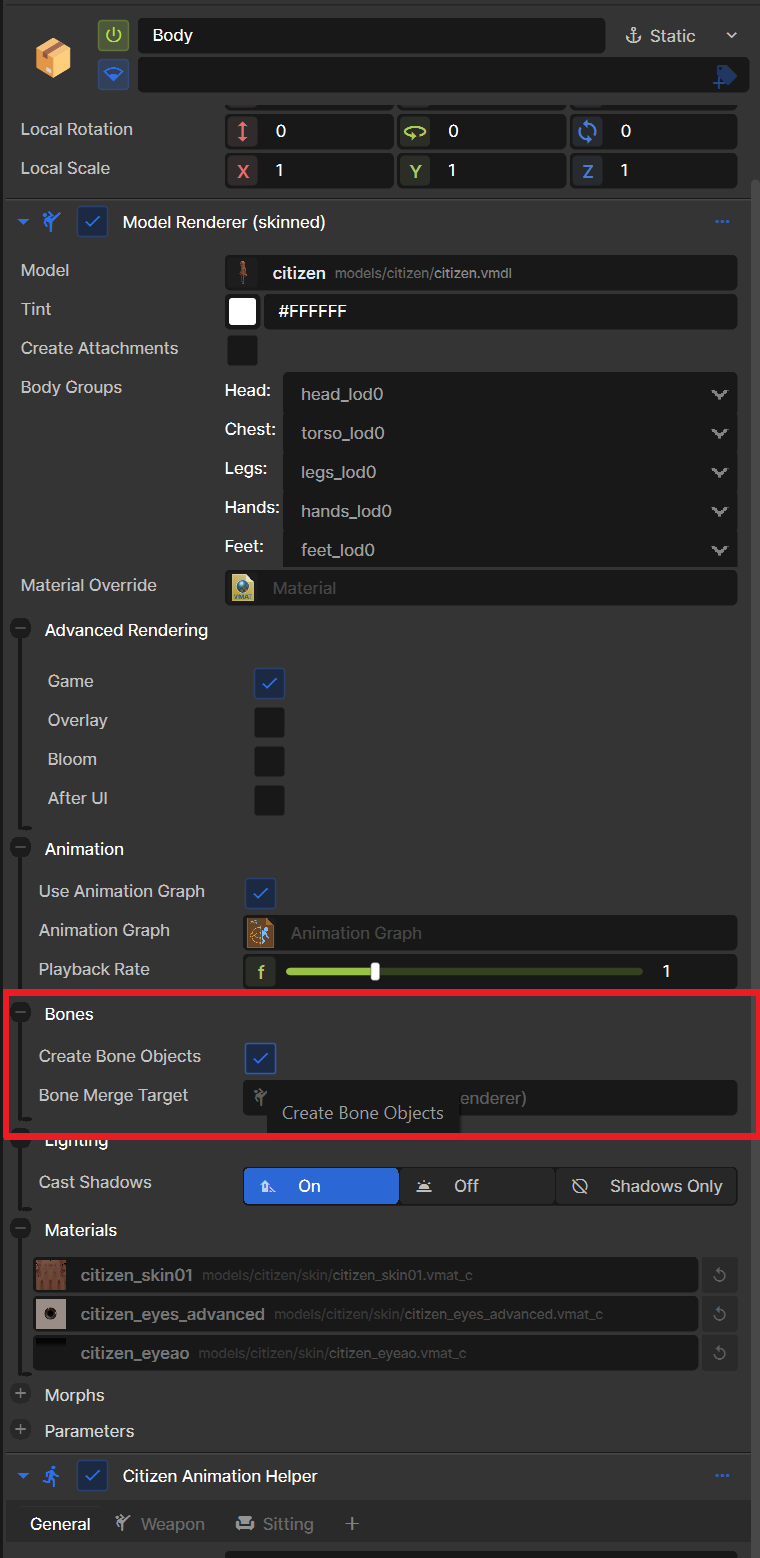
To point to where the eyes are for the citizen, we need bone targets enabled. You can do this by ticking the box in the Model Renderer component above your Citizen Animation Helper Component.
Set the Eye Source
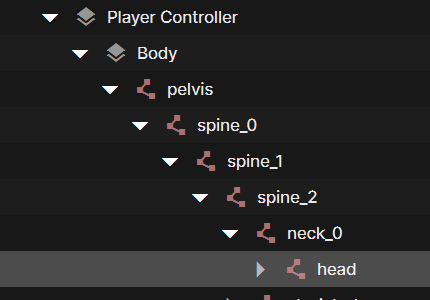
Now we have the bones, it gives us all these joint names in the hierarchy. Drag the "head" into the "Eye Source" box in the Citizen Animation Helper Component.
Add the look-at constraint
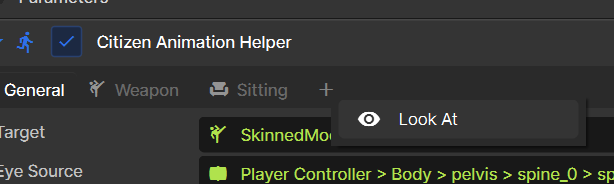
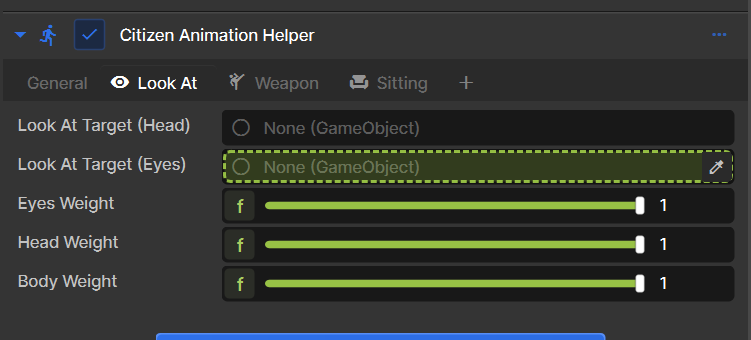
At the top of the component, click the "+" symbol and add "look at"
Choose the look-at target
Drag what your player should look at from the hierarchy to this box.
And boom, your players eyes should now look at the target (the camera, for example).
Fine-tune the looking
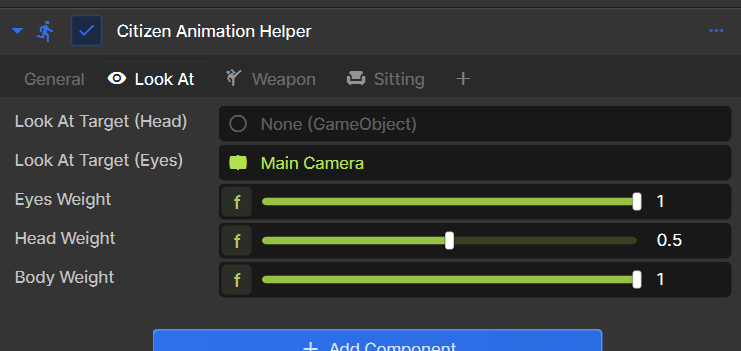
You can control the weight of the eyes, head and body using the sliders, how much it should attempt to look at the target.
For example, you may want the eyes to always be looking, but not the rest of the head. Or a mix, not breaking the players neck to look at the target, setting the head weight to 0.5.