A custom Weapon asset type you can create and edit in the editor.
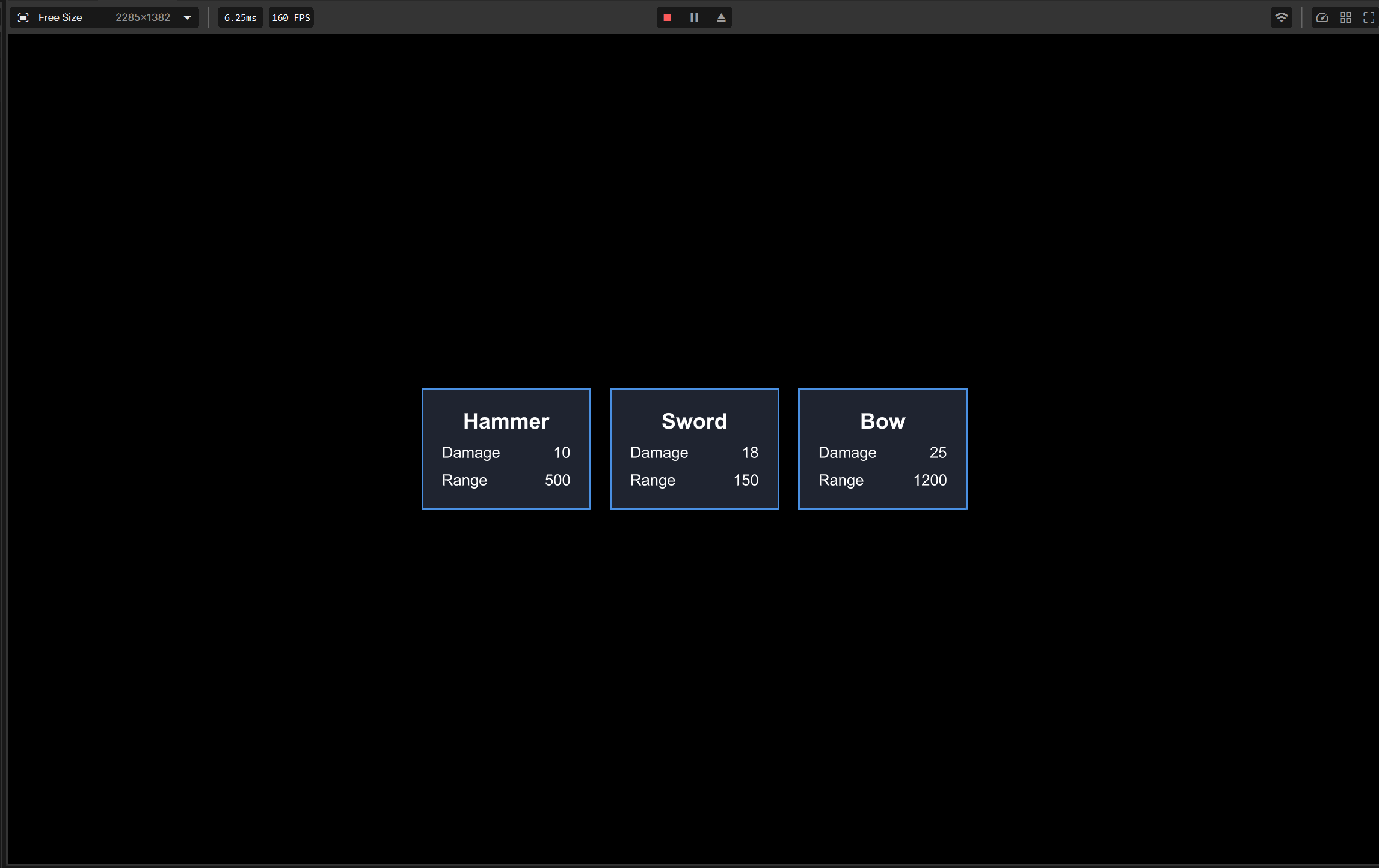
A row of cards in the centre of the screen. Each card displays the data from one weapon asset.
What is a resource and why would we use it?
Just so I'm not assuming everyone knows what it is.
It's basically a file that stores data for your game. You make the shape of the data once then you can create as many data files from that as you like. In this tutorial we will be making a weapon so think of the resource as a template for the weapons we will create. The template will say "every weapon has a name, damage and range" and then we can go ahead and follow the template by filling out those values.
Why would we use this instead of just writing it onto a class?
Data lives outside of your code so to rebalance the bow, you edit Hammer.weapon in the editor.
You write one class. Adding a new weapon means adding a file, not more code.
Anything can use it. The UI, the player's attack and a shop can all read the same Bow.weapon, so the numbers stay consistent.
It's easy to edit. Designers and beginners can change values in the inspector without reading code.
If you want more of an understanding I'd recommend looking up some tutorials on Godot resources or Unity scriptable objects to further understand if its unclear.
1. Create the resource type
Inside our code folder lets create a file called WeaponResource.cs
using Sandbox;

[AssetType( Name = "Weapon definition", Extension = "weapon", Category = "Weapons" )]

public class WeaponResource : GameResource {

    [Property] public string Name { get; set; } = "Weapon";

    [Property] public float Damage { get; set; } = 10f;

    [Property] public float Range { get; set; } = 500f;

}
How the above works:
[AssetType] sets the display name, the file extension (in our case .weapon) and then the category in the editor which will make more sense shortly.
[Property] fields appear in the assets inspector and are saved in the file.
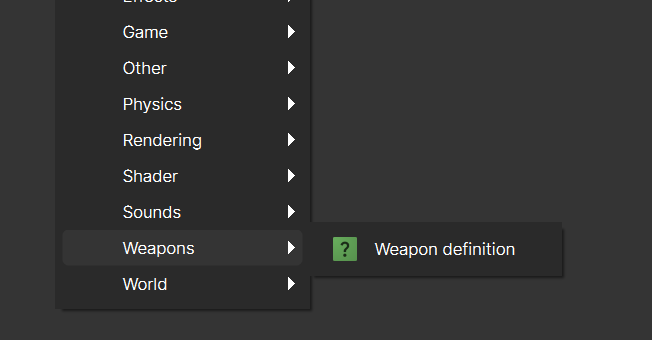
Once created, right click in our asset file directory and we should see a new asset option called Weapons which was our Category name. Select Weapon definition to create a new Weapon asset. Name this Weapon Hammer (or whichever name you like).
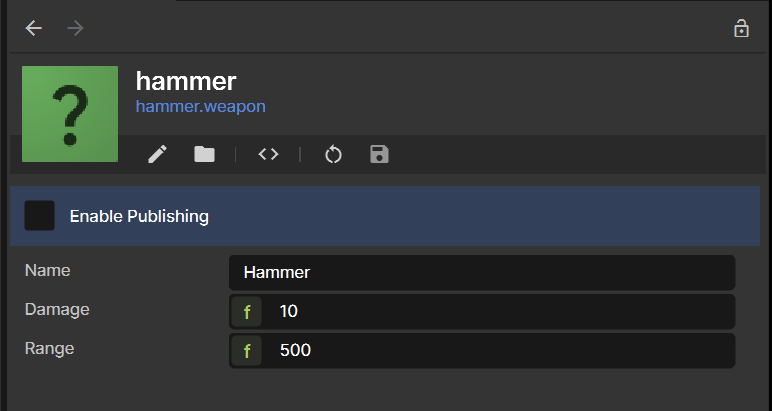
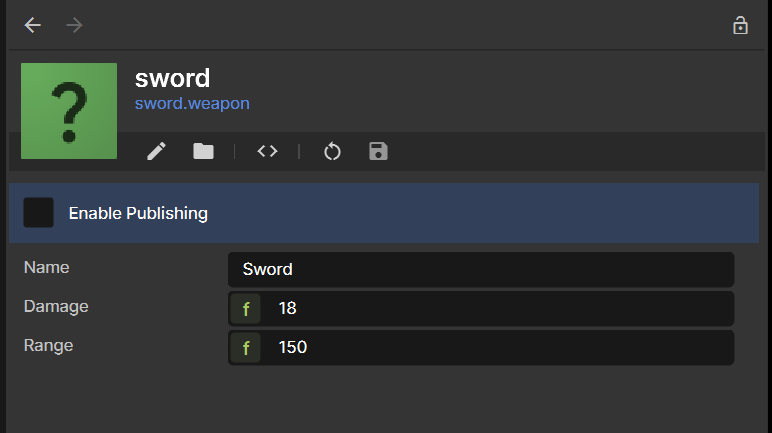
Double click on the newly create hammer asset, this show your weapon in the inspector (see example below).
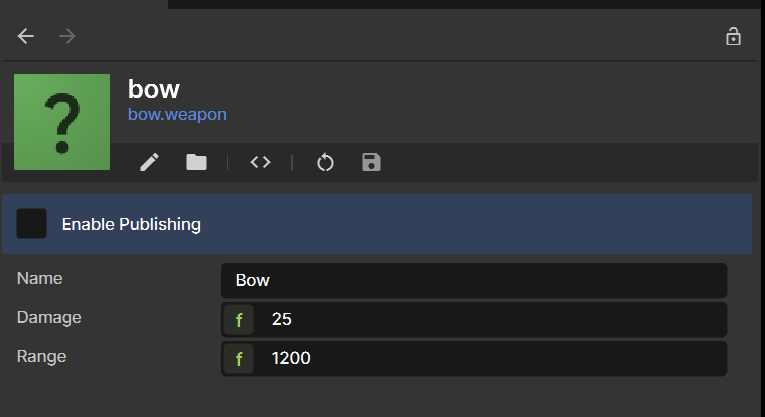
Add a Damage, Name and Range as you see fit for the hammer. Then repeat the same steps for a bow and sword. I've done mine as the following but feel free to do your own:
3. Create the card UI
You could end the tutorial here if you like given that we have already covered the resource creation otherwise we will continue with setting up some basic UI. I have a UI tutorial here if you have unfamiliar: https://sbox.game/learn/redkite/razor-basics-text-buttons-events
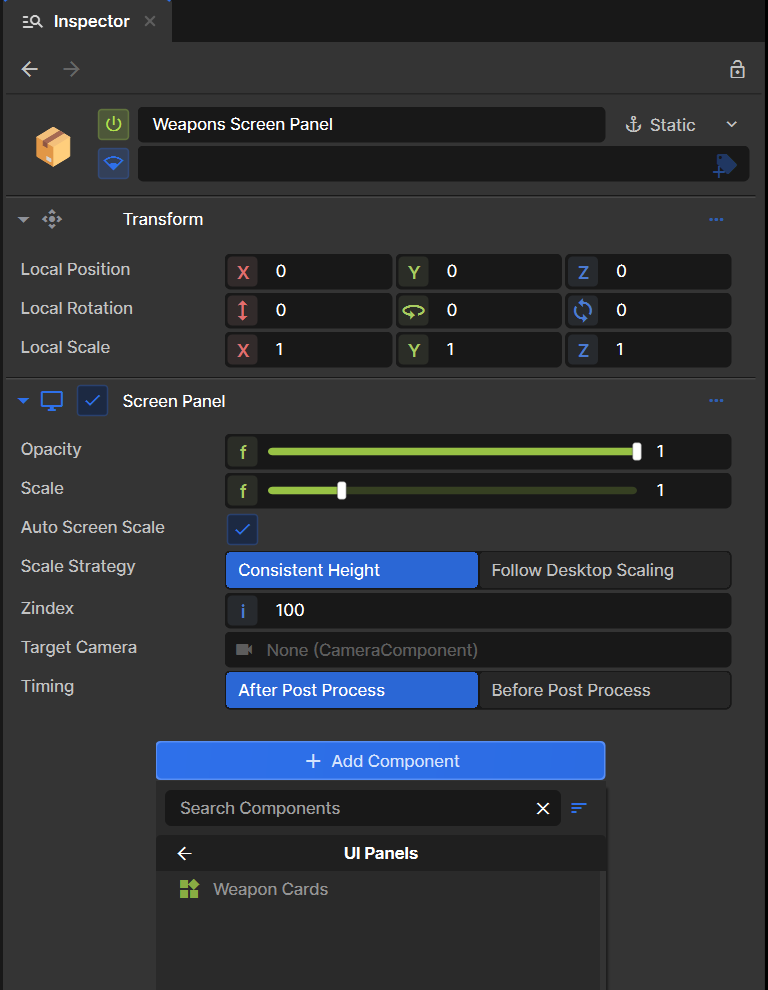
Create a Screen panel component and then create a razor component called WeaponCards.razor with a supplement WeaponCards.razor.scss file.
Add the following code to your WeaponCards.razor file
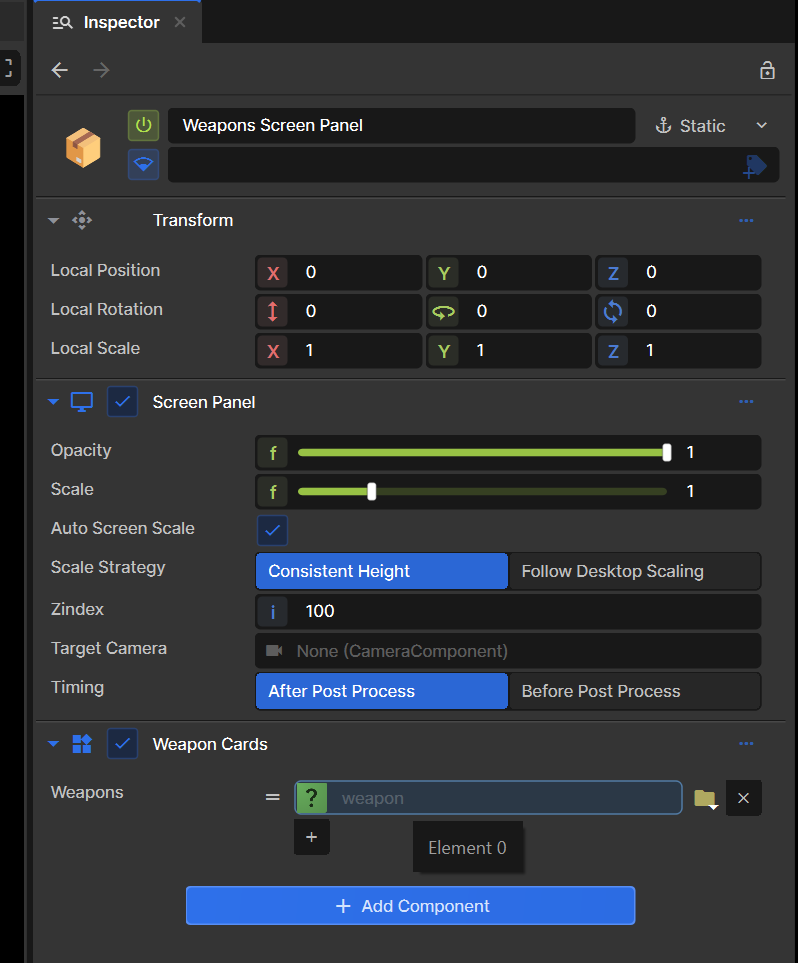
Attach our WeaponCards.razor screen to our screen panel. Then within our list of weapons we want to add each of our weapon assets we created.
Once we have added all 3 of our weapons when we press play we should be able to see the following UI:
I'm planning to try make 1 tutorial per day, I know that a lot of new people have issues with the lack of tutorials and documentation. So hopefully this make it easier for new people to get straight into it but also avoid just AI slopping it out.
I really like the s&box platform so I'm hoping creating a lot of tutorials that will assist in the success of s&box thus a good investment of my skills.
Please give me feedback on the tutorials, any is appreciated thanks.