Cyber Overhaul
1.0.0
23 September 2026
22 changes in this update
Discover how One More Push handles physics chaos, UI performance in s&box, and what went into our latest major systems overhaul.

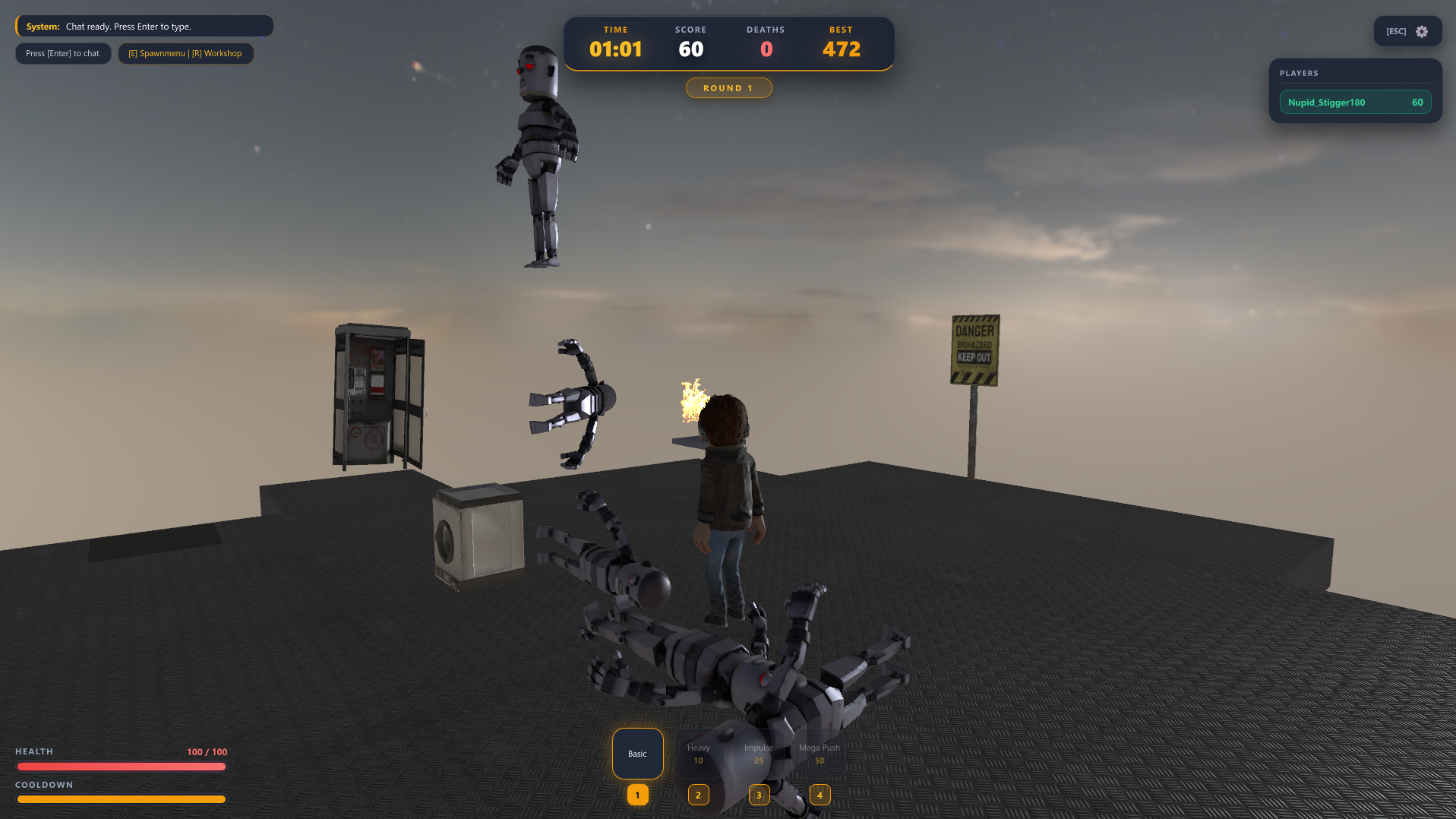
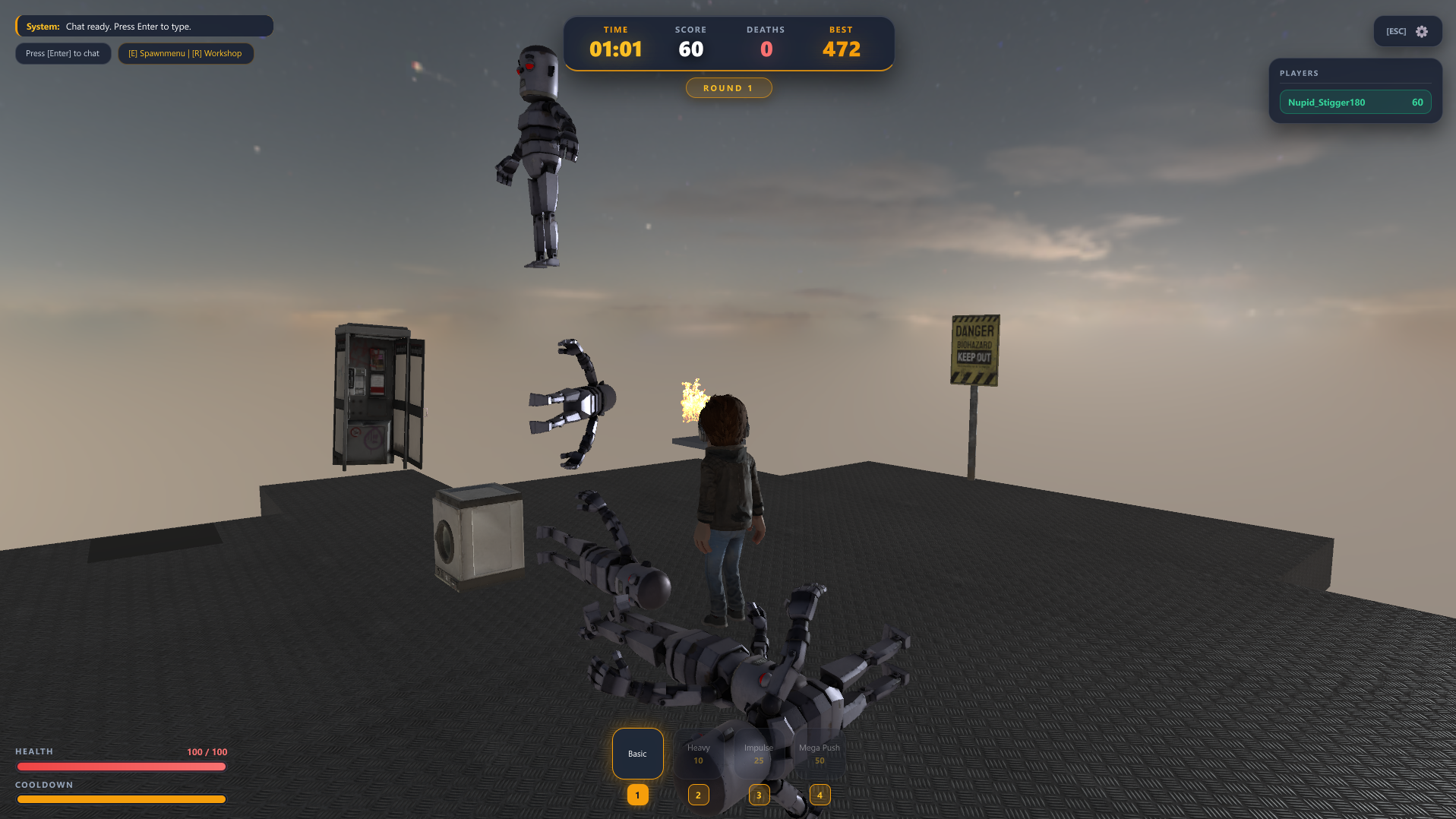
backdrop-filter) and dynamic elements in Razor was a double-edged sword. Early on, having dozens of UI elements updating every frame tanked performance. We rewrote the entire PushHud.razor rendering pipeline, isolating state updates and building a tight BuildHash() calculation logic. Now, Razor only re-draws when actual state data changes (like health percentages, timer ticks, or killfeed entries), keeping the UI smooth at 60+ FPS without input lag.Player.Velocity = Forward * 1000 (which feels floaty and fake), our push abilities calculate dynamic force vectors and apply raw physical impulses and rotational torque directly to physics bodies. This makes collisions feel crunchy and heavy, especially when colliding with weighted props like anvils or tar zones.ArenaShrinker handles the progressive floor tile decay and zone boundaries.MapEventManager triggers random mid-match anomalies (low gravity, slippery ice surfaces, wind forces) by directly tweaking global physics properties and friction coefficients on the fly.E), the Arena Workshop (R), full-screen settings, and an in-game chat system, input routing became a puzzle. We built a centralized ApplyMouseState() method that dynamically locks/unlocks camera control, manages panel focus, and prevents hotkey conflicts (ESC, E, R, Enter) so you don't accidentally dash while typing in chat.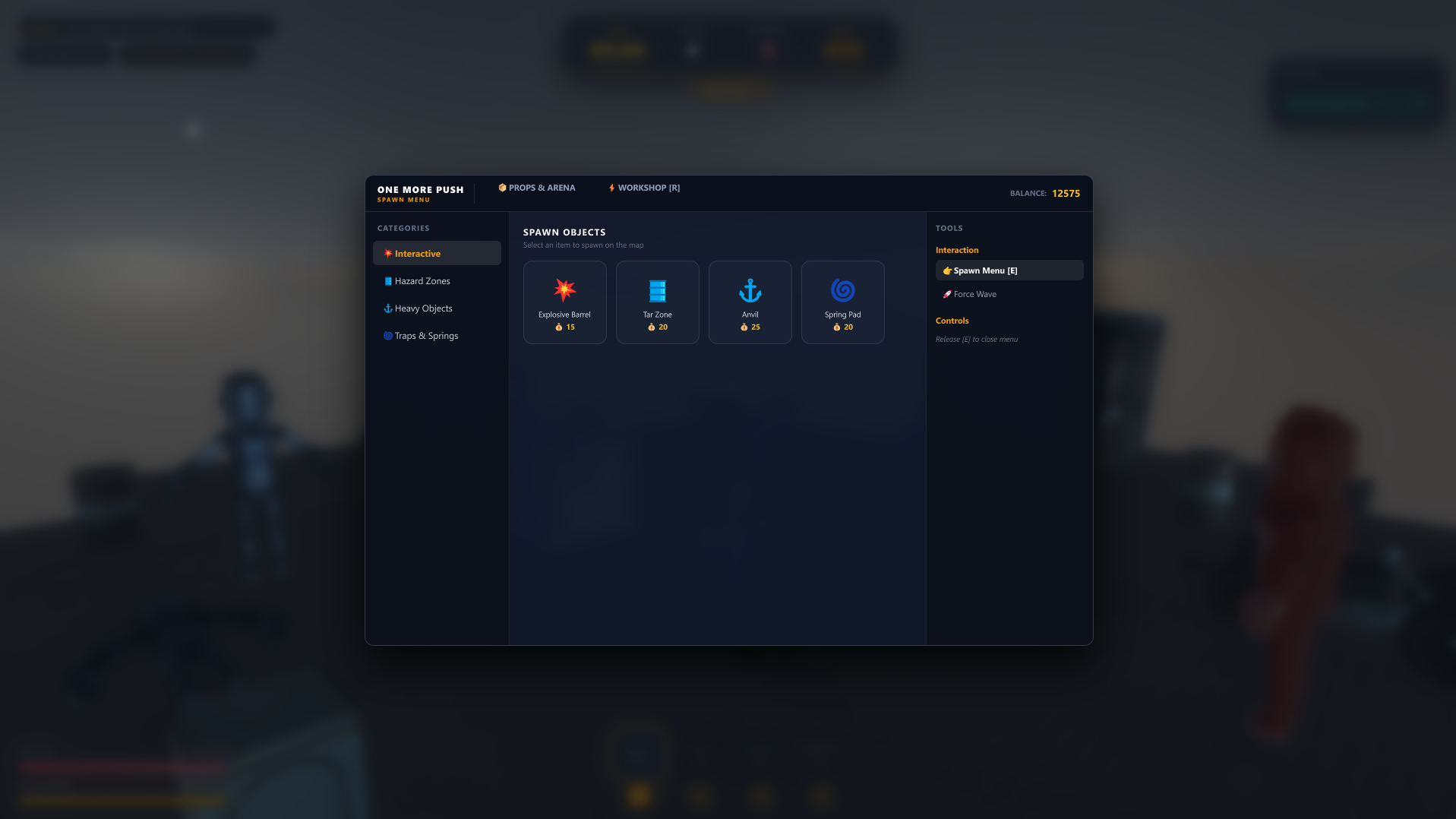
MetaProgression tracks player stats and credit earnings across rounds. Players can buy force upgrades, increase their mass (making them harder to push), or reset everything via the Prestige System to earn permanent credit multipliers and Prestige Tokens.
Added a complete sidebar main menu with cyberpunk aesthetics, animated action buttons, version badge, and live player profile stats.
Added a full-screen settings panel with dynamic language toggle (EN/RU), bot spawner switch, battle music toggle, and sensitivity indicator.
Added a GMod-style Q-Spawn Menu (held with E) featuring categorized tabs, prop spawning grid with credit costs, and interaction tools.
Added the Prestige System tab in the Arena Workshop (R) with Prestige Tokens tracking and permanent +50% credit bonus rewards.
Added runtime localization ("RU", "EN") across all HUD panels, menus, spawn items, shop weapons, and hints.
Added an interactive in-game chat system with message history buffer, auto-focus text entry, and hotkey hints.
Added integrated Hotbar slot containers with key badges, selection highlights, and unlock states.
Added new custom 3D models for interactive arena props and hazards.
Added a dynamic Killfeed panel with killer, victim, and elimination method badges.
Redesigned and scaled the entire HUD layout using @font-face definitions for Orbitron and Chakra Petch fonts.
Enhanced UI visual effects with backdrop blur filters, glowing neon highlights, and CSS gradient progress bars.
Upgraded smart mouse state management (ApplyMouseState) to flawlessly release and lock camera controls during menu navigation.
Optimized Razor panel rendering performance by streamlining BuildHash() calculation logic.
Improved UI localization responsiveness to immediately update all screen elements when toggling language options.
Updated and reworked 3D models for arena props, hazards, and weapons.
Optimized 3D model geometry and textures for better performance and visual fidelity.
Fixed hardcoded Russian text strings across spawn menus, tool panels, and shop cards to ensure full English support.
Fixed hotkey overlap conflicts between ESC, E, R, and Enter keys.
Fixed UI input state leaks that allowed character rotation while navigating overlay menus.
Cleaned up duplicated and obsolete SCSS classes into a single, structured stylesheet.
Fixed UI element state desynchronization when opening multiple overlay menus simultaneously
Fixed mesh clipping, origins, and physics collision on prop models.