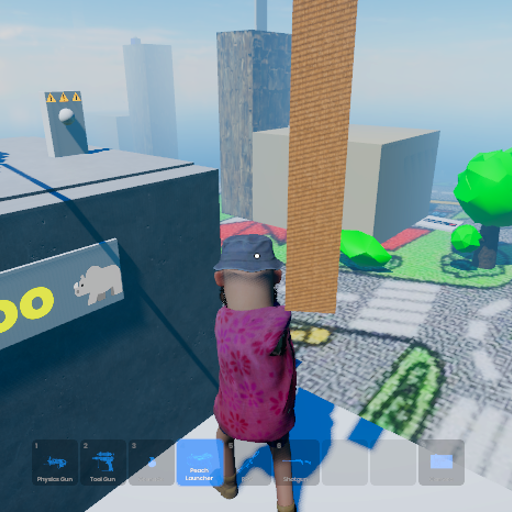
Sand Theft Kart Oh
Released
Conveyance/InteractButton.cs
using Sandbox;

/// <summary>
/// Place on any world object (a button prop, a lever, a sign — anything with a collider).
/// When a player looks at it and presses E, it calls Toggle() on the assigned targets.
///
/// SETUP — three steps:
///   1. Add this component to a GameObject that has a collider (so the raycast hits it).
///   2. Set PromptText to whatever the player should see ("Lower bridge", "Start cable car").
///   3. Drag target components into the relevant slots. Leave unused slots empty.
///
/// You can assign multiple targets — e.g. a button that starts the cable car AND
/// enables a turret at the same time. Just fill in as many slots as you need.
///
/// NETWORKING:
///   The RpcActivate broadcast means any player pressing E fires the action on
///   all clients simultaneously. Target components (BasculeBridge, JointAnchorMover
///   etc.) handle their own physics authority internally.
/// </summary>
public sealed class InteractButton : Component, IInteractable
{
	// -------------------------------------------------------------------------
	// What the player sees
	// -------------------------------------------------------------------------

	[Property] public string PromptText { get; set; } = "Press E";

	// -------------------------------------------------------------------------
	// Targets — fill in whichever apply, leave the rest empty
	// -------------------------------------------------------------------------

	/// <summary>Calls Toggle() — use for BasculeBridge.</summary>
	[Property, Group( "Targets" )] public BasculeBridge Bridge { get; set; }

	/// <summary>Calls ToggleRunning() — use for JointAnchorMover (cable car).</summary>
	[Property, Group( "Targets" )] public JointAnchorMover CableCar { get; set; }

	/// <summary>Flips Enabled on/off — works for DragonTurret, WindmillTuner, or anything else.</summary>
	[Property, Group( "Targets" )] public Component ToggleTarget { get; set; }

	// -------------------------------------------------------------------------
	// Optional visual feedback on a model renderer (e.g. a light or tint)
	// -------------------------------------------------------------------------

	[Property, Group( "Feedback" )] public ModelRenderer Indicator { get; set; }
	[Property, Group( "Feedback" )] public Color OnColor  { get; set; } = Color.Green;
	[Property, Group( "Feedback" )] public Color OffColor { get; set; } = Color.Red;

	// -------------------------------------------------------------------------
	// IInteractable
	// -------------------------------------------------------------------------

	string IInteractable.InteractionText => PromptText;

	void IInteractable.OnInteract( GameObject interactor ) => RpcActivate();

	// -------------------------------------------------------------------------
	// Networked activation
	// -------------------------------------------------------------------------

	private TimeSince _lastPress;
	private bool _isOn;

	[Rpc.Broadcast]
	private void RpcActivate()
	{
		if ( _lastPress < 0.5f ) return;
		_lastPress = 0;

		_isOn = !_isOn;

		Bridge?.Toggle();
		CableCar?.ToggleRunning();

		if ( ToggleTarget.IsValid() )
			ToggleTarget.Enabled = _isOn;

		if ( Indicator.IsValid() )
			Indicator.Tint = _isOn ? OnColor : OffColor;

		Log.Info( $"[InteractButton] '{GameObject.Name}' → {(_isOn ? "ON" : "OFF")}" );
	}

	// -------------------------------------------------------------------------
	// Editor gizmo
	// -------------------------------------------------------------------------

	protected override void DrawGizmos()
	{
		Gizmo.Draw.Color = Color.Cyan.WithAlpha( 0.3f );
		Gizmo.Draw.LineSphere( WorldPosition, 30f );
	}
}