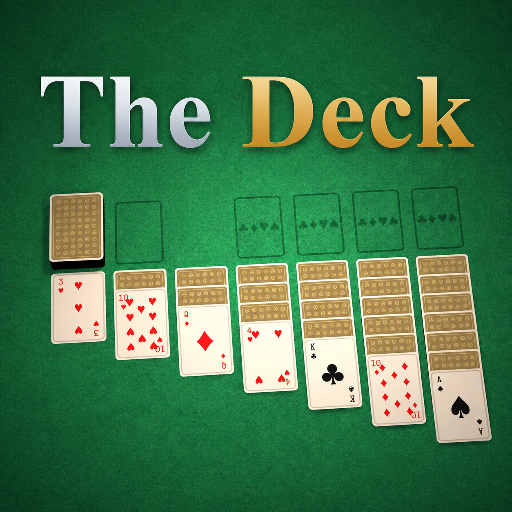
The Deck
Released
Your one-stop shop for all things card games.
ui/tutorialmodal.razor.scss
@import "Theme.scss";

// Full-screen scrim + centred dialog, matching the HUD's confirm/end modals. Scoped here so the
// component works the same wherever it's mounted (table setup or the in-game HUD).
TutorialModal {
	position: absolute;
	top: 0;
	left: 0;
	width: 100%;
	height: 100%;
	flex-direction: column;   // header above the panel
	align-items: center;
	justify-content: center;
	gap: 14px;
	background-color: rgba(0, 0, 0, .6);
	backdrop-filter: blur(15px);
	pointer-events: all;

	// Sit above the setup sheet / HUD content — those create stacking contexts via their transforms.
	z-index: 100;

	animation: cg-modal-fade-in .3s ease-out;

	// Title sits above the panel, left-aligned to its edge (matches the game-setup header).
	.head {
		flex-direction: column;
		align-items: flex-start;
		gap: 4px;
		width: 560px;
		max-width: 90%;
		animation: cg-modal-scale-in .3s ease-out;

		.title {
			font-family: $serif;
			font-size: 38px;
			font-weight: 700;
			color: $text;
		}
	}

	.dialog {
		flex-direction: column;
		align-items: stretch;
		gap: 16px;
		padding: 30px 34px;
		width: 560px;
		max-width: 90%;
		max-height: 70%;          // keep room above/below so a long tutorial scrolls inside the panel
		min-height: 0;            // let the scroller own the overflow rather than growing the dialog

		animation: cg-modal-scale-in .3s ease-out;
		flex-shrink: 0;           // hold the set width instead of collapsing to the text's intrinsic size

		// The scrolling region for the body copy. Pinned between the heading and the button row.
		.scroller {
			flex-grow: 1;
			width: 100%;
			min-height: 0;
			overflow-y: scroll;
			pointer-events: all;

			.tutorial-body {
				width: 100%;      // give the rich label a definite width to wrap against (else it lays out as one long line)
				font-family: $sans;
				font-size: 15px;
				line-height: 1.5em;
				color: $text-dim;
			}
		}

		.row {
			flex-direction: row;
			justify-content: center;
			margin-top: 2px;
		}
	}
}

// Rich-text <b> in the tutorial body. The label parses its text into a standalone html DOM, so styles are
// matched against the bare <b> node directly — a descendant selector (.tutorial-body b) would never hit it.
// Inline headers read as warm gold and actually bold.
b {
	font-family: $sans;
	font-weight: bold;
	color: $gold-soft;
}

@keyframes cg-modal-fade-in  { from { opacity: 0; } to { opacity: 1; } }
@keyframes cg-modal-scale-in { from { transform: scale(0.85); } to { transform: scale(1); } }