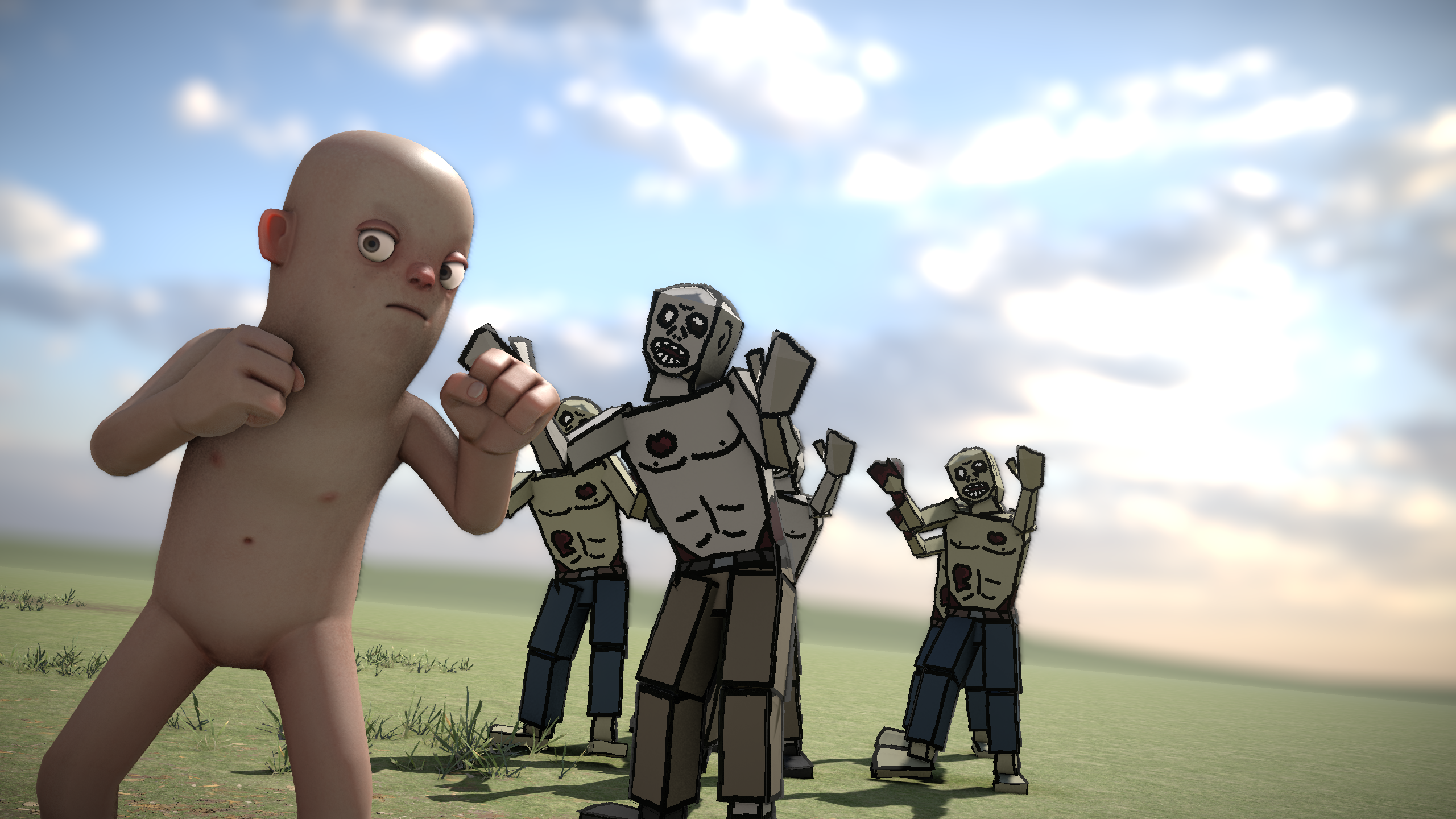
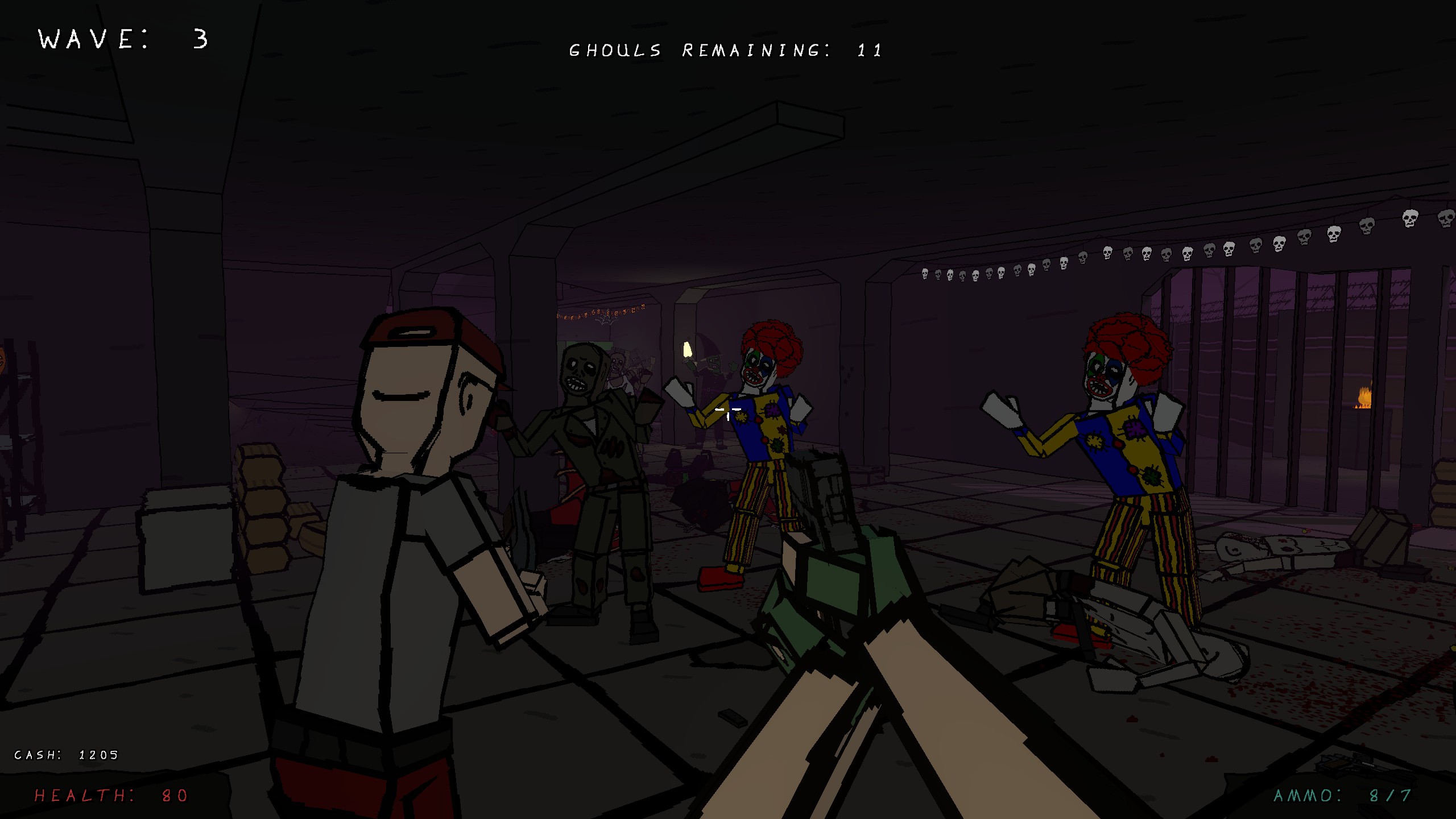
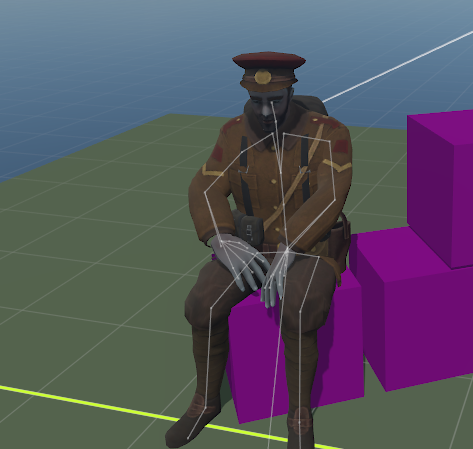
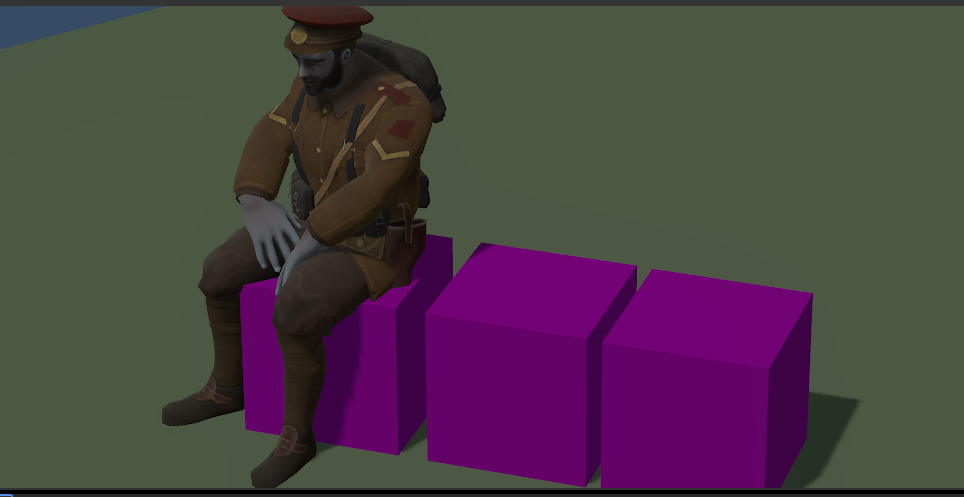
Working on seamless ragdolling, animator made 2 animations for getting up, then we physically ease in/out to the pose. The idea is that all npcs will be physical, already have animation driven modelphysics working too so you can smash their skull in or run them over
edited:
Since the ragdolling is done per-bone, we can just pick which area of the body gets ragdolled and which one will remain animated. Full ragdoll is just every bone getting ragdolled. Our animators have been asking for a better "flinching" experience since the most you can do through animgraph is just a general direction.
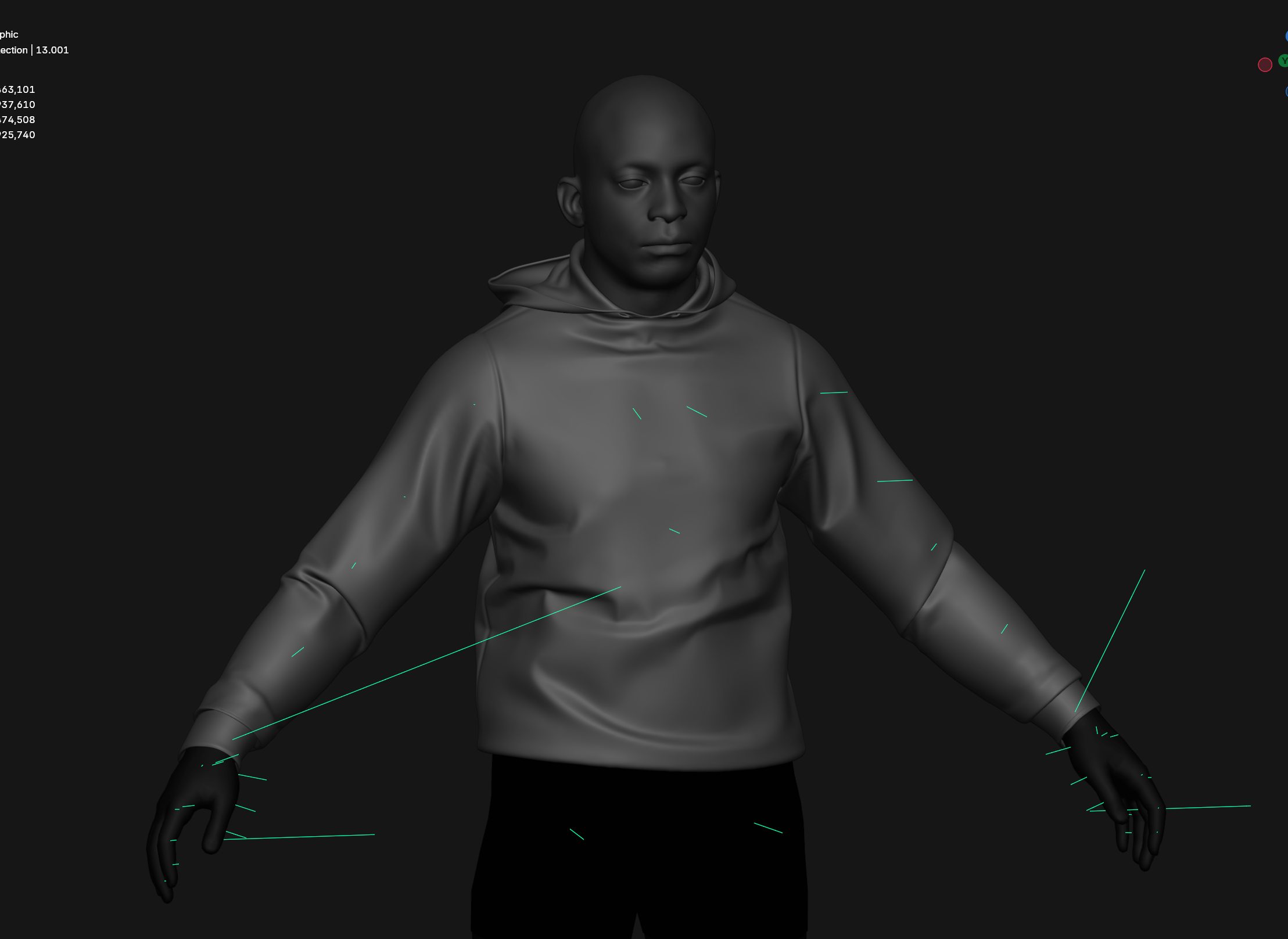
What's done: static meshes, skeletal meshes, textures, materials, tool to generate a cache .json file with what each .uasset is instead of having to process that on mount What's left: animations/proper collisions for the model along with joints and animations
Need to throw the player out of the windshield but there was no way to rotate the ragdoll as a single body rather than each individually. Code:
/// <summary>
/// Apply a torque to the ragdoll as a whole rather than on every body individually
/// </summary>
/// <param name="torque">The axis to spin around and speed in radians per second</param>
public void ApplyTorqueToRagdoll( Vector3 torque )
{
	var spinAxis = torque.Normal;
	var spinSpeed = torque.Length; // radians per second
	var angularVelocity = spinAxis * spinSpeed;
	var massCenter = ModelPhysics.MassCenter;

	var rotationCenter = Renderer.TryGetBoneTransform( PELVIS_BONE, out var trasform ) ? trasform.Position : massCenter;
	var centerLinearVelocity = Vector3.Cross( angularVelocity, (massCenter - rotationCenter) );

	foreach ( var body in ModelPhysics.Bodies )
	{
		var bodyVelocity = centerLinearVelocity + Vector3.Cross( angularVelocity, body.Component.WorldPosition - massCenter );
		body.Component.Velocity += bodyVelocity;
		body.Component.AngularVelocity += angularVelocity;
	}
}
Just replace PELVIS_BONE with the name of the bone you want it to rotate around or just use the mass center
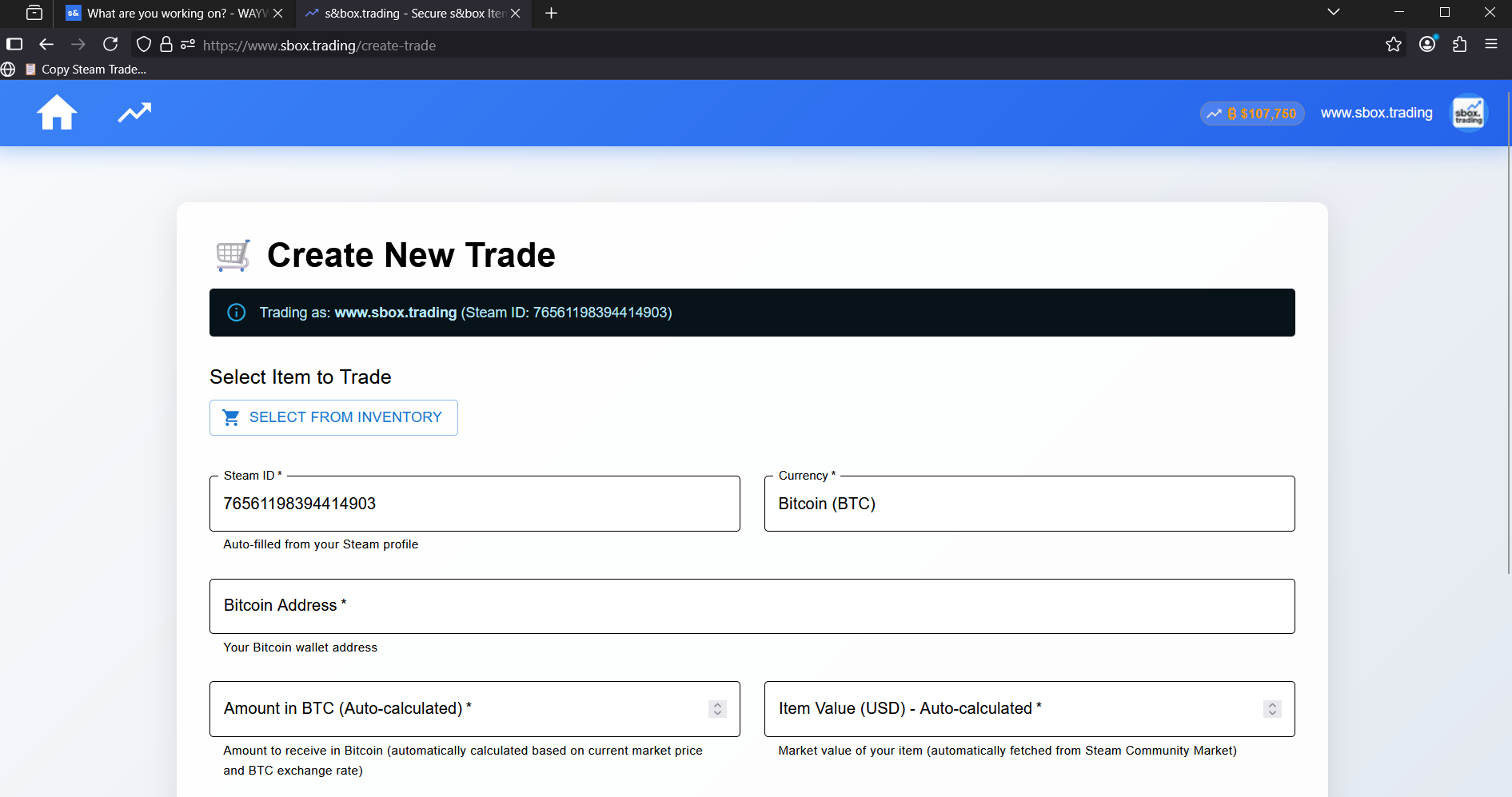
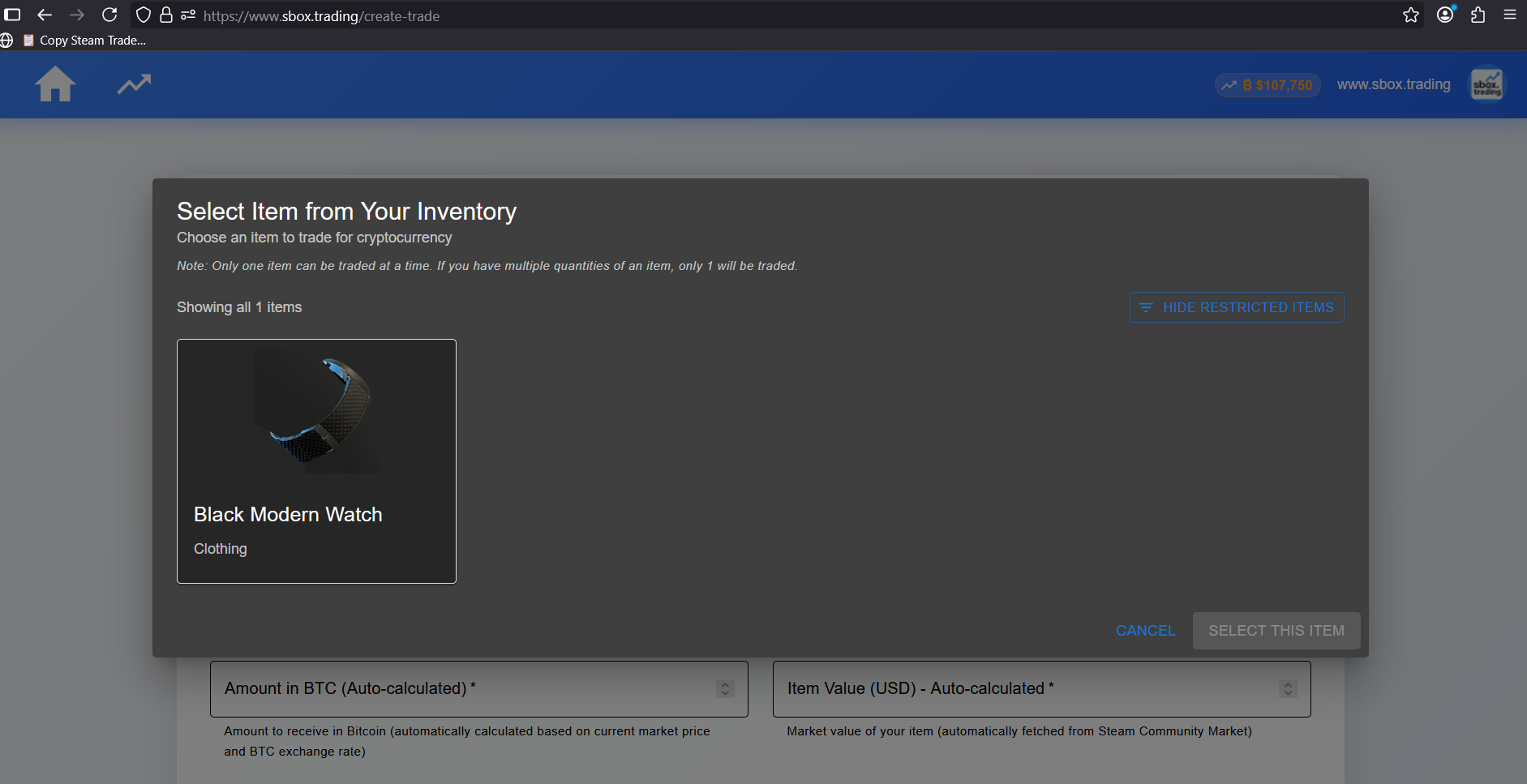
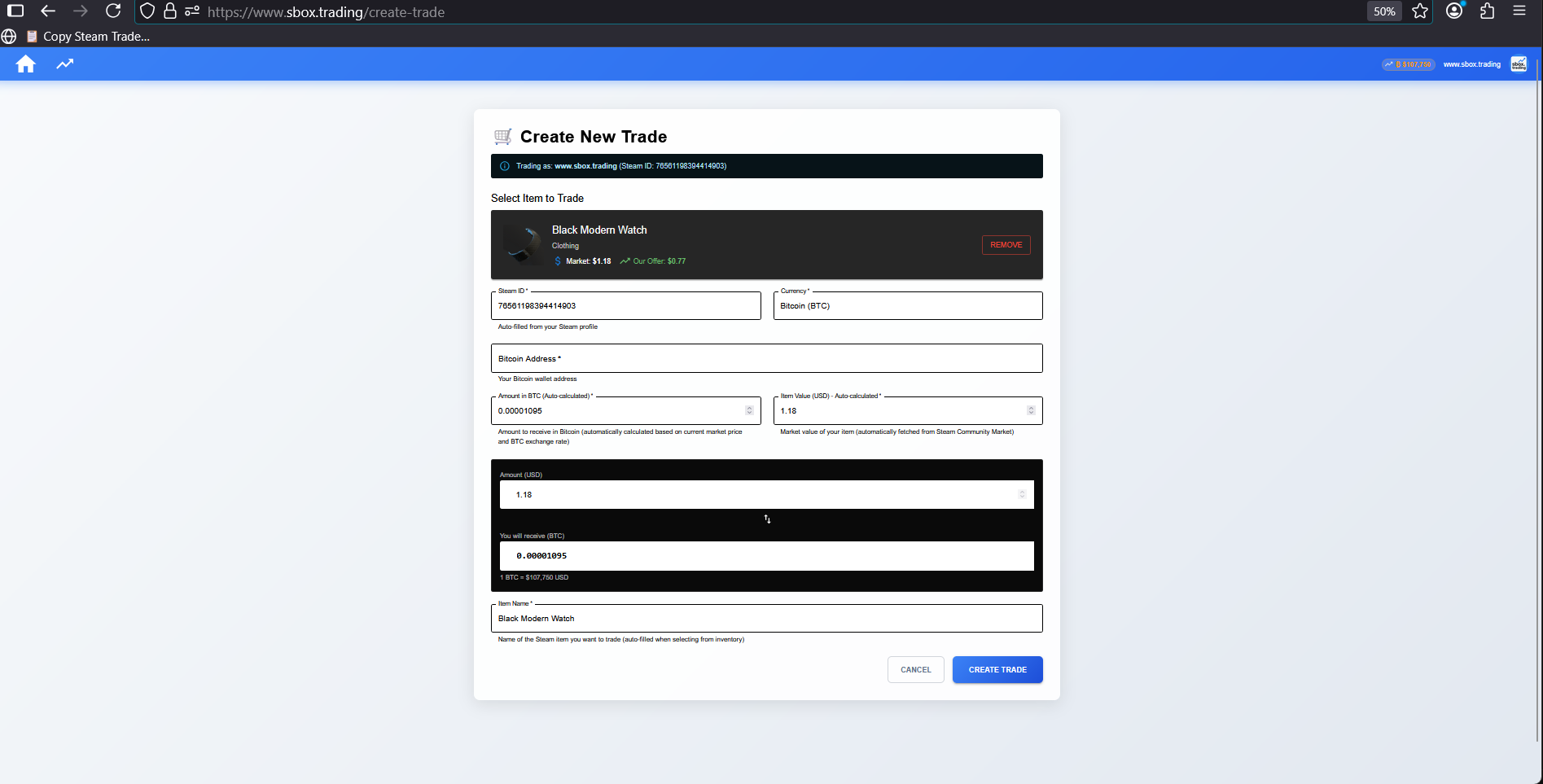
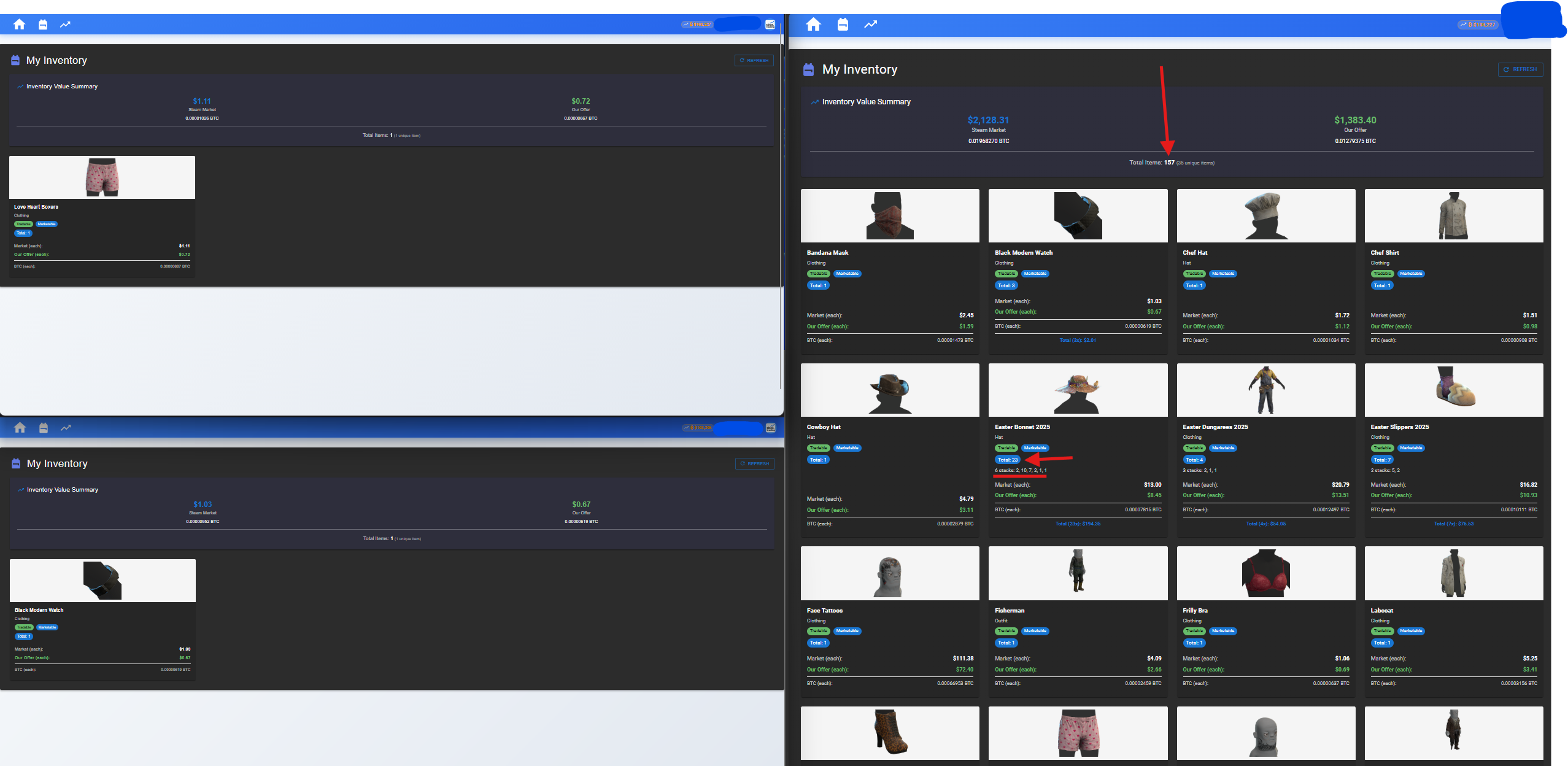
Almost done setting things up. For now, It can be used as a small inventory value tracker and proper amount displaying tool - It seems like we are ahead of Valve on this one here... The amount of s&box items that you have does not display properly in Steam itself, surprisingly enough, due to the stacking feature. We display the correct amount of items that you have as well as an aggregated value here on our platform, for you, the s&box player ;). ( Correct amount showing in the inventory page of https://sbox.trading )
I decided to revive Physbox so I can proudly say, "I actually made something on s&box and didn't abandon it after giving up." A lot of game logic has been rewritten from the ground up, and the game is now in a playable state. There are still some issues with props getting stuck in player hitboxes, but that's a problem for another day.
Here's a mount browser I'm working on. There's still much for me to implement, but I'm making good progress. The goal of this mount framework is to make it fast and convenient to develop new game mounts, and to allow the functionality of mounts to be extended with external code.
Planned features include:
Build from game data a unified hierarchy of directories, files, binary slices, and structs.
Allow any source of binary data to support being dumped to a file or viewed in the browser as hex.
Allow all resources to be previewed.
The logic for mounting a game is broken in to a series of discrete steps that may be shared between mounts.
Much of this logic could be stored in configuration files that the user may easily modify themselves.
The time of each step is recorded, making it easy to benchmark changes.
All unsafe code is abstracted away from the framework, and loaded only through a plugin system.
The requirements for the mount framework continue to evolve as I figure out what works and what doesn't.
Grand Theft Auto V is a good flagship mount for this framework because:
Assets are encrypted, requiring that AES keys be extracted from the game executable.
Assets are deeply nested. Archive files have their own internal file table with a hierarchy, and files within archives may comprise many smaller files.
GTA V contains a large enough variety of high fidelity assets to stress resource management and codec performance.
Will this be the default storage of all public properties of components on GameObjects? For example, we played with a sent and it's properties changed, will they all be saved?
like synced variables, game state, etc. if you duplicate the connect 4 game, will it keep the same round state with all the discs inside? if it only saves property attributes it wouldn't save everything, but will be interesting to see
Currently working on a new map for Physbox titled Street. It's extremely basic: one road with lots of props. Lots of opportunities for close-quarters combat. Here's a video of me playing against a basic bot AI that I made a week ago.
people
Log in to reply
You can't reply if you're not logged in. That would be crazy.