Procedural Effects
Unlike other classes, procedural.hlsl is located directly at the Shader folder root and simply provides a collection of various helper functions, it isn't a proper class. It does not come included in your shader by default, and must be manually imported by adding #include "procedural.hlsl" to your code.
procedural.hlsl is a file that contains a bunch of helper functions: procedural noises, shapes, and some UV utilities. They can be used for any purpose, just get any UV coordinates (like i.vTextureCoords.xy, i.vPositionSs.xy or anything else) and adjust any additional parameters to get desired effect.
Fuzzy Noise
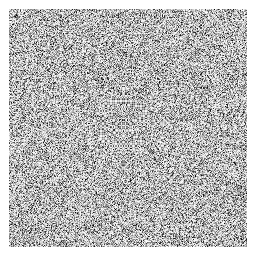
Very simple and cheap type of "TV static" noise.
float:FuzzyNoise( float2 UV, float2 Dot = float2( 12.9898f, 78.233f ) )Dotis optional. Inside the noise function, it calculates the dot product between these two values, which is used as a seed for the final noise value. You can use any values in here, likeg_flTimeor anything else to control/animate the noise.
float2:FuzzyNoise2D( float2 UV )- Produces same noise, except it stores two random fuzzy noise values in a
float2vector. You cannot control the dot value in this one.
- Produces same noise, except it stores two random fuzzy noise values in a
float2:FuzzyNoiseWithOffset( float2 UV, float Offset )- Generated the same noise as
FuzzyNoise2D, except you can control the final noise value by providing an offset value, which can look smoother/less harsh to your eye if you animate it.
- Generated the same noise as
Value Noise
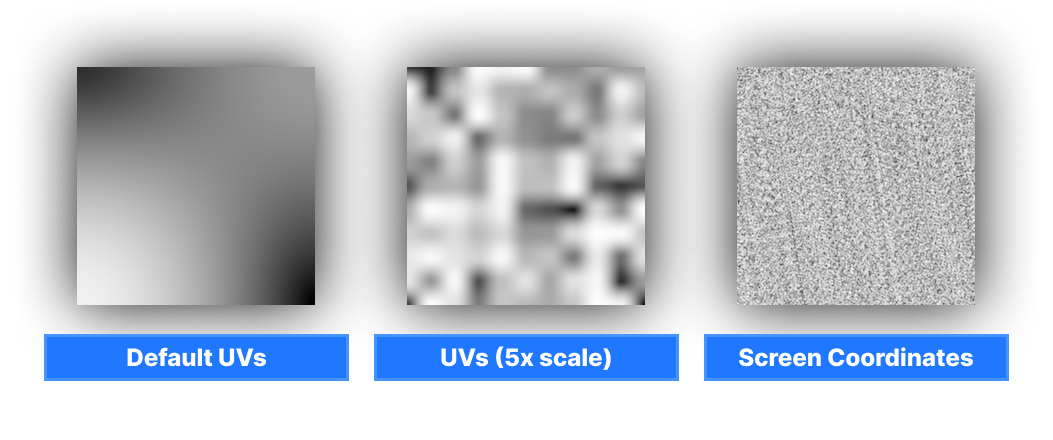
It's similar to fuzzy noise, but it is smoother and can react to different UV scales, which is something that you can't really do properly with fuzzy noise.
float:ValueNoise( float2 UV )
Simplex 2D
Generates simplex noise. Unlike other noises above, this one returns the value in (-1 to 1) range.
float:Simplex2D( float2 UV )
Voronoi Noise
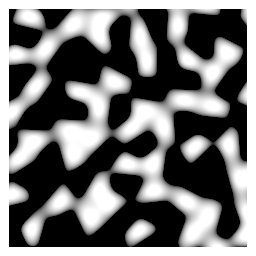
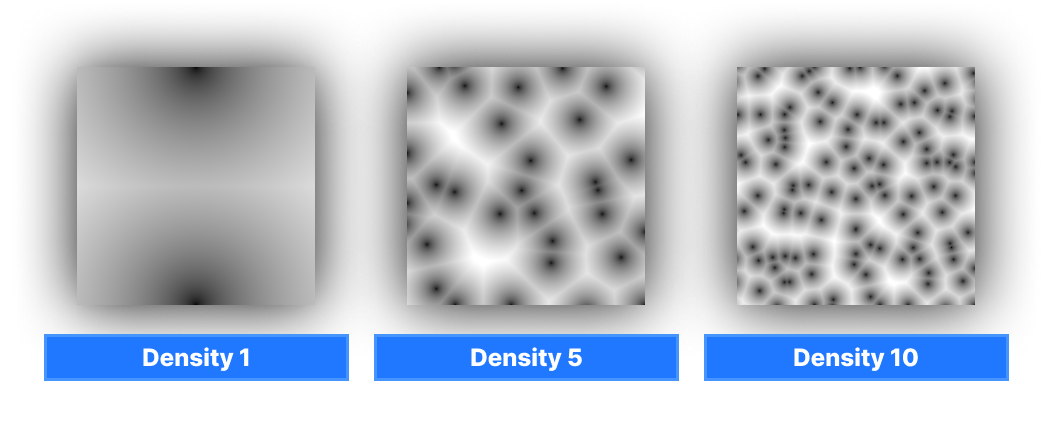
Generates voronoi noise.
float:VoronoiNoise( float2 UV, float AngleOffset, float Density )AngleOffsetcontrols the positioning of cells in this noise. Can be animated withg_flTime.Densitycontrols the "scale" of final noise texture.
Procedural Shapes
This file also comes with a number of procedural pattern functions.
Checkerboard
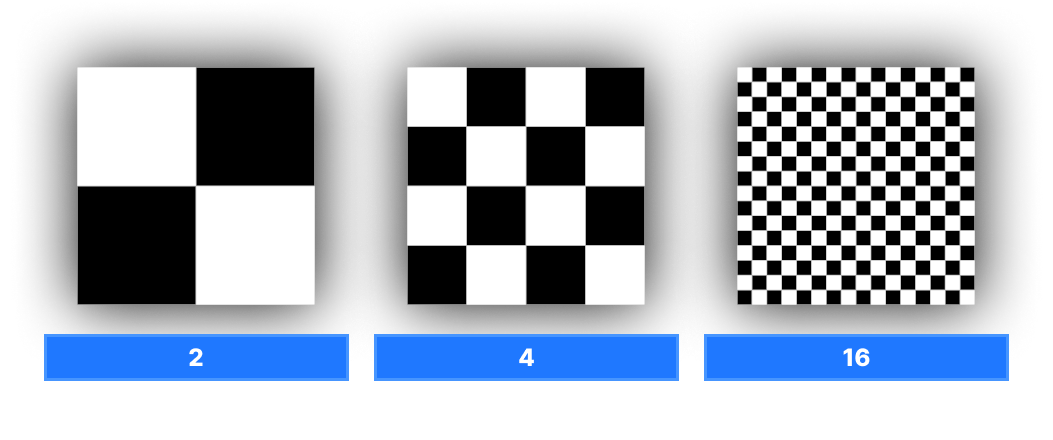
Generates simple black-and-white checkerboard pattern and properly anti-aliased.
float:Checkerboard( float2 UV, float2 Frequency )Frequencycontrols the amount of checkerboards on UV, per axis.
Circle
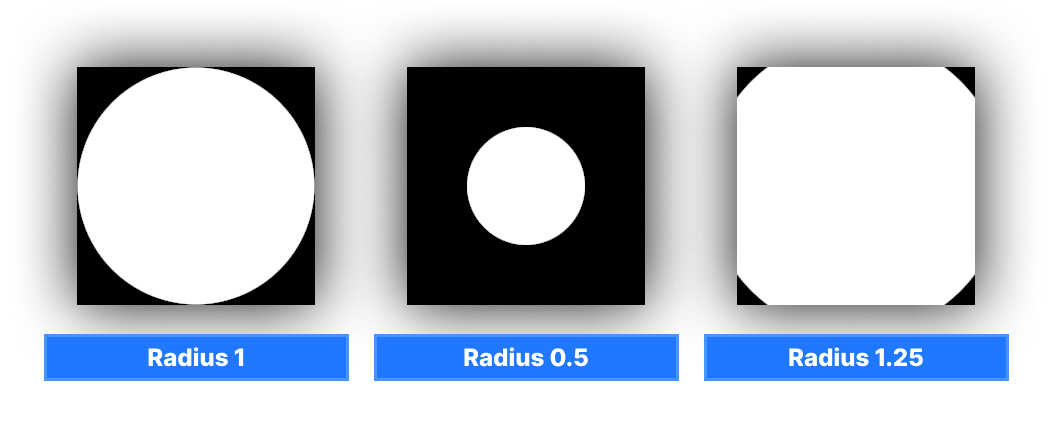
Draws a circle on UV, aligned at center of UV.
float:Circle( float2 UV, float Size )Sizecontrols the size of this circle.1= covers whole UV,0= invisible (too small)
Ellipse
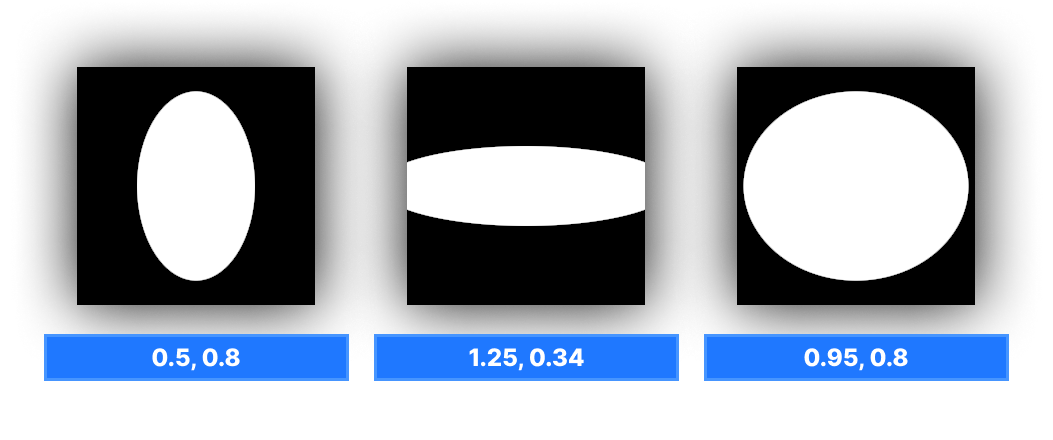
Draws an ellipse on UV, aligned at center of UV. Can adjust the size on both axis.
float:Ellipse( float2 UV, float2 Size )Sizetakes the float2 vector to control the size of this ellipse on both dimensions.
Square
Draws a square on UV, aligned at center of UV.
float:Square( float2 UV, float Size )Sizecontrols the size of this square.1= covers whole UV,0= invisible (too small)
Rectangle
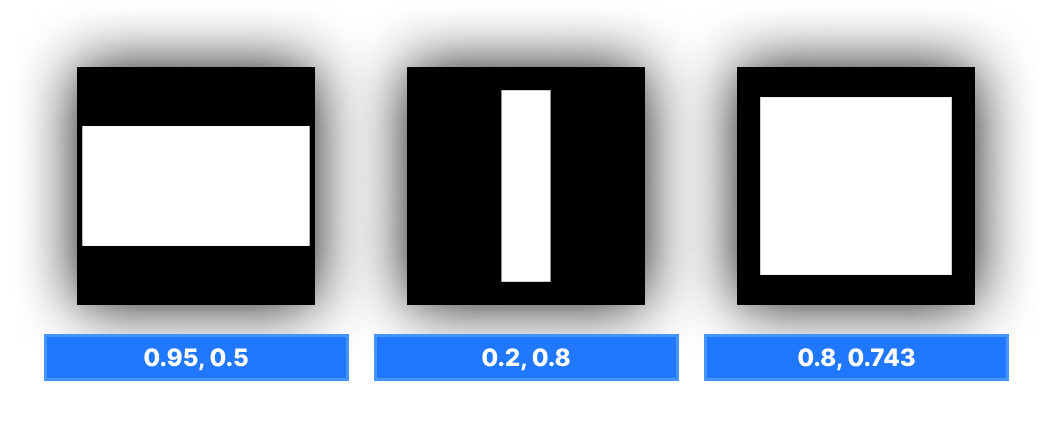
Draws a rectangle on UV, aligned at center of UV. Can adjust the size on both axis.
float:Rect( float2 UV, float2 Size )Sizetakes the float2 vector to control the size of this rectangle on both dimensions.
UV Helpers
There are a few UV helpers as well.
Tile
float2:TileUv( float2 UV, float2 Tile )Tiletakes the float2 vector to control how many times the given UV must be tiled on both axis
This helper simply multiples UV by Tile value.
Offset
float2:OffsetUv( float2 UV, float2 Amount )Amounttakes the float2 vector to control the direction & amount of UV offset.
This helper simply does UV + Amount.
Tile and Offset
Handles both tiling and offseting at the same time.
float2:TileAndOffsetUv( float2 UV, float2 Tile, float2 Offset )Tiletakes the float2 vector to control how many times the given UV must be tiled on both axisAmounttakes the float2 vector to control the direction & amount of UV offset.
Polar Coordinates
Converts standard UVs to polar coordinates.
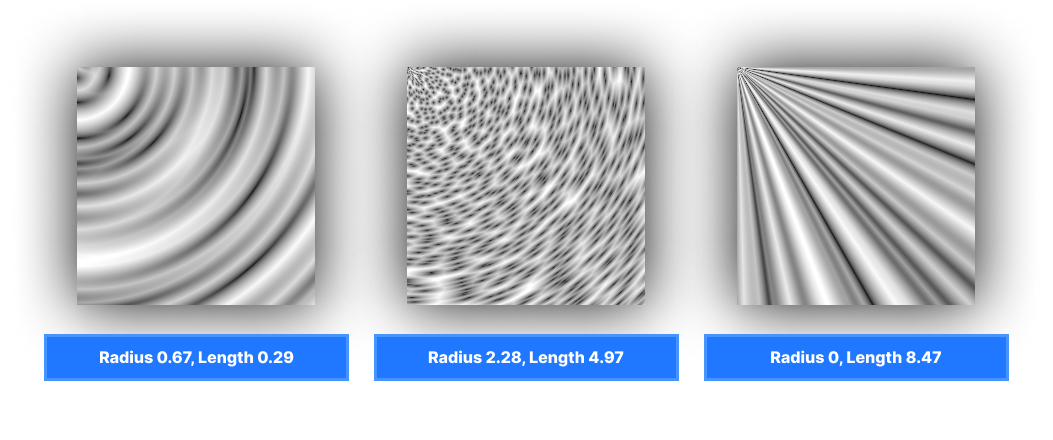
float2:PolarCoordinates( float2 UV, float RadiusScale, float LengthScale )
Here's a bunch of examples where voronoi noise is sampled with polar coordinates: